 AI WORLD HQ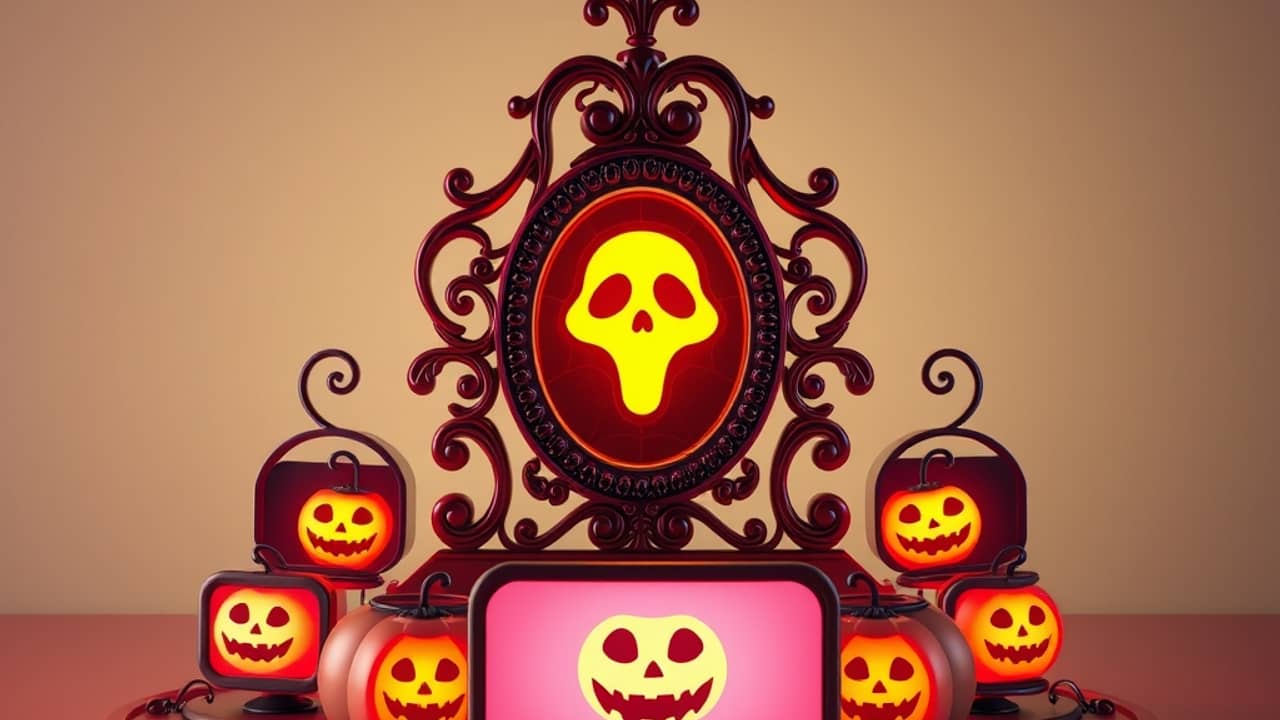
Think about the group chat for your Halloween party. A text with the date and address gets lost between memes and grocery reminders. A short video with a spooky photo and music is harder to scroll past.
What the template does
Picsart describes the Elegant Halloween Party Invitations template as a way to build a video invitation without starting from scratch. According to the announcement, you give the template two things:
- One hero photo. This is the main image, the one you want to stand out. Choose a clear, well-lit picture of yourself, a pet, or a Halloween decoration.
- Four lines of party details. Keep these short: the event name, the date and time, the location, and one fun line such as "Costumes required."
In return, the template produces five invitations. Each one is a 6-second animated video built from a photorealistic, vertical 9:16 still image (the tall format that fits a phone screen) with a matching vertical clip. Picsart says the videos come with music and text.
A term to know: an animated video is a short clip where still images move, such as a slow zoom or flicker. You don't need to draw anything. The template handles the motion.
Where to find it
The template lives in the Flow workspace in Picsart. Picsart's announcement doesn't spell out every menu, so look for the Halloween invitation template by name and follow the on-screen prompts. If you can't find it, the template may not be available on your account yet, and you can check Picsart's own help pages for details.
Tips before you start
- Pick a photo that works small. Most people will see the invitation on a phone, so a face or object near the center reads better than a busy background.
- Keep the four lines brief. Short text is easier to read in a 6-second clip.
- Double-check the date and address. Pretty designs can hide a typo.
Wrap-up
A Halloween video invitation takes one photo and a few lines of text and turns them into short, animated clips. Picsart says the Elegant Halloween Party Invitations template in its Flow workspace can produce five of them. Try it today with one photo you already like and four lines of party details, then send the result to a small group first to see how it looks on their phones.