 AI WORLD HQ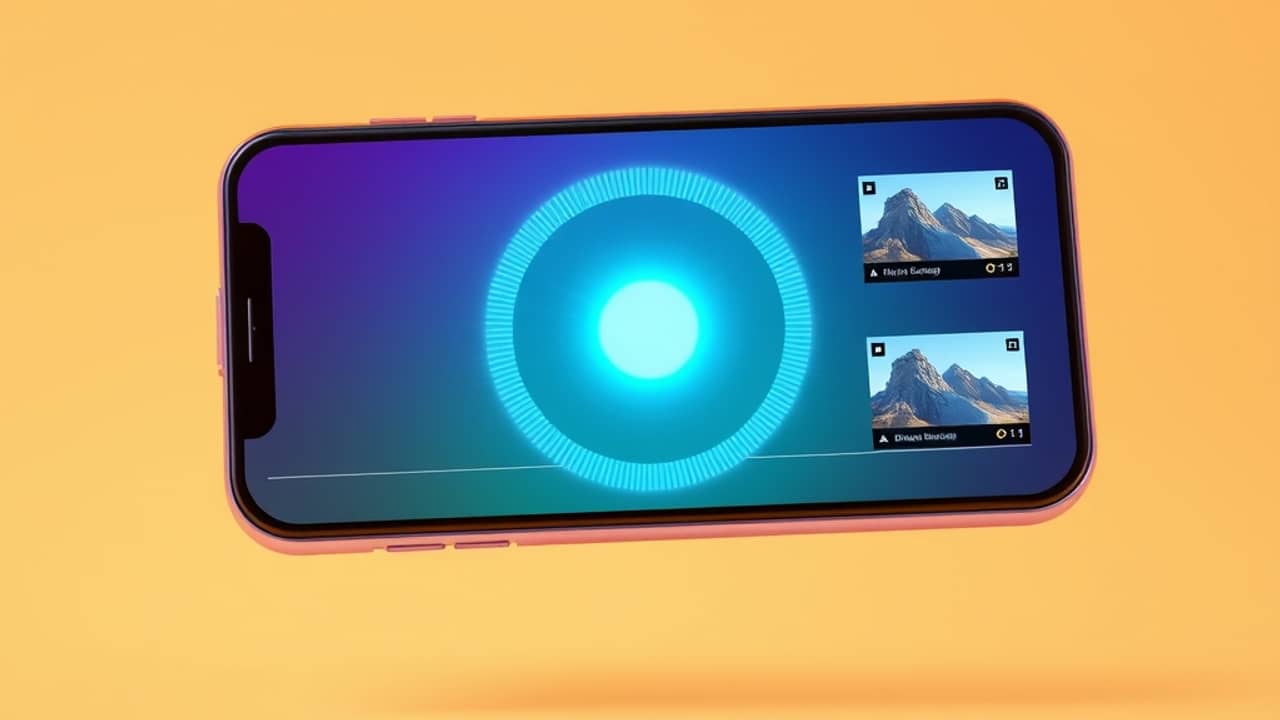
If you have ever filmed something longer than a minute — a class talk, a kid's game, a product demo, a 20-minute vlog — and then wished you had a few short clips ready for social, you know the editing grind. Picsart, the photo and video editing app, says it has a new tool aimed at exactly that problem.
What the tool actually does
An AI video clipper is a tool that takes a longer video and automatically breaks it into shorter pieces, often picking what it thinks are the most interesting moments. The "AI" part means the picking is done for you, instead of you scrubbing through the timeline yourself.
According to Picsart's announcement, the workflow has three parts:
- Upload one longer video.
- Set how many clips you want and the format — think vertical for TikTok or Reels, square for a feed post.
- Get up to 12 captioned shorts, ready to post.
The tool also adds captions, the on-screen text that shows what people are saying, so you don't have to type it by hand. Picsart says the captions come built in.
Why this might be useful
Most social platforms now reward short, vertical video. But most of what people actually film is longer and horizontal. The traditional answer is to open an editor, cut it down, and add text — that takes time and a bit of skill.
A clipper that picks, cuts, and captions in one go lowers the bar. You trade a little creative control (the AI chooses the "best" moments, not you) for a lot of saved time. For people who post often, that trade can be worth it.
A few honest limits
Some things the announcement did not spell out, and you should check on Picsart's own site before counting on them:
- Which plan includes it. New tools like this sometimes live behind a paid plan; the pricing page is the place to look.
- Which languages the captions support. Worth confirming if you film in anything other than English.
- How long the source video can be. "One long video" is vague — there will be an upload limit, shown on the upload screen.
Wrap-up
Picsart's AI Video Clipper is a focused tool with one job: turn a long video into a handful of captioned shorts. Whether it earns a spot in your workflow depends on how often you film longer stuff and how much you dread the cutting. Open Picsart or visit the app's site to see if the feature is live for you, and check the pricing page for which plan it sits in.