 AI WORLD HQ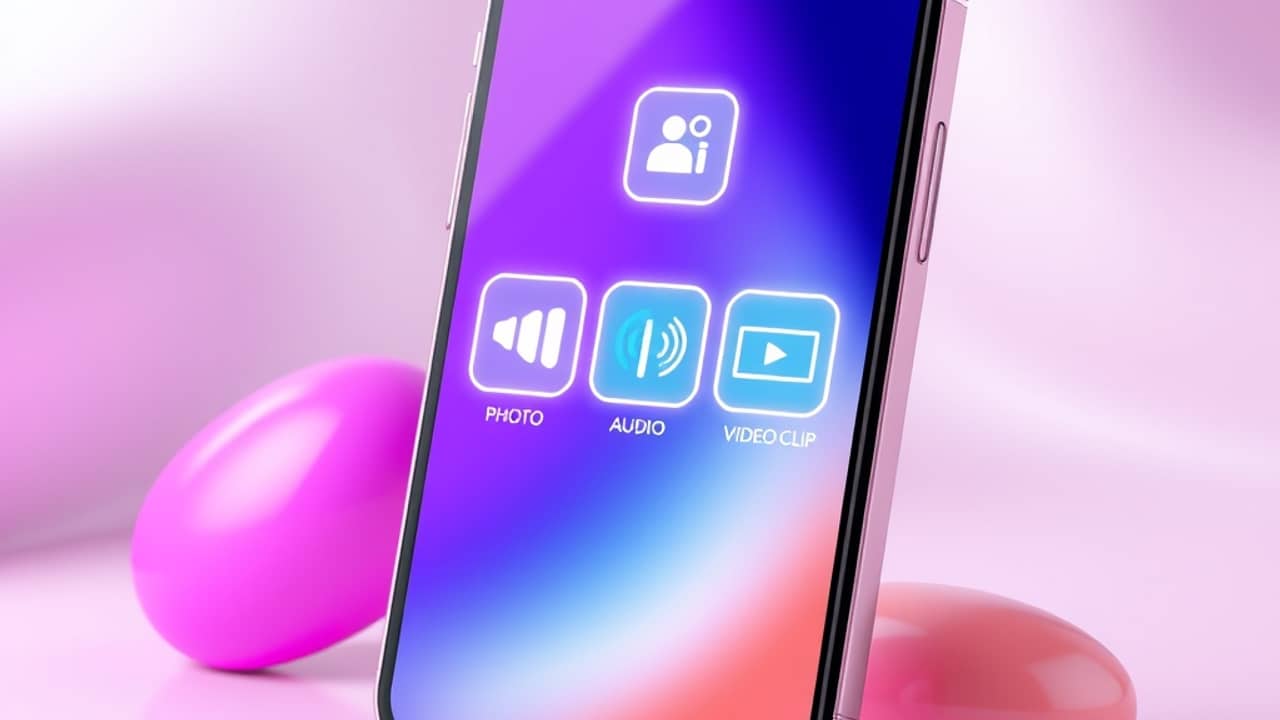
You have a phone full of vacation photos, a few favorite songs, and a vague idea for a short video. Picsart says its new HeyGen Video tool can stitch those pieces together from a few lines of text — no editing timeline required.
What HeyGen Video actually is
HeyGen Video is what the AI world calls a text-to-video model (a tool that turns written instructions into a moving clip). It lives inside Picsart AI Playground, which is Picsart's hub for trying out different generative tools — think of it as a workshop where you pick the machine, drop in your materials, and let the AI do the work.
The thing that sets this model apart, according to Picsart, is that the sound comes out baked in. Many text-to-video tools generate only the visuals and leave you to find or add music later. HeyGen Video, the company says, produces a finished short clip with audio as part of the same output.
The three kinds of input
Every clip starts from three slots, and Picsart's guide walks through each one:
- A written prompt. This is your instruction — the scene, mood, subject, or action you want. Without a prompt, the tool has nothing to anchor on. If you've ever typed a description into an image generator, you already know the format.
- An optional first-frame image. You can hand the model a single picture as the opening shot, so the clip starts exactly where you want it. Skip this and the AI invents the first frame from your text alone.
- Up to 12 references, mixed. Here's the flexible part. You can upload any combination of up to 12 files — images, video clips, or audio files — to steer the style, content, or sound of the result. A photo of your dog, a short video of a city street, and a song snippet can all sit in the same batch.
That mix-and-match input is the most interesting part. Instead of choosing between "image-to-video" or "audio-to-video" tools, you feed HeyGen Video whatever you have and let the model figure out how to combine them.
Wrap-up
HeyGen Video is Picsart's attempt to make short video generation feel less like a multi-tool puzzle. You bring text plus up to 12 mixed references, and the company says you walk away with a short clip that already has sound. If you're curious, the easiest first move is opening Picsart AI Playground, typing a single sentence, and seeing what one prompt produces before you start adding any of your own files.