 AI WORLD HQ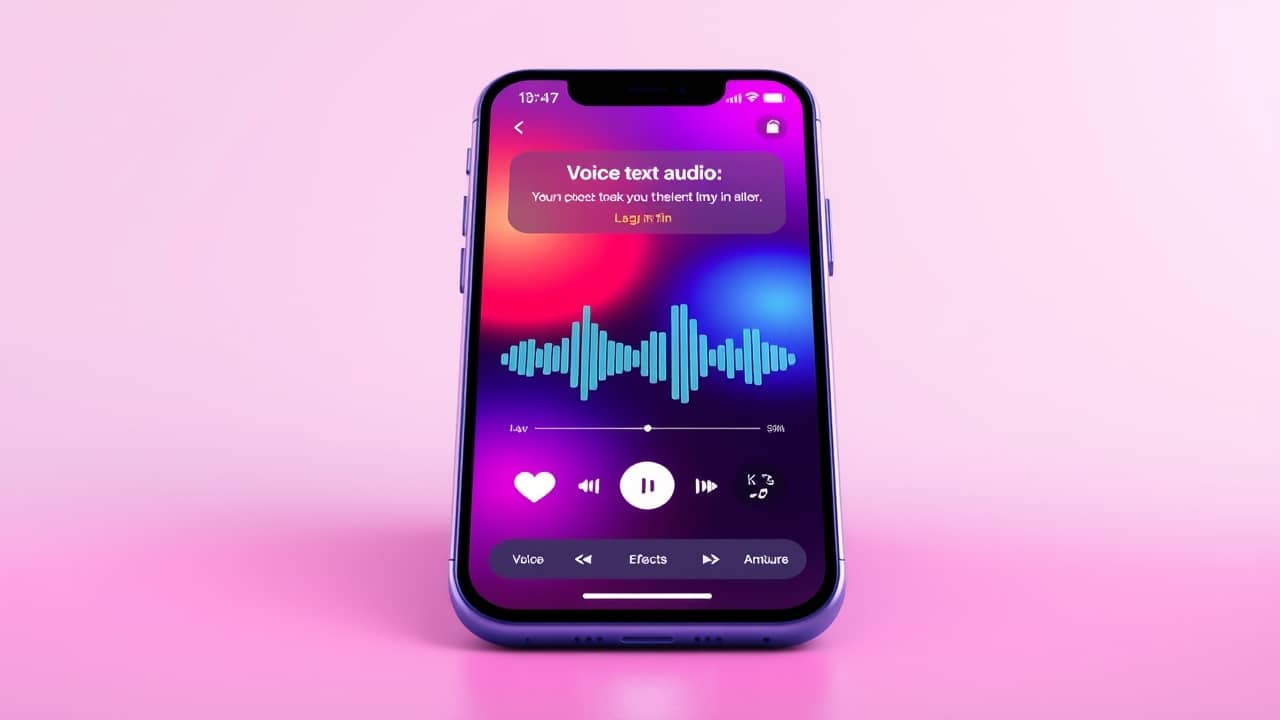
Picture this: you record a short video of your kid's school play, and you want to add a narrator's voice, a soft wind sound, and a hint of music — all landing at the right moments. Today that means juggling three or four different apps and a lot of fiddly editing. Seed Audio 1.0 hints at a future where you type one sentence and get the whole thing back, mixed and timed.
What "scene-based" audio actually means
Many AI audio tools today handle one job at a time. One model turns text into speech. Another generates music. A third creates a single sound effect — a dog barking, a glass shattering. You stitch the results together yourself in an editing app.
Seed Audio 1.0 takes a different approach. The model looks at your prompt and decides the voice, the sound effects, the background ambience, and how they sit together in time. A prompt like "an old radio news announcer reading the weather, with a thunderstorm outside and a faint piano underneath" can come back as a single audio file with all of those layers already balanced.
Think of it less like a stack of ingredients and more like ordering a finished meal. You describe the dish; the kitchen decides how to combine everything so it tastes right.
How the model shapes all three layers at once
Under the hood, this is a single neural network — a large AI model that has been trained on huge amounts of audio. "Neural network" here just means a system that learns patterns from examples, the way a person learns to recognize a voice after hearing it many times.
What makes Seed Audio 1.0 stand out is how that training is shaped. The model has spent more time learning from audio where multiple layers — voice, effects, ambience — already exist together, rather than treating each layer in isolation. So when it generates a new clip, it isn't pasting three pieces together after the fact. It's predicting, moment by moment, what the whole scene should sound like.
The practical result: the timing matches. If your prompt mentions a door slamming, the sound lands where it should. The voice doesn't talk over the rain. The ambience fades in and out naturally. You don't have to line things up by hand.
What you might use it for
The clearest everyday use is short-form video. If you've ever tried to add a voiceover, a few sound effects, and background atmosphere to a 60-second clip, you know how much editing that takes. A scene-based model can produce a usable draft in seconds.
Other angles worth thinking about:
- Podcasters and audiobook creators — generate rough ambience tracks to sit under narration without spending hours hunting through sound libraries.
- Teachers and students — turn a written scene into audio for a class project, without chasing down royalty-free effects.
- Game and app hobbyists — quickly prototype how a level should sound before committing to real assets.
- Accessibility projects — give a written document a natural-sounding narration with matching atmosphere, useful for visually impaired users or language learners.
Wrap-up
Seed Audio 1.0 isn't just another text-to-speech model. The interesting part is the scene: voice, effects, and ambience designed to fit together from the moment they're generated. For most people, the practical takeaway is simple — AI audio tools are about to handle a lot more of the fiddly production work, so you'll spend less time editing and more time deciding what you actually want to hear. A good first step today: try describing a short scene out loud in one sentence — voice, sound, mood, all together — and notice how naturally you already think that way. That sentence is the shape of what's coming.