 AI WORLD HQ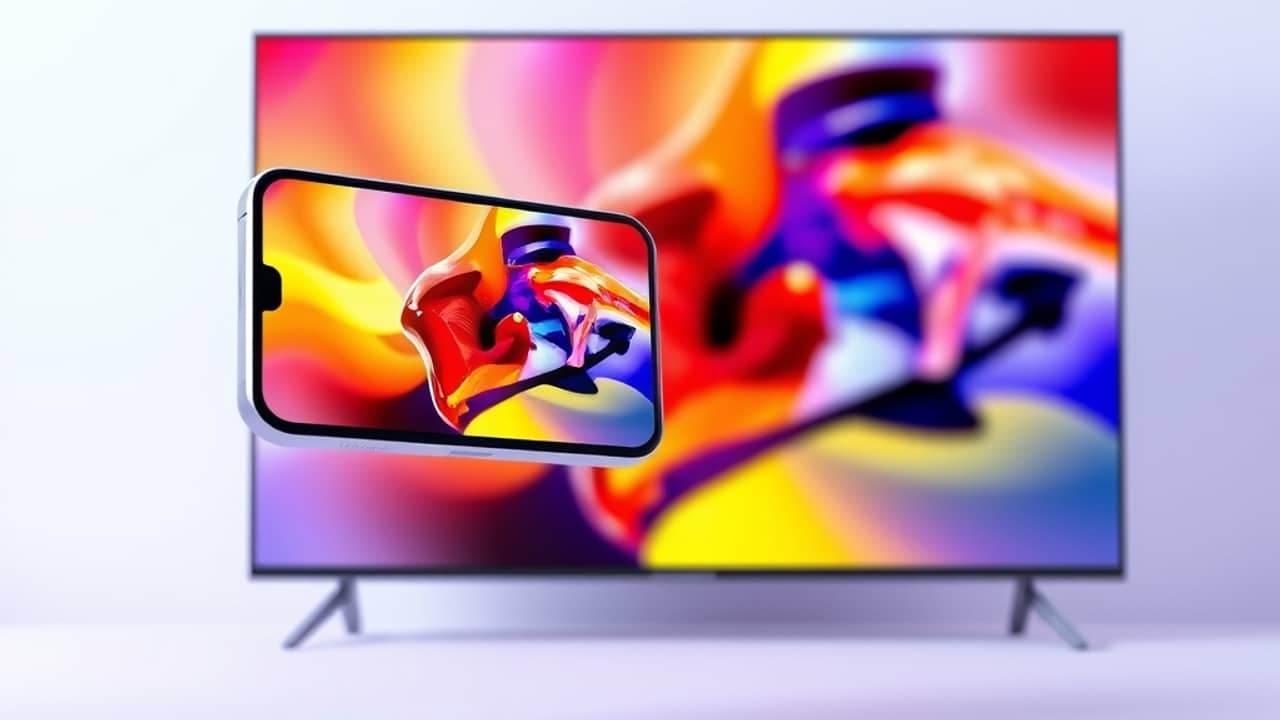
You shot a 30-second clip on your phone last summer. It looked fine on Instagram. But the moment you tried to show it on the TV in the living room, the image went soft, faces turned mushy, and the text on a shop sign in the background became unreadable. That gap — between "good enough for a phone" and "good enough for a big screen" — is what the latest jump in AI video resolution is trying to close.
What changed, in plain language
For most of the last couple of years, AI-generated video topped out at 1080p. 1080p is the resolution of a regular HD television — about two million tiny dots (pixels) making up each frame. 4K has roughly four times as many dots per frame, around eight million. That jump from two million to eight million is what people mean when they say "sharper."
A new version of Google's video generation model now produces output at 4K, and Picsart — the photo and video editing app many people already have on their phone or desktop — has begun integrating it. So if you make or edit a clip inside Picsart today, the file you export can carry that extra detail, where before it was capped at 1080p.
Why this matters beyond the spec sheet
Resolution is the kind of upgrade that sounds technical and feels boring, until you actually need it. A few situations where the difference shows up:
- A family slideshow projected at a reunion. Older AI clips looked fuzzy on the wall; 4K ones look almost like real photos.
- A small-business product video played on a monitor in a shop window. Phones can hide blur; a 24-inch screen cannot.
- A short film for a class or job application. Recruiters and professors notice when footage looks amateur.
You don't have to learn anything new to benefit. The same prompt (the text instruction you give the AI) that produced a softer clip a few months ago now produces a sharper one — the model behind the scenes got better, not you.
Wrap-up
AI-made video has cleared a practical bar — it now looks sharp enough for screens larger than a phone. If you've been on the fence about trying it for a real project, like a birthday tribute, a shop display, or a school assignment, this is a good moment to open the app you already have, type a short description of what you want to see, and watch what comes out.