 AI WORLD HQ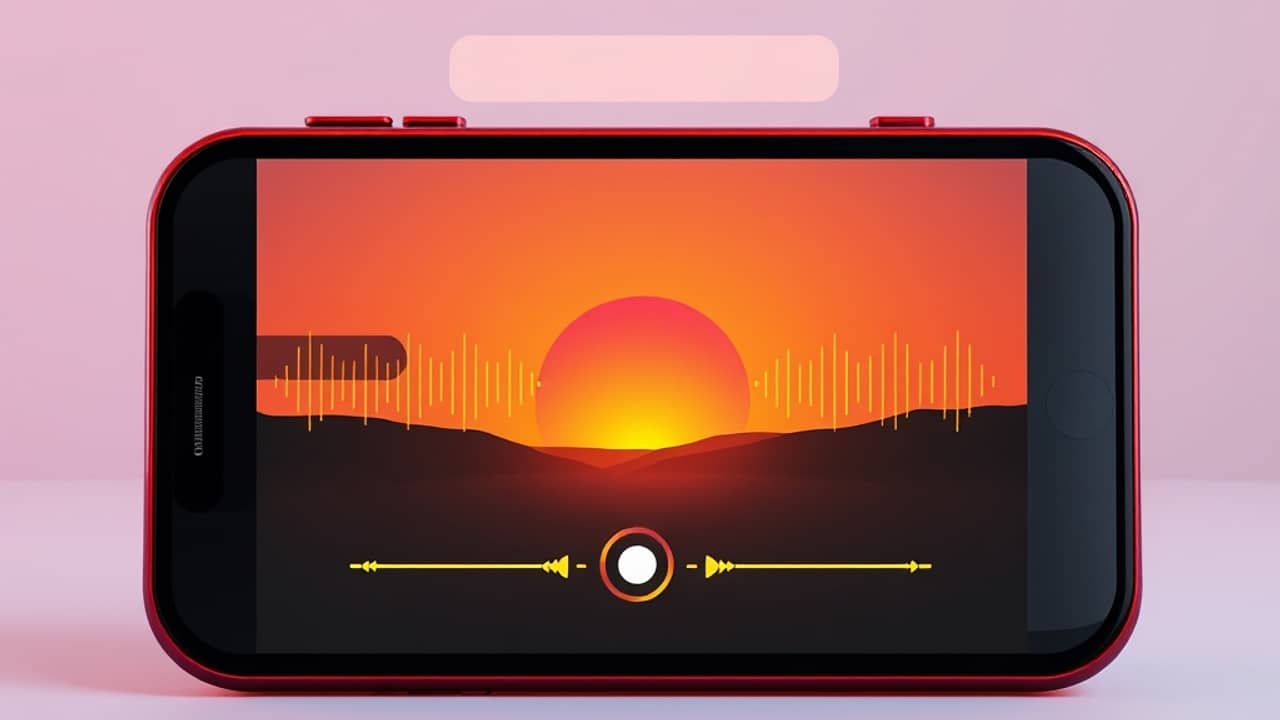
You finish a short clip for a friend — sunset over a lake, drone-style shot, five seconds long. Looks great. Now you spend the next twenty minutes scrolling a music library trying to find something that "sort of" fits. That little gap between making the video and finishing the video is exactly what the latest wave of AI tools is trying to close.
From silent cameras to one-pass video
Until recently, AI video generators worked like silent film cameras. You'd describe a scene, get a few seconds of moving picture, and then add sound later in a separate editing step — music, voice-over, ambient noise.
The newest generation works differently. Several video models now produce a clip with sound already included: footsteps on gravel, rain on a window, a door closing. Picture and audio come out of the same prompt, in one generation. (Different makers are rolling this out at different speeds, and not every tool does it yet — but the direction is clear.)
This matters because sound shapes how a video feels. A street scene with distant traffic sounds completely different from one with birds and wind. Same image, opposite mood.
How prompts now carry the soundtrack
Here's the practical shift. In older tools, you only had to think about what the camera "saw." Now your prompt — the instruction you give the AI (a prompt is just the text you type to tell the AI what to make) — also describes what the microphone "hears."
A few things worth knowing:
- If you don't mention sound, the AI picks it. Most models choose a default ambient track that fits the scene. That's usually fine — but it might not match what you had in mind.
- A few well-chosen words go a long way. Instead of writing "a man walks into a café," you can write "a man walks into a quiet café, the espresso machine hissing in the background, soft jazz playing." One description shapes both image and audio.
- Spoken dialogue is appearing in some tools. A few models let you put words in quotation marks and generate matching speech. The results are still uneven — accents, pacing, and emotional tone aren't perfect — but they're improving fast.
- Some tools let you turn audio off. If you only want the visuals and plan to add your own sound later, look for an audio toggle (a small switch in the settings that turns sound generation on or off) before you generate.
The prompt is becoming a small storyboard that includes sound, not just a visual script.
What this changes for everyday creators
If you make short videos for fun, for a side project, or for a small business, three things shift:
- Less time hunting for music and voice-overs. A single prompt can replace a stock-music subscription for many short clips.
- More thinking before you click generate. Since one description shapes everything, it pays to slow down and write carefully. A vague prompt gives you a vague clip — visuals and sound both suffer.
- New room for mood and atmosphere. Sound is half of how a viewer feels a scene. Tools that generate it for you open up styles that used to need an audio editor.
Wrap-up
AI video tools that make their own soundtrack are still new, and the audio quality varies from maker to maker. But the basic idea — one prompt, picture and sound together — is genuinely useful for anyone who makes short clips. Your next step: pick a tool, write a short prompt that describes both what you see and what you hear, and see how close the AI gets to what you imagined.