 AI WORLD HQ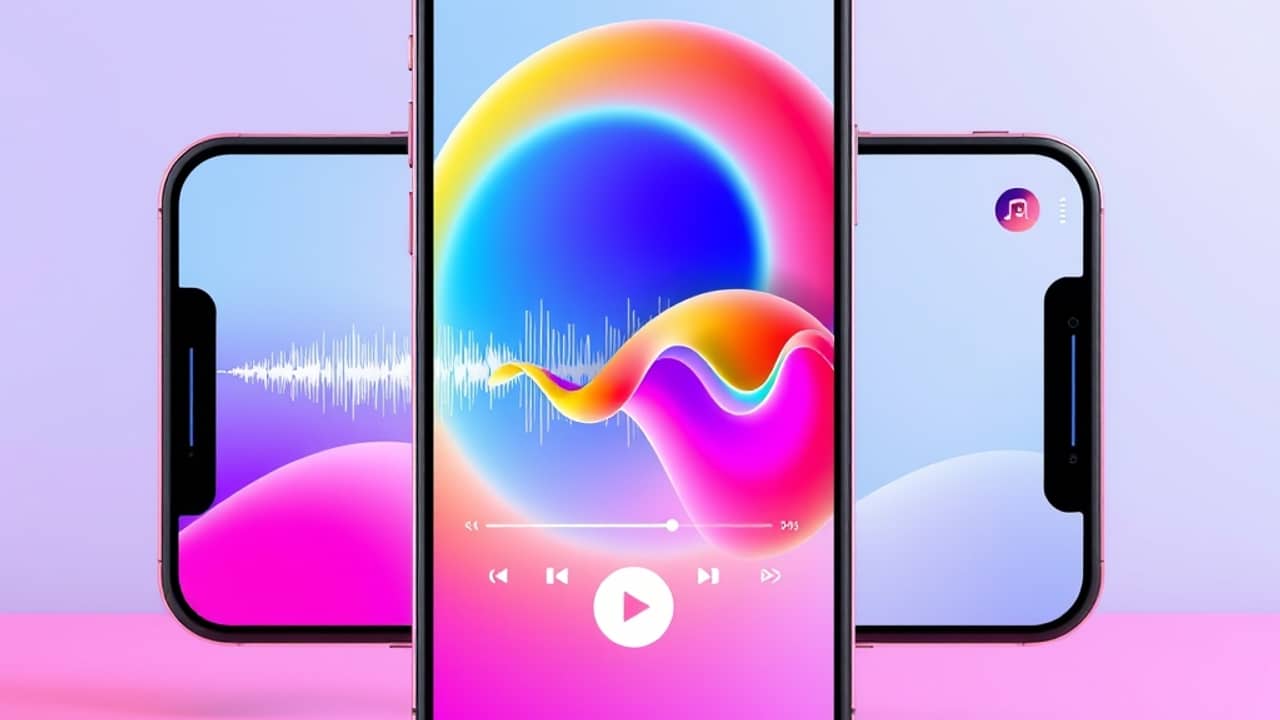
You hear a song you love — maybe the one you've been humming all week — and you think, "I wish there was a video for this." Five years ago, that meant waiting for someone to make one or learning video editing yourself. Today, an AI tool can listen to the track and generate a video that moves with it. No footage, no camera, no editing timeline.
Here's how that actually works, and how to try it for yourself.
What "audio-to-video" AI actually does
When you upload an audio file (think: a song, a voice memo, even a podcast clip), the AI does three things behind the scenes:
- Listens for the tempo. Tempo is just the speed of the music — fast, slow, or somewhere in between. The AI uses it to decide how often the scene should change.
- Reads the rhythm. A steady drum pattern produces cuts that land on the drum hits. A slow piano ballad produces longer, smoother shots.
- Measures the energy. Quiet moments get calm visuals — slow zooms, soft colors, gentle motion. Loud drops get bigger movements and brighter flashes.
You don't need to remember any of these words to use the tool. The AI does the listening. You just upload the file and wait.
How to think about your first attempt
If you've never made an AI video from audio before, the trick is to start small.
- Pick a 15-30 second clip first. A full 3-minute song is too much for a first try — you may burn through your free credits (the units you spend each time the AI generates a video) before you figure out what works.
- Try a song with a clear beat. Pop, hip-hop, or electronic tracks usually give the cleanest results because the AI hears the drums easily. A whispered acoustic ballad is harder for the system to read.
- Match the shape to where you'll post it. Vertical (tall) for TikTok, Instagram Reels, and YouTube Shorts. Square for Instagram feed posts. Landscape for YouTube and Vimeo. Picking the shape first means you don't have to redo the whole clip later.
PicsArt is one of the apps offering this kind of audio-to-video generation. If you already use PicsArt for photo or video edits, the audio-to-video option will be inside one of the AI tools areas. The exact menu label changes as the app updates, so when in doubt, search "AI video" inside the app or check PicsArt's help center for the latest screen.
What the output usually looks like
Expect something between a music video and a moving collage:
- Abstract shapes, landscapes, or faces that shift with the beat
- Color changes timed to drops or choruses
- Cuts that land on the drum hits
It won't be a Hollywood production. But for a social post, a class project, or just a fun experiment, it's more than enough — and you'll get faster at picking tracks that work the more you try.
Wrap-up
Audio-to-video AI is one of those tools that sounds complicated until you actually try it. The hardest part is picking the audio — once you've got that, the AI does the rest. Open PicsArt, find the audio-to-video tool, and run one short clip today. You'll know in under five minutes whether the result is worth a second try.