 AI WORLD HQ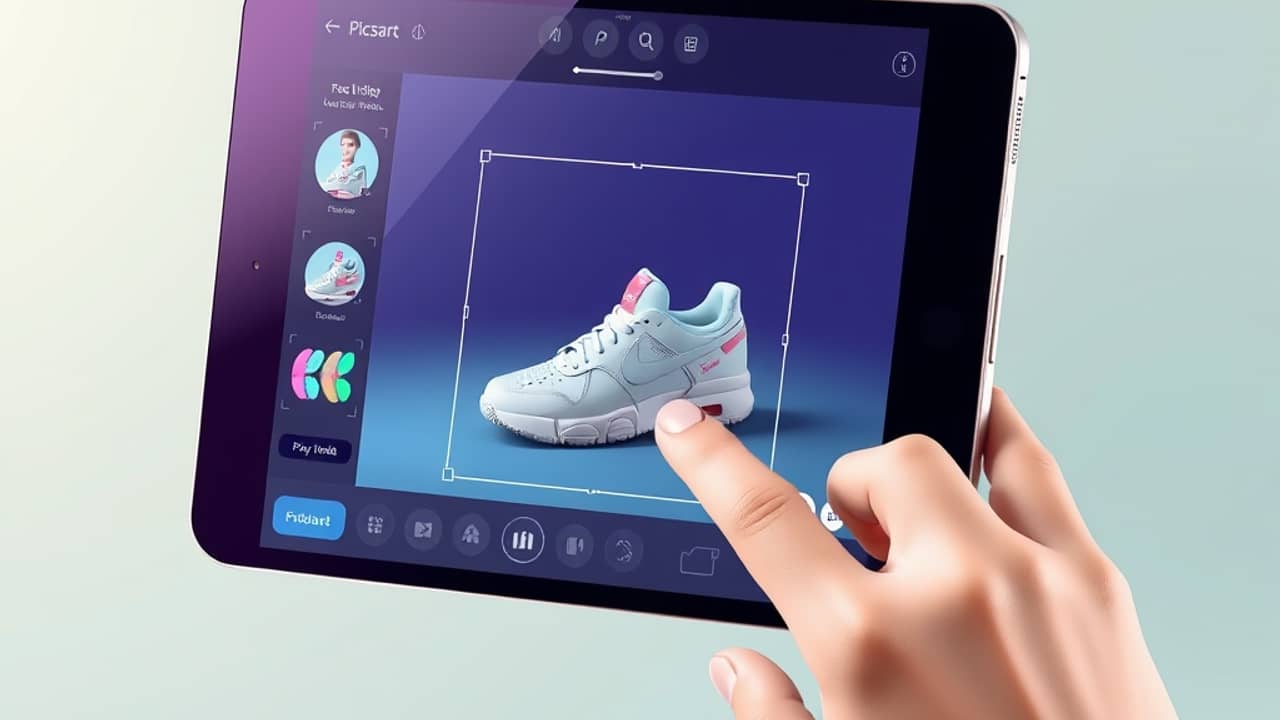
You no longer need Blender, Maya, or a 3D artist to put an object on screen that you can spin around with your mouse. Picsart's Flow editor — the workflow-style tool inside the Picsart app — just got a new building block that does the heavy lifting for you.
What the new 3D node actually does
Think of Flow as a set of connected blocks (called nodes) that each do one job: one image, one background remover, one text generator, and so on. According to Picsart's announcement, the new 3D node is the latest addition. You feed it either a written description or a single photo, and it produces a textured 3D model — a digital object with depth, color, and surface detail that you can rotate right on the canvas to see from any angle.
The input can be:
- A product shot — like a sneaker photo or a coffee mug on a table
- A character sketch — a drawn figure you want to see as a 3D sculpture
- A line of text — describing what you want, such as "a glossy red toy car"
Out the other side comes a live 3D model that lives on your Flow canvas. You can spin it, look at it from above, and check the texture before you decide whether to keep it.
What "GLB" means and why it matters
Once you're happy with the model, you can download it as a GLB file. GLB is one of the most common file formats for 3D objects on the web — it's basically the "JPEG of 3D." If you've ever seen a sneaker you could rotate on a shopping site, or a piece of furniture you could spin around in an online catalog, you were probably looking at a GLB.
This matters because it means the model isn't trapped inside Picsart. You can use it in:
- A website or online store
- A 3D viewer or game engine
- Another design tool that accepts 3D files
For most everyday users, the simpler takeaway is: you get a real 3D file you own, not just a flat picture pretending to be 3D.
Where this fits in everyday life
A few situations where this kind of tool changes the workflow:
- Small business owners who sell physical products can mock up how a new mug, candle, or piece of jewelry might look in 3D — without hiring a 3D artist.
- Students and hobbyists working on a class project or a cosplay concept can sketch a character and see it as a 3D form in minutes.
- Social media creators can post interactive 3D visuals instead of flat product shots.
The catch is that what comes out is a starting point, not a finished production asset. You'll likely want to clean it up in a 3D tool if you need precise proportions or animation.
Wrap-up
Picsart Flow's new 3D node lowers the bar for making 3D content to almost nothing more than typing a sentence or picking a photo. If you've ever wanted a 3D version of something but didn't want to learn Blender, open Picsart Flow and try your first node today — start with one product photo you already have.