 AI WORLD HQ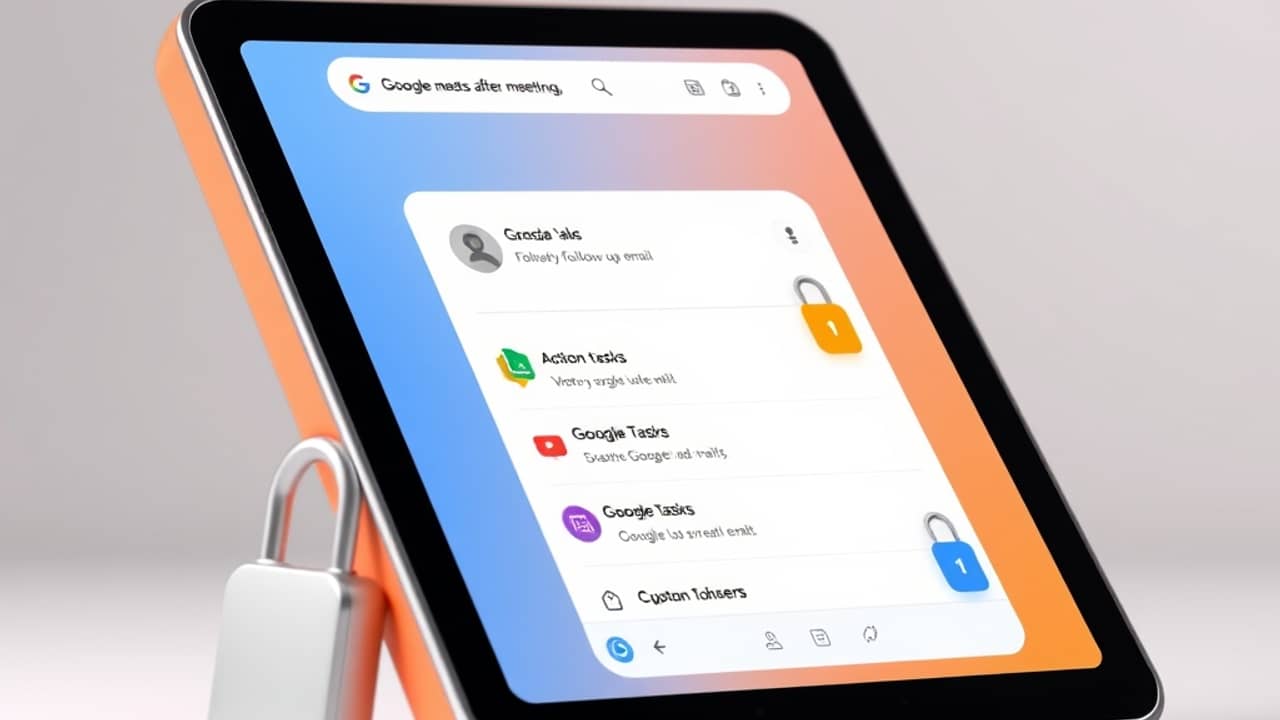
If your day looks back-to-back, you know the worst part is rarely the meeting itself — it's the twenty minutes after. You scrounge through notes, write "circle back" to three people, and hope you remember who said what. Google is trying to give those twenty minutes back to you, and quietly, in the background, harden the calls themselves against a threat most people have never heard of.
Let's look at both updates together, because they tell one simple story: meetings should end with a clear next move, and the conversation in them should stay private.
Meet now has an "after-meeting" screen that does the follow-up
When a Google Meet call wraps up, you'll see a new section called Routines for this meeting on the post-call page. Google says this section is powered by Gemini (Google's AI assistant) and Workspace Studio, and it offers two routine next steps at launch:
- Draft a follow-up email — pulled from the meeting and prepared in Gmail
- Add action items to Google Tasks — the to-do list tool inside Google Workspace
According to Google's announcement, you enable these with a single tap. There is one important catch: Take notes for me has to be turned on during the meeting for any next steps to appear on the post-call screen. If that AI notetaker wasn't running, nothing shows up.
The feature works for both one-off meetings and recurring ones. You can also pick one routine and apply it across every meeting you join, as long as notes are being taken. Google says more routines are coming, though it hasn't listed which ones.
For a quick definition: a "routine" here is just a small automated job — a pre-set task that runs after a trigger. Think of it like a shortcut on your phone: one tap, several steps happen in a row.
Meet is also rolling out post-quantum encryption
The second update is invisible to users, and that's the point. Google Meet is switching to post-quantum cryptography — a new kind of data scrambling designed to resist attacks from future quantum computers, which could one day break today's encryption. (Quantum computers are a different kind of machine that can solve certain math problems far faster than regular computers; PQC is the math we use today to stay ahead of that future risk.)
Google says the upgrade is starting now on laptop web clients and meeting room hardware, with mobile support coming soon. The company also notes this protects against an attack pattern sometimes called "Store Now, Decrypt Later," where someone records encrypted traffic today in the hope of unlocking it years from now with a powerful quantum machine.
If this sounds abstract, here's the human version: the audio and video flowing through Meet is being wrapped in a stronger lock. Nobody needs to install anything. Google says administrators and end users don't have to take any action — the rollout is automatic, and there's no admin setting to flip.
The company also points out this is an expansion: Meet had already used quantum-safe encryption for client-side encrypted calls (a privacy mode where the meeting keys stay on the participants' devices), and this rollout brings the same protection to all Meet calls.
Wrap-up
Two small changes, one big idea: meetings should end with the work already half-done, and the conversations in them should be private by default. If you use Google Meet, the encryption upgrade arrives on its own — nothing to click. The post-meeting helpers just need one switch flipped ahead of time. Turn on Take notes for me at your next call, and the rest will be waiting on the screen when you hang up.