 AI WORLD HQ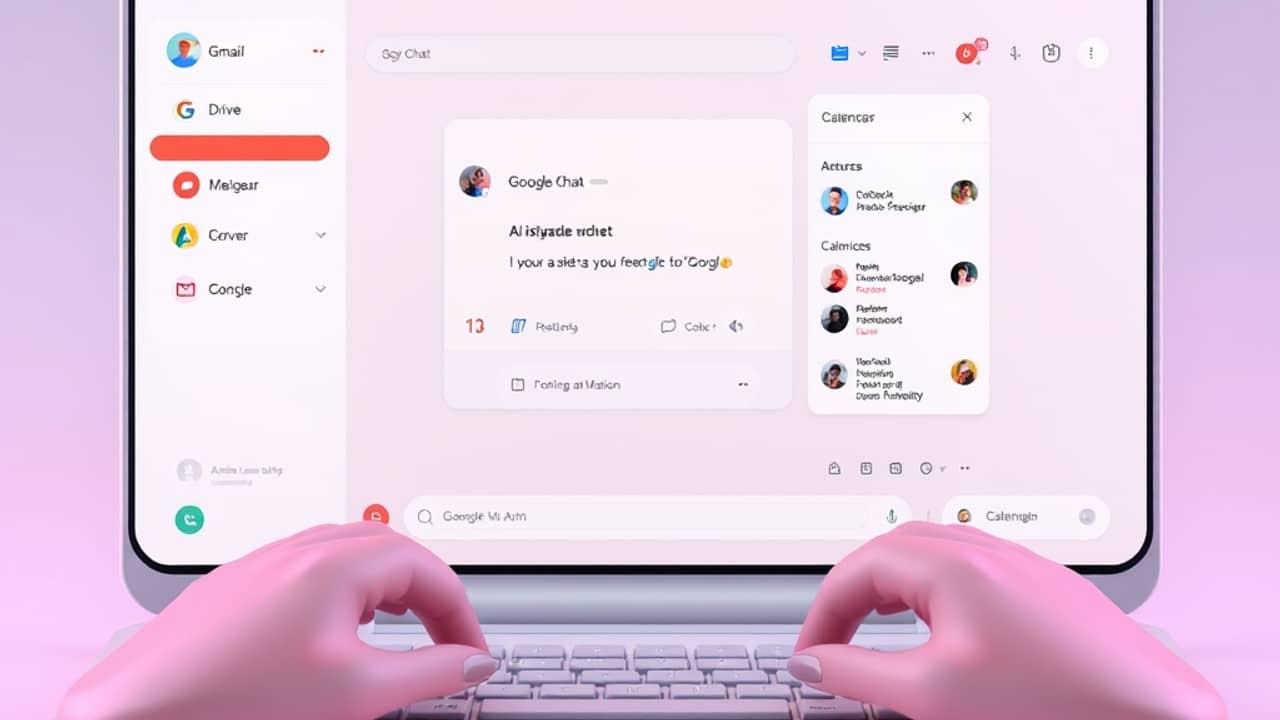
Picture your typical Tuesday: 14 unread emails, a meeting invite you're not sure you can make, and a teammate just pinged you in chat asking for "that file from last week." You open three tabs, scroll through your inbox, hunt in Drive, check your calendar. By the time you reply, fifteen minutes are gone.
That's exactly the friction Google is trying to remove with Ask Gemini in Chat.
What it actually is
Ask Gemini in Chat is a new AI assistant that lives inside Google Chat — Google's messaging app for teams, similar to Slack. Instead of opening a separate AI tool in another tab, you type a question or request into the same chat window where you already talk to your team.
The "AI" part is Gemini, Google's family of large language models, or LLMs (the same general technology that powers ChatGPT and Claude). It can read and write text, summarize information, and answer questions in plain English.
What makes this version different is what it can reach. It's connected to your Workspace — Google's bundle of work apps, which usually includes Gmail, Drive (for files), Calendar, and Docs. So when you ask it something, it can pull answers from your actual work data, not just general knowledge.
What you can ask it
Google describes Ask Gemini as a "command line for your work" — meaning a single place to handle many small tasks. The kinds of things you can do include:
- Catch up on a chat thread. "Summarize what I missed in #project-x today."
- Find a file or an email. "Find the contract Amy sent me last week."
- Check your schedule. "What meetings do I have tomorrow afternoon?"
- Draft a quick message. "Write a reply telling Sam I'll join the meeting at 3."
- Pull scattered info together. "What did the team decide about the launch date in last week's emails?"
You write the request in normal English — that's called a prompt (just the instruction you give the AI). The assistant reads what you typed, searches the relevant Workspace apps, and answers back inside the chat.
Wrap-up
Ask Gemini in Chat is part of a bigger shift: AI assistants are moving out of separate apps and into the tools you already use all day. You don't have to learn a new system — you just type a question in the same place where you'd message a teammate.
A practical first step when this rolls out: try it on something low-stakes. Next time you can't find a file, or you're catching up on a busy thread, ask Gemini instead of digging manually. Ten minutes of experimenting will tell you whether it actually saves you time — and where it falls short.