 AI WORLD HQ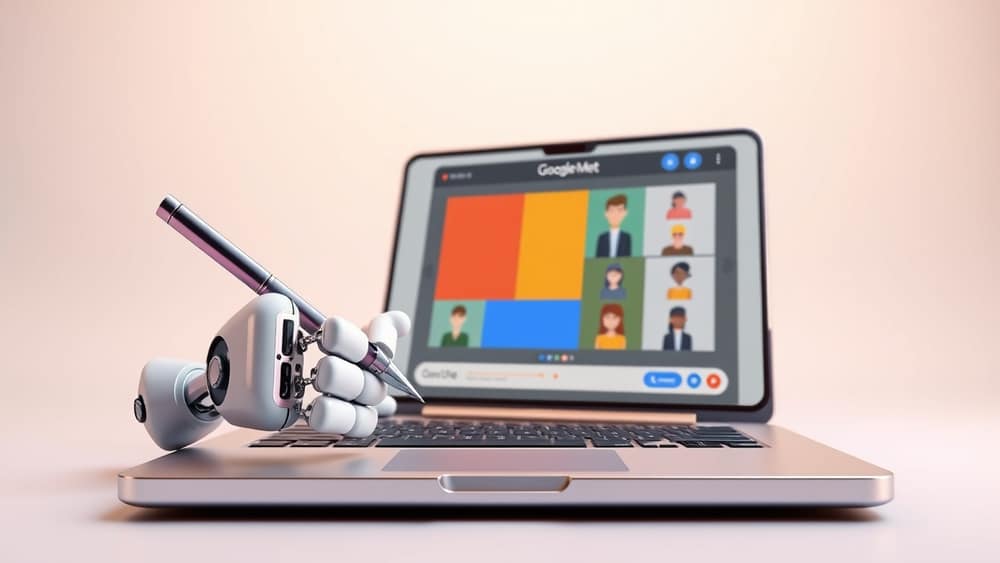
Te has pasado una reunión entera, las diapositivas pasaron volando y ahora intentas recordar qué había en la diapositiva siete. ¿Te suena? Pues hay buenas noticias: ese problema está a punto de hacerse más pequeño. Google ha confirmado que "Tomar notas por mí" en Google Meet recibirá pronto una mejora, y uno de los mayores cambios es justo lo que más echa de menos la mayoría.
Esto es lo que hace la función hoy, lo que viene y cómo aprovecharla bien mientras tanto.
Qué está pasando
"Tomar notas por mí" de Google Meet es un notetaker con IA: imagínatelo como un asistente silencioso que escucha la reunión y va tomando nota. Pronto hará algo extra: hará capturas de pantalla de lo que se comparte durante la reunión y las meterá directamente en tu documento de notas.
Parece poco, pero en realidad es un gran cambio. Ahora mismo, la IA puede decirte "Sarah mostró el gráfico del Q3", pero no puede enseñarte el gráfico en sí. Después de la actualización, la imagen real aparecerá en tus notas junto a la transcripción. Se acabó adivinar qué había en la diapositiva siete.
Todavía no hay fecha exacta de lanzamiento, pero Google ha confirmado que llega pronto.
Lo que hace la función hoy
Hasta que llegue la actualización, así funciona "Tomar notas por mí":
- Entra en la llamada como un participante claramente identificado: todos ven un aviso
- Transcribe (escribe palabra por palabra) lo que dice cada uno
- Genera un resumen breve al final, con tareas pendientes sugeridas (cosas que hay que seguir después)
- Guarda todo en un Google Doc (un documento en la nube parecido a Word) en el Drive de quien organiza la reunión
La función forma parte de Google Workspace (la versión de pago para empresas y educación de las herramientas de productividad de Google) y funciona con Gemini, la familia de modelos de IA de Google.
Algunas verdades con las que hay que convivir
Incluso cuando lleguen las capturas, hay un par de cosas que conviene tener en cuenta:
- La calidad del audio importa. El ruido de fondo, los acentos fuertes o la gente hablando a la vez reducen la precisión de la transcripción. Las capturas no arreglan eso.
- Los resúmenes son útiles, no perfectos. El resumen lo genera la IA y puede no captar matices. Úsalo como punto de partida, no como registro definitivo.
- Hay que activarlo. Todos los participantes reciben un aviso cuando el notetaker se une. Aquí no hay grabación secreta.
Qué significa esto para ti
- Si acudes a muchas reuniones: considera las notas actuales como un registro fiable de lo que se dijo, y la próxima versión como un registro de lo que se dijo y se mostró. En cualquier caso, combínalas con la presentación si necesitas el contexto completo.
- Si organizas o presentas reuniones: tu audiencia pronto podrá releer lo que dijiste y ver lo que mostraste. Piénsalo la próxima vez que pongas algo en pantalla.
- Si gestionas un equipo o un Workspace: vale la pena hablar un momento sobre expectativas y privacidad. El aviso al unirse ayuda, pero a la gente le gusta que se lo comuniques antes.
- Si simplemente te pica la curiosidad: pruébalo una vez en una reunión sin importancia y lee después las notas. Aprenderás más en cinco minutos que con cualquier artículo.
En resumen
"Tomar notas por mí" siempre ha sido fiable para capturar lo que se dijo. Pronto lo será también para capturar lo que se mostró, lo que cierra un hueco real para la mayoría de quienes vamos a reuniones.
Un pequeño paso que puedes dar hoy: abre el documento de notas de tu última reunión y fíjate en lo que hay. Palabras dichas, capturadas. El gráfico de la diapositiva 12, a punto de capturarse también. Vale la pena estar pendiente de esta actualización.