 AI WORLD HQ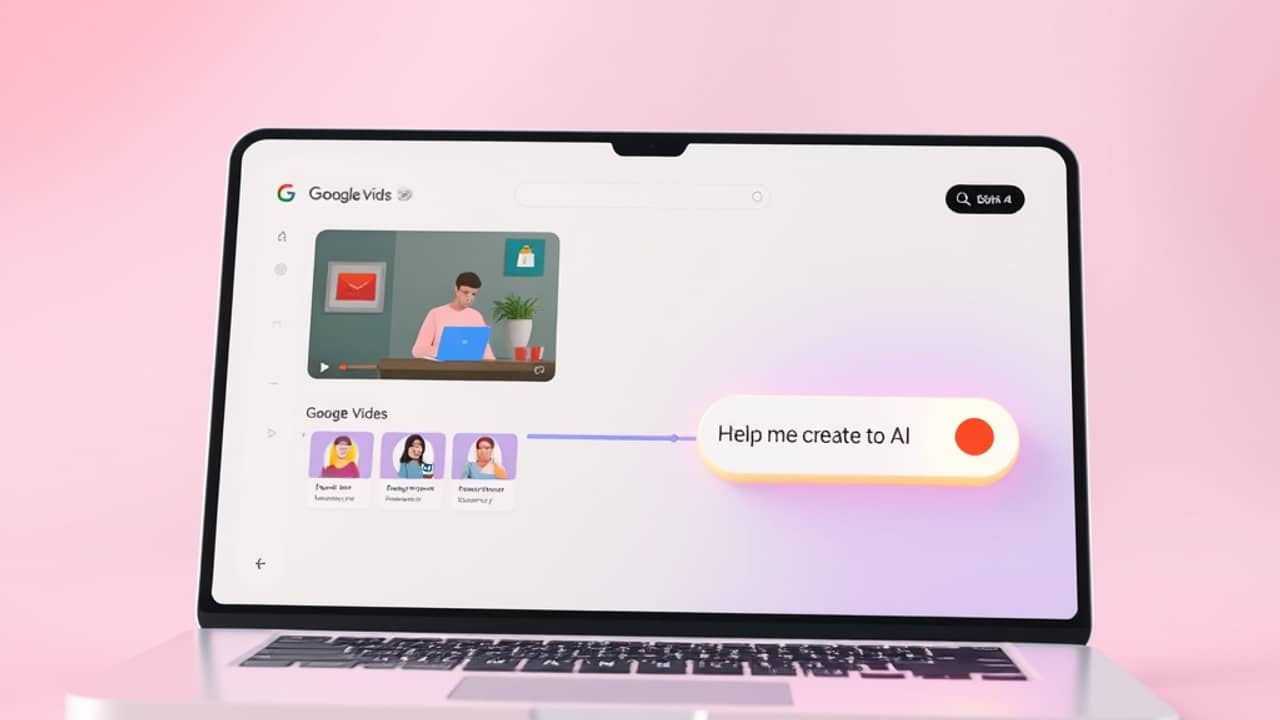
You've watched a colleague's screen-recorded walkthrough that looked like a polished training video. Or you've tried to record a presentation yourself and ended up with a messy file you never shared. Google's answer to that everyday frustration is an app called Vids — and it's worth understanding what it actually is, because the name shows up in product news a lot.
What Vids actually is
Vids is a video creation app built by Google for people who use Google Workspace (Google's paid suite of tools like Gmail, Docs, Drive, and Slides). It lives in the same family as Slides and Docs — you'll find it as its own app in the Workspace sidebar, the same way you'd open Google Sheets.
The big idea is simple: most people at work don't need a Hollywood video. They need a clear explainer, a quick product demo, or a recorded update they can share in chat. Vids is built for that middle ground — more capable than a screen recorder, simpler than a full editing suite.
What you can do with it
Based on Google's own descriptions and demos, Vids is built around a few core activities. Exact menus and screen names can change as Google updates the product, so think of these as the main ideas rather than step-by-step instructions:
- Start from a template. Vids comes with pre-built templates for common work videos — announcements, training clips, project updates. You pick one and fill it in.
- Record your screen and yourself. You can capture your screen, your webcam, or both at the same time — useful for product walkthroughs and quick tutorials.
- Bring in your slides. If you already have a Google Slides deck, Vids can import it so the slides appear in your video, one at a time.
- Use AI helpers. Google has shown features like AI-written scripts, AI voiceover (a computer-generated voice reading your script aloud), and the ability to trim parts of a video by editing the transcript. Treat these as features that exist in some form — availability may depend on your plan, your region, and whether your Workspace admin has turned them on.
- Share like any Google file. When you're done, the finished video lives in Drive, and you share it the same way you'd share a Doc — by sending a link.
Why this is different from "just use Slides"
It's tempting to think of Vids as "Slides plus video." It isn't. Slides is for presenting slides to a live audience in the room. Vids is for producing a video file that stands on its own. The output of Vids is a video someone watches later — not a presentation they click through live.
If you've ever needed to send a "video version" of a slide deck to a colleague who couldn't attend a meeting, Vids is designed for exactly that gap.
Wrap-up
Vids is a real Google product with a real job: helping non-video people at work make decent videos without learning a complex editor. If your team lives in Google Workspace, it's worth opening once and seeing what your plan actually includes. If you don't use Workspace, you can safely skip it for now — the everyday recording jobs most people have can still be handled by simpler tools you probably already own.