 AI WORLD HQ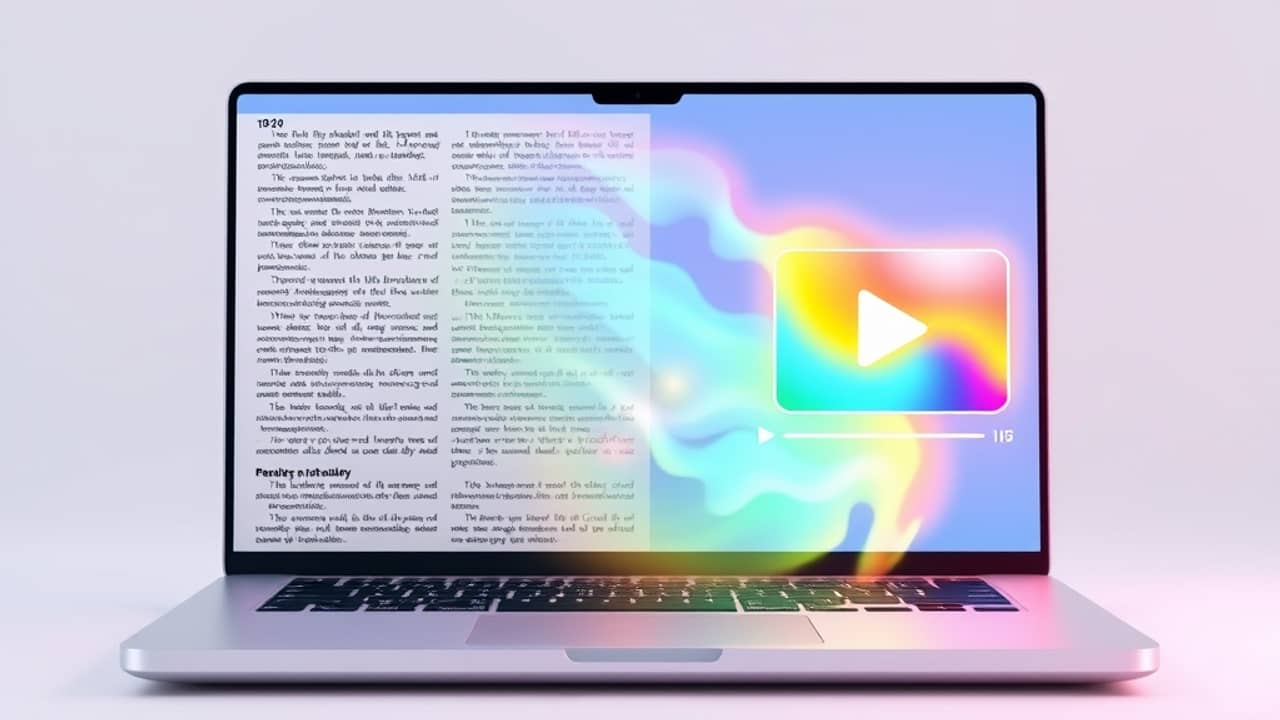
You've just opened a 15-page report and your eyes already hurt. That's the moment this new feature is built for. Google Vids, the AI video tool inside Google Workspace (Google's paid suite of work apps — Docs, Drive, Gmail, and so on), can now take a document you've already written or received and turn it into a short video with a script, a voiceover, and matching visuals.
It's an interesting idea. Most of us consume more video than text these days, but most of what we work with is still in document form. This feature tries to bridge that gap.
What Google Vids actually does with your file
The basic flow is simple. You feed it a Google Doc, a PDF (a PDF is a file format that keeps your document looking the same no matter where you open it), or a Word file. Google's AI reads the content, writes a short script, picks a voice, and generates visuals to go with each point.
Think of it like having a colleague summarize the document for you out loud — except that colleague is a machine, and they work in about 30 seconds. The result is usually a one-to-three minute video you can share with anyone who has the link.
A few things worth knowing:
- You don't start from scratch. The AI uses your existing document as the source material, so you're not making up content from nothing.
- You can edit. The script, visuals, and voice can all be changed before you publish — you're not locked into whatever the AI produces.
- It's a summary, not a verbatim read-through. Expect the key points, not every paragraph.
Where it fits in your day
If you've ever needed to send a quick update to a team, brief a client, or just remind yourself what was in that onboarding document last week, this is where the feature earns its keep.
It also works well for training material, meeting notes you've been avoiding, or a long policy document you keep meaning to read. Anything where the goal is "get the gist fast" rather than "analyze every word" is a good fit.
It's less useful for documents where exact wording matters — like a contract or a legal notice. AI summaries simplify by design, so for anything that needs to be quoted precisely, stick with the original.
Wrap-up
Google Vids' document-to-video feature is a practical middle ground for anyone who wants to absorb information faster without skipping the details entirely. The sweet spot is short, important documents you keep meaning to get through. Pick one you already have on your drive, open Google Vids, and see how the AI handles it — five minutes of curiosity could save you an hour of reading.