 AI WORLD HQ
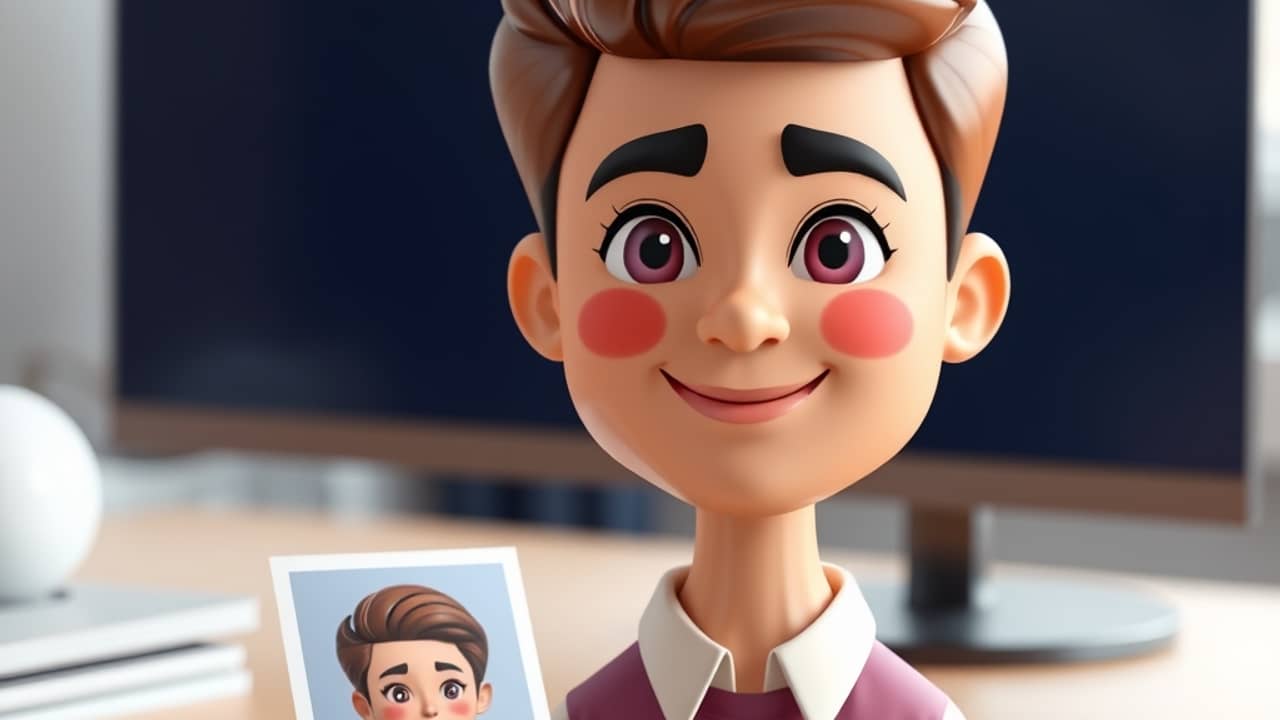
Maybe you have made a training video, a class presentation or a short update for friends, and you wished the person on screen looked more like you, or like the friendly face you wanted to share. Google has now added a way to do that in Google Vids, its video-making app.
What the update does
Until now, Google Vids let you build an avatar from scratch. Google says you can now also start with a picture of your own. An avatar is a digital presenter, a bit like a character that speaks and appears on screen for you, and a custom avatar is one built around a specific look you choose.
According to the announcement, the new feature works in three steps:
- You upload an image. The picture can come from your computer, from Google Drive or from Google Photos.
- You refine it inside Vids. Google mentions cleaning up the background, adjusting the lighting and adding festive decorations, so the picture fits your video.
- You save it to your project. The avatar stays with that Vids project, so you can reuse it again and again in the same video for a consistent look.
Who can use it, and when
Google lists several groups of users. Business Starter, Standard and Plus customers get it, as do Enterprise Starter, Standard and Plus customers and Education Plus customers. People with personal Google accounts get it with Google AI Pro or Google AI Ultra. Google also lists other editions and add-ons, including some nonprofit and education options.
Rollout is staged. Google says that on Rapid Release domains, the feature will appear gradually over up to 15 days, starting October 30, 2026. On Scheduled Release domains, the full rollout is expected to take 1 to 3 days, starting November 20, 2026. If you do not see the option yet, that is normal. For plan details and what your account includes, check Google's official pricing and plan pages rather than relying on any third-party summary.
Google also notes that admins have no separate control for this feature. In other words, your organization's admin cannot switch it on or off for this specific option.
Wrap-up
The main idea is simple: Google Vids can now start an avatar from a picture you choose, tidy it up in the app, and keep it with your project. Google says the feature is rolling out gradually, so it may appear on your account in late October or November 2026. Your next step is to find a clear photo you would be comfortable using, and when the option shows up in your Vids account, try it on a short test video before you start a bigger project.