 AI WORLD HQ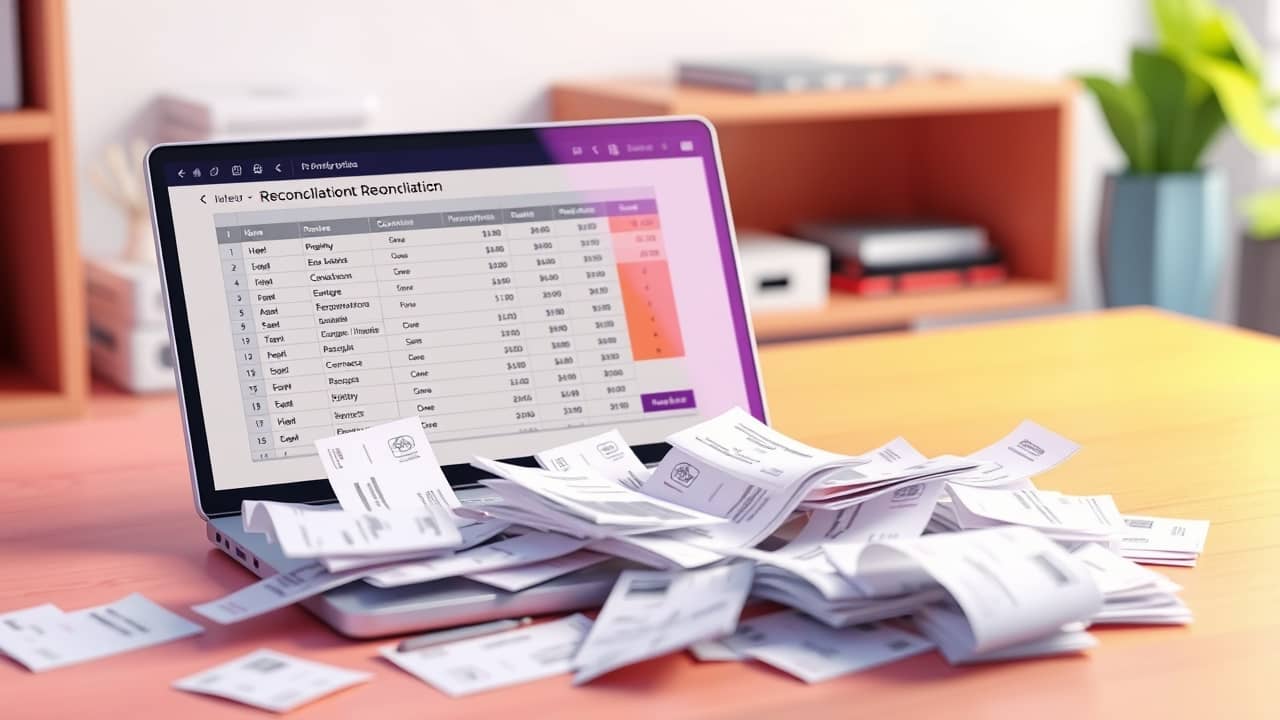
You sit down on a Sunday afternoon to reconcile last month's expenses. The receipts are scattered, the bank feed shows a slightly different total, and you wonder if there's a faster way. That moment — when the boring parts of finance take over your weekend — is exactly where AI tends to be most useful.
A finance function built around AI isn't about replacing the person doing the math. It's about clearing the busywork so the person can spend more time on the calls that actually need human judgment. Here are five lessons that hold up whether you run a one-person freelance business or a finance team of ten.
Lesson 1 — Start with the repetitive work
The fastest wins usually come from tasks you already do every week without thinking. Categorizing transactions, matching invoices to payments, copying numbers from one spreadsheet to another — all of these can be handled by an AI tool today.
Try one task at a time. Pull last month's bank statement and ask an AI assistant to group the charges by category. You'll see in a few minutes whether the tool is accurate enough to trust with real data.
Lesson 2 — Use AI for forecasting, but check the assumptions
Forecasting means predicting future numbers — usually revenue, costs, or cash flow — based on what happened in the past. AI can spot patterns in your historical numbers that you might miss. But it can only work with what you feed it, and it doesn't know what's coming next in your market.
Treat the forecast as a starting point, not an answer. Ask the AI to explain which months or trends it leaned on most. If the reasoning doesn't match your real-world experience, adjust the numbers yourself.
Lesson 3 — Keep humans in charge of controls
Controls are the safeguards that keep money safe — who can approve a payment, what counts as a large expense, how you catch unusual transactions. These are too important to hand to a tool.
Let AI flag suspicious transactions or unusual spending patterns. Then have a human review the flags. The combination is faster than full manual review and safer than full automation.
Lesson 4 — Measure whether the AI is actually helping
ROI — return on investment — is a simple idea: did the tool give you back more than it cost you in time or money? It's easy to forget this question when a new tool feels exciting.
Before you turn on any AI feature, write down what you expect it to save — maybe two hours a week on data entry. After a month, check. If the time saved is real and the accuracy is good, keep going. If not, turn it off and try something else.
Lesson 5 — Build slowly, not all at once
The biggest mistake is turning on five AI tools at once and hoping they all work. Each tool has its own quirks, its own learning curve, and its own way of making mistakes.
Pick one task, run it for two to four weeks, get comfortable, then add the next. Your finance work — and your weekends — will thank you.
Wrap-up
The promise of AI in finance isn't a robot accountant. It's a quieter Monday morning, a faster month-end close, and more time spent on the decisions only you can make. Pick one boring task this week, try an AI tool on it, and see what happens. That's the whole starting point.