 AI WORLD HQ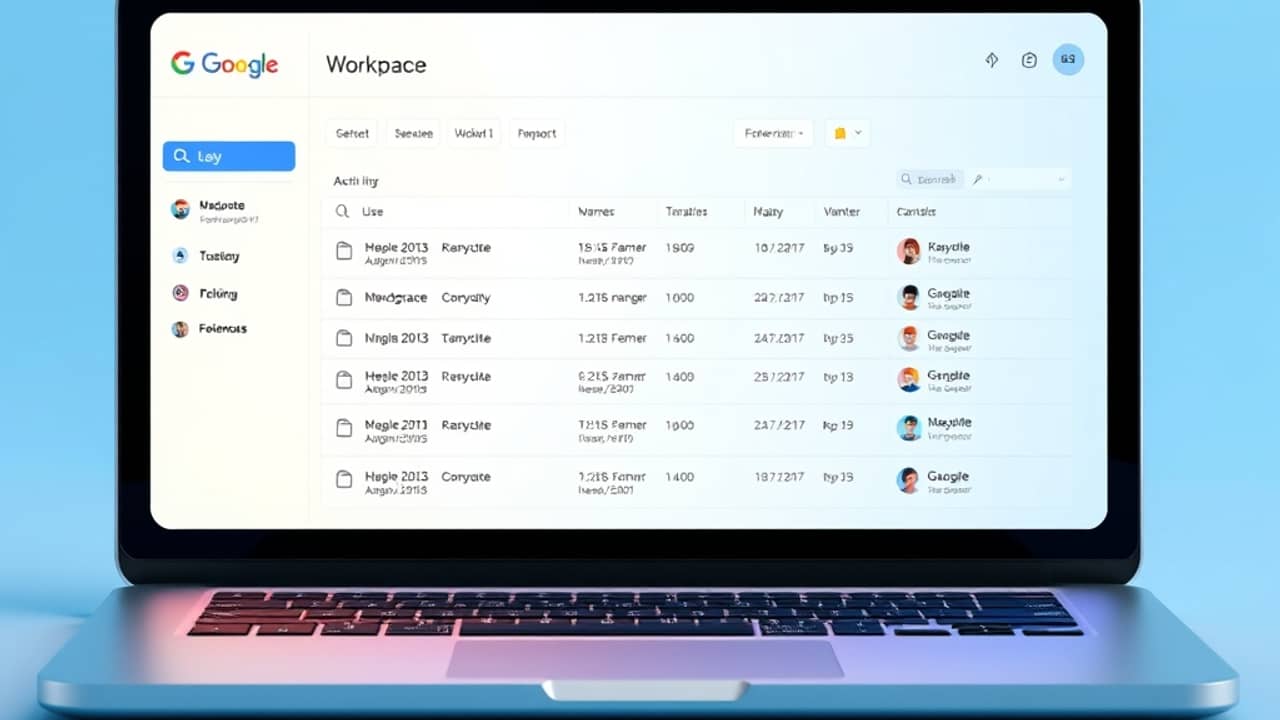
If you have ever jotted something sensitive into a work AI assistant — a draft resignation letter, a private complaint about your boss, notes from a doctor's appointment you took between meetings — you may want to know who, if anyone, can see them. That question just got a clearer answer for anyone using Google Workspace with Gemini.
What just changed
Google has added audit logs (think of them as a detailed activity diary kept by the IT team) for Gemini Notebook inside the Workspace Admin console. Until recently, admins could see broad usage numbers — "yes, someone in your company is using this tool" — but not much detail.
The new logs let admins see specific events: when a notebook was created, when it was edited, when it was shared, and similar actions. Admins can also review these events inside the Audit and Investigation tool — basically the search bar IT uses to look back at what happened in the company account.
For most employees, this won't change their day. For people who treat AI notebooks like private scratchpads, it matters.
What an audit log actually is
The phrase sounds technical, but the idea is simple. Every time you do something on a work account — send an email, upload a file, create a document — the system quietly keeps a small receipt. That receipt usually includes:
- Who did it (your account)
- What they did (created a file, shared a link)
- When it happened (date and time)
- Sometimes where it happened (IP address — the unique identifier of the network you were on)
Admins normally use these logs to investigate security incidents: "Did anyone in our company click that phishing link last Tuesday?" or "Who accessed the spreadsheet with customer data before it leaked?"
Until now, Gemini Notebook activity was mostly invisible to that investigation process. Now it shows up the same way email or Drive activity does.
A small habit that prevents big headaches
Before you start a new notebook in any work AI tool, take ten seconds to ask yourself: "If my company's IT team had to show my manager what I wrote here, would I be fine with that?"
If the answer is yes, carry on. If it's no, move it somewhere private. That one question — before the first prompt — saves you from having to delete, explain, or worry later.
Wrap-up
Audit logs aren't there to spy on you. They're there so your company can investigate real problems when they happen. The new Gemini Notebook logs simply bring AI notes into line with the same visibility that email and Drive have had for years. The practical takeaway is small but worth keeping in mind: treat work AI tools like work email — useful, helpful, and visible to the people whose job it is to look after the company's accounts.