 AI WORLD HQ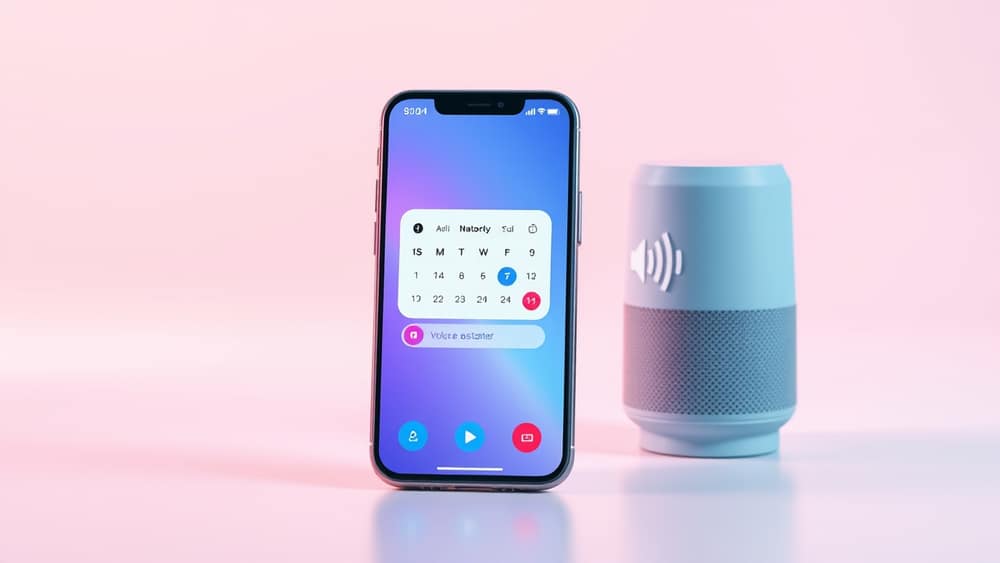
What the New AI Voice Feature Means for Your Daily Routine
You’re halfway through your morning coffee when your phone buzzes with a reminder: “Pick up the kids at 3.” Instead of tapping the screen, you simply say, “Remind me to pick up the kids at 3.” Seconds later, the AI confirms, “Done.” No typing, no swiping—just your voice and a quiet confirmation.
That’s the power of the latest AI voice features built into most smartphones. Whether you’re cooking dinner, walking the dog, or driving, you can now talk to your phone the way you’d talk to a friend—and get things done faster.
How it works (in plain words)
AI voice assistants use speech recognition (the phone’s ability to turn your voice into text) and natural language processing (the AI’s ability to understand what you mean, even if you don’t phrase it perfectly). Together, they let you ask for things using everyday language.
For example:
- “Set a timer for 10 minutes.”
- “Send a message to Mum: I’ll be 10 minutes late.”
- “What’s the weather today?”
You don’t need to remember exact commands. The AI learns from context and adapts to your voice over time.
Try it today: 3 things to do right now
You don’t need to install anything new. Most modern phones already have this feature—it’s just turned off by default for some users.
1. Turn on voice access
- On iPhone: Go to Settings > Accessibility > Voice Control. Toggle it on.
- On Android: Go to Settings > System > Accessibility > Voice Access. Turn it on and follow the setup prompts.
You’ll see a small microphone icon in your status bar. Tap it to start talking.
2. Start with simple tasks
Open your notes app and say:
- “Create a new note titled ‘Shopping list’.”
- “Add milk, eggs, and bread.”
The AI will type it for you. No typing required.
3. Use it while doing other things
- Cooking? Say, “Set a timer for 15 minutes.”
- Driving? Say, “Call Sarah.”
- Jogging? Say, “What’s my step count today?”
The AI responds out loud so you don’t need to look at the screen.
Wrap-up
The new AI voice features aren’t just for tech enthusiasts—they’re for anyone who wants to save time and reduce screen clutter. Start with one simple voice command today. Try saying, “Hey Siri” or “Hey Google” followed by a quick task. You’ll likely wonder how you ever managed without it.