 AI WORLD HQ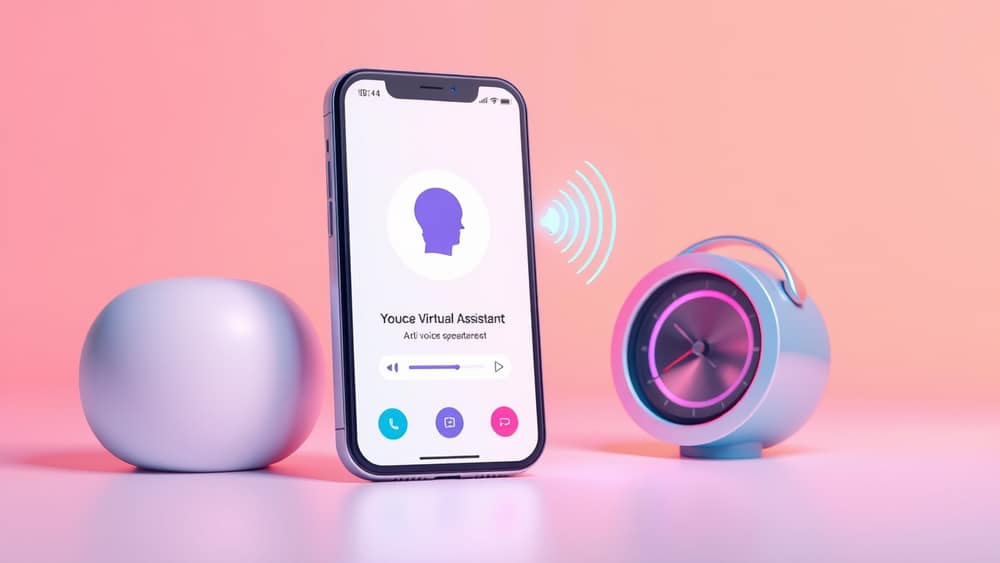
What the Latest AI Voice Feature Means for Your Daily Routine
You’re in the middle of cooking dinner when your hands are covered in flour, or you’re driving and need to reply to a message without taking your eyes off the road. The last thing you want is to stop what you’re doing, grab your phone, unlock it, and type out a reply. What if you could just speak naturally and have your device handle the rest?
That’s exactly what the newest AI voice features are designed to do. They let you talk to your phone, smart speaker, or computer as if you’re chatting with a helpful assistant—no typing, no tapping, just voice. And the best part? You don’t need to be tech-savvy to use them. Here’s how to make the most of this hands-free way of getting things done.
Getting started with AI voice assistants
An AI voice assistant is like having a helpful friend who listens when you speak and acts on your requests. Think of it as a smart version of Siri or Google Assistant, but with more natural conversation and better understanding of context.
Most devices already have a built-in voice assistant. On your phone, look for:
- Siri (iPhone)
- Google Assistant (Android phones)
- Bixby (Samsung phones)
To activate it:
- On iPhone: Say “Hey Siri” or hold the side button.
- On Android: Say “Hey Google” or long-press the home button.
- On smart speakers: Just say “Hey Google” or “Alexa” to wake it up.
Once it’s listening, you can ask it to:
- Send a message
- Set a reminder
- Play a podcast
- Check the weather
- Open an app
No setup needed—just start talking.
Five everyday tasks you can do with your voice
Here are simple ways to use AI voice assistants that save time and reduce screen time:
While cooking: “Hey Google, set a timer for 15 minutes.” No more burnt pots or sticky fingers on your phone.
On your commute: “Hey Siri, read my new messages.” Listen to messages without looking at your screen.
At your desk: “Hey Google, add milk to my shopping list.” Speak instead of typing—faster and more accurate.
Before bed: “Hey Siri, remind me to take my medication at 8 AM tomorrow.” Set reminders without opening an app.
During a workout: “Hey Google, play my running playlist.” Control music hands-free while exercising.
These aren’t futuristic tricks—they’re real, working features available today.
Wrap-up
You don’t need to be tech-savvy to use AI voice assistants. They’re built to make everyday moments easier—whether you're in the kitchen, on the road, or just trying to keep your hands free. Try it today: wake up your assistant, ask for something simple, and notice how much smoother your day feels. The future of hands-free living is already here—you just need to start talking.