 AI WORLD HQ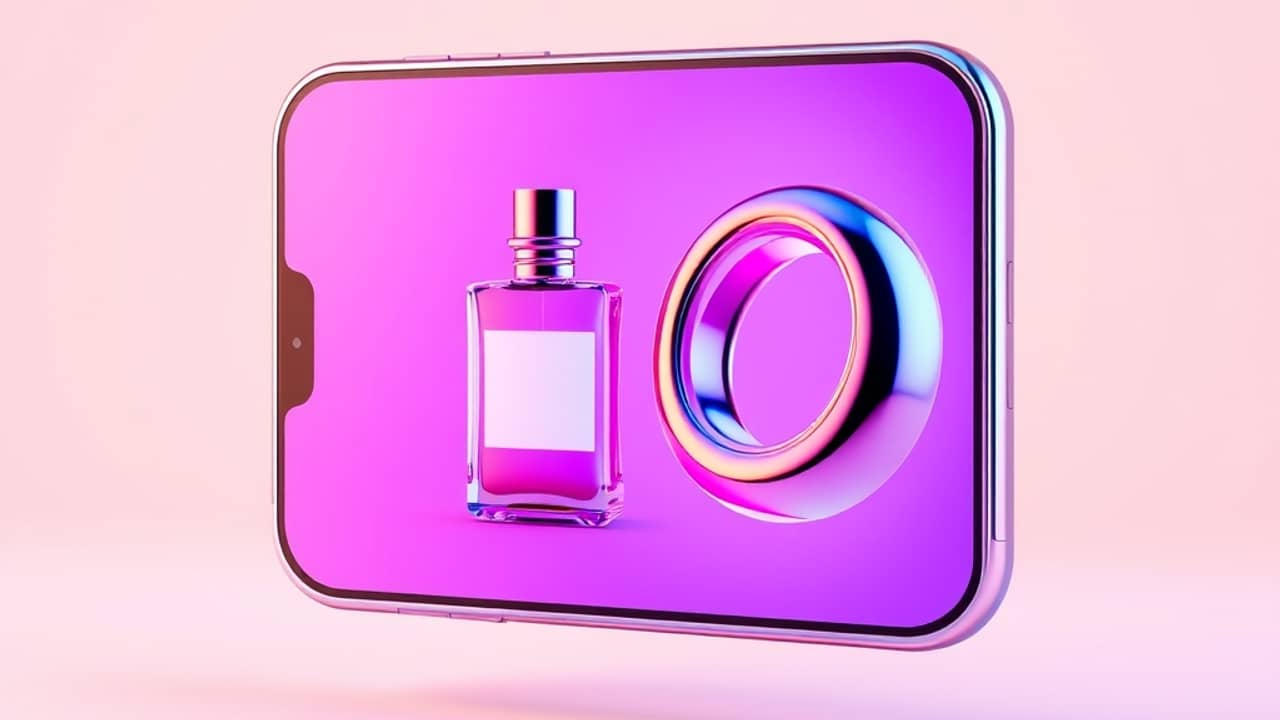
Maybe you've seen AI tools that promise to make creative work easier. Maybe you sell things online and want better product photos, or you've thought about starting a YouTube channel but feel shy about being on camera. Picsart, a photo and video editing platform, has published a set of tutorials that walk through four concrete projects using its AI tools. Let's look at what each one actually involves.
The 3D product trick
One of the tutorials focuses on taking a single photo of a product — something with clear edges, like a sneaker, a candle, or a mug — and turning it into a 3D model. The output format is called a GLB model — a standard file type for 3D objects that you can rotate, view from any angle, and embed on a website.
What this means in practice: instead of photographing a product from five different angles, you upload one clean shot and let the AI figure out the rest. The result is a file you can spin around to inspect, which could be useful if you sell online and want shoppers to feel like they're picking the product up before they buy.
Picsart does not publicly list which specific plan includes this feature or whether it's available on the free tier.
Animating a still photo
Another tutorial shows how to take a still portrait and make it move like a short video clip. The source describes two approaches. One involves uploading a short video of someone dancing as a reference — the AI then applies those moves to the person in your photo. The other approach starts from a prompt: you type a description of the movement you want, and the AI generates the animation from scratch.
This could come in handy if you want social posts that stand out, or if you're building a cartoon channel and need animated faces without full character design. The key thing to know: the person's face tends to stay recognizable throughout, according to the tutorial's description, though results will depend on the photo quality and the complexity of the movement you describe.
Designing a YouTube banner
YouTube banners are the wide images at the top of a channel page. The challenge is that YouTube crops this image differently on phones, desktop monitors, and TVs — so anything important (your name, logo) needs to sit in the middle zone that survives all three crops. That middle zone is called the safe area.
The tutorial walks through generating a banner using AI. One detail worth noting: the source cites the resolution 2560 × 1440 pixels as the recommended upload size. That number comes from YouTube's own specifications — it's not a Picsart recommendation. If you're building a banner, that resolution is the size YouTube itself asks for.
The process involves typing a description of what you want, optionally uploading a logo or portrait for the AI to reference, and then downloading the result to upload inside YouTube Studio.
Starting a cartoon channel
The fourth tutorial covers building a cartoon YouTube channel from scratch. It walks through creating cartoon characters — essentially designing a "cast" of illustrated people or mascots — and then animating short videos using those characters.
The source also mentions Picsart Earn in a sidebar link, described as a monetization option within the platform. Picsart has referenced this as a way for creators to earn from their work, though the exact qualification requirements, signup steps, and payout structure are not detailed in the announcement. If earning money from your channel is a goal, this is worth exploring directly on Picsart's platform rather than relying on third-party descriptions.
Wrap-up
These four projects cover the main things Picsart's AI tutorials walk through: turning photos into 3D, animating portraits, designing YouTube graphics, and building a cartoon channel. The exact steps inside the app vary depending on updates Picsart makes, so if something looks different when you open it, check Picsart's own tutorial page — that's where the most current guidance lives.