 AI WORLD HQ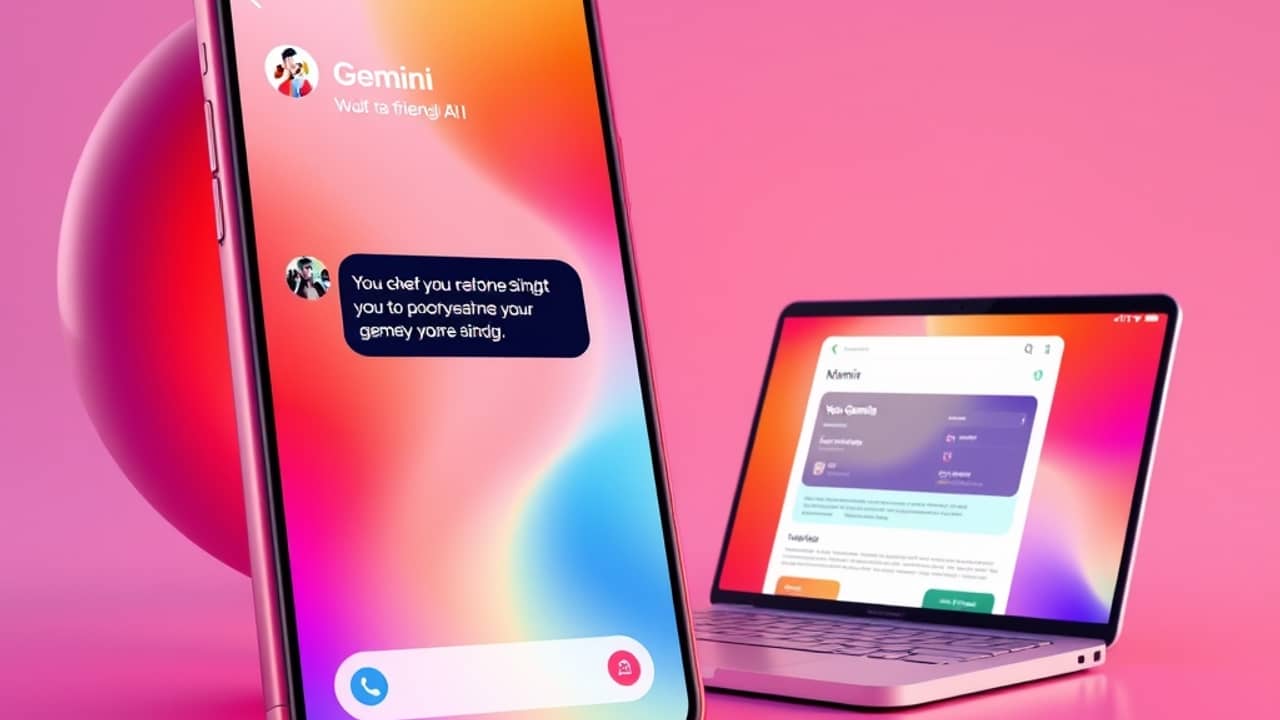
If you've heard "Gemini" a lot lately and aren't sure what it is or where to find it, you're not alone. Google has been weaving it through more of its products, and the lineup gets confusing fast. The access options are growing too — there's now a Windows desktop app alongside the website and phone app. Here's a plain explanation of what Gemini does, every place you can actually use it, and how to get started today.
What Gemini actually is
Gemini is Google's AI assistant — the thing you talk to (or type at) when you want help writing, summarizing, brainstorming, translating, or answering questions. Think of it as Google's answer to ChatGPT. The "model" behind it (the AI brain doing the thinking) is also called Gemini, but most people use the word to mean the assistant itself.
It comes in different versions. The free version is solid for everyday questions and quick drafts. The paid tiers are faster, handle longer documents, and unlock features like image generation and deeper Google app integration. Google has used names like Gemini Advanced and Google AI Pro for these — for the current plan names and pricing, check Google's official AI plans page.
Every place you can use Gemini right now
As a dedicated desktop app on Windows. Google recently released a Gemini app for Windows, giving you a full Gemini window that lives outside your browser. It works much like the web version but stays open while you switch between other apps, which is handy if you bounce between tasks all day. This is a newer access method and is rolling out gradually, so it may not be available everywhere yet.
In your browser at gemini.google.com. This is still the main starting point for most people. Open it in any browser, sign in with your Google account, and start typing. You can upload images and files, have back-and-forth conversations, and save chats for later.
On your phone via the Gemini app. Google has a dedicated Gemini app for iPhone and Android. It works like a smart voice and text assistant — talk to it, send it photos, or ask questions on the go. If you've used Siri or Google Assistant, the experience feels familiar but is sharper for most tasks.
Inside Google apps. If you have a paid plan (or certain Google Workspace plans), Gemini shows up directly inside Gmail as a "Help me write" button, in Docs as a writing helper, and in similar spots across Slides, Sheets, and Drive. It can summarize a long email thread, draft a reply in your voice, or pull answers from your Drive files without you leaving the app.
In Chrome. Google has been adding Gemini-powered features into the Chrome browser itself, mostly for paying subscribers. Chrome's help docs describe what's currently available in your region, since this area is evolving quickly.
Common ways people actually use it
- Drafting or replying to emails faster
- Summarizing long documents, articles, or PDFs
- Brainstorming ideas for work or personal projects
- Translating text or polishing your writing
- Getting quick answers with sources linked
- Generating images (on paid plans)
Wrap-up
Gemini is most useful when you meet it where you already work. Browser user? Start at gemini.google.com. Windows power user? Give the new desktop app a look. Heavy Gmail and Docs user? A paid tier is worth considering. Mostly on your phone? The app covers the basics well.
Try this today: open gemini.google.com, sign in, and ask "Help me write a short, polite email asking for a deadline extension." That one task tells you more about whether AI assistants fit your life than any review ever will.