 AI WORLD HQ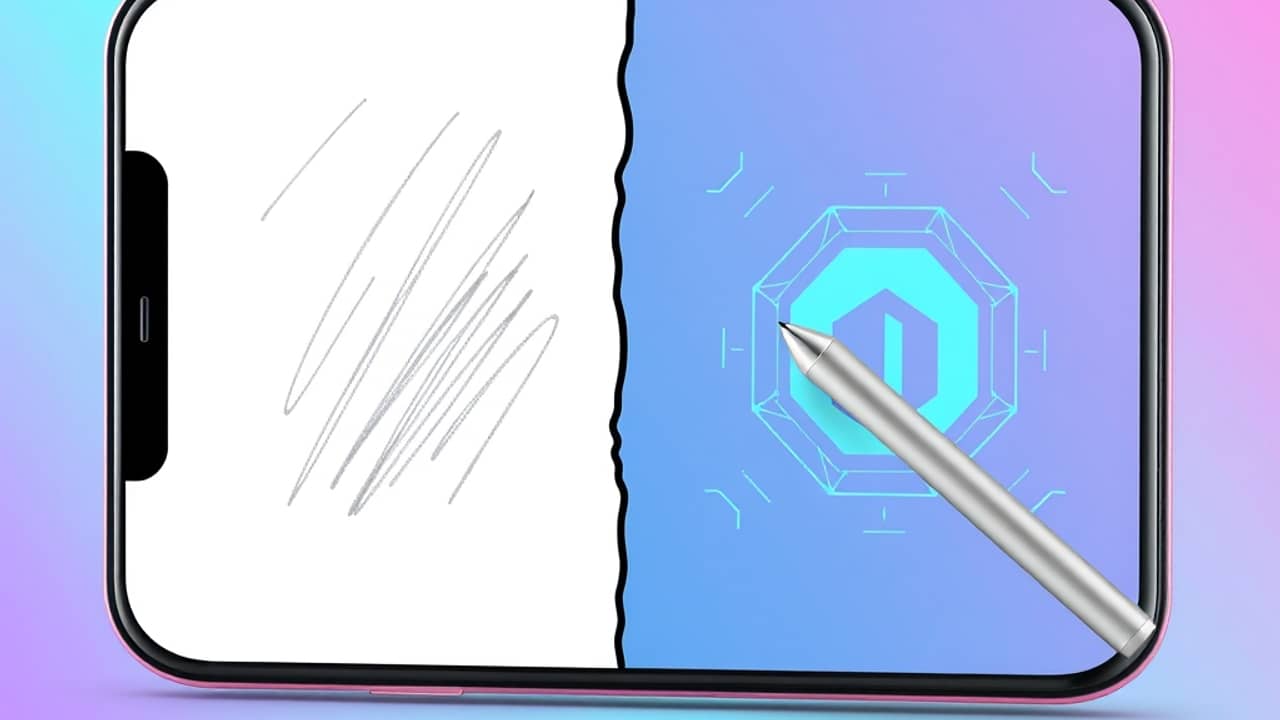
You've probably typed a few words into an AI image tool by now — something like "a cat in a spacesuit" — and gotten back a perfectly fine, perfectly generic picture. That works. But it rarely feels like yours. The newest generation of AI image tools, including what's now available inside ChatGPT, is trying to fix that. They're starting to take your own sketches, your own reference photos, and your own messy half-ideas seriously. Let's look at what that actually means for someone who isn't a designer.
From one-line prompts to real collaboration
The old way: describe what you want in words, hope the AI guesses your taste, accept the first decent result.
The newer way: show the AI what you're starting with. Upload a quick sketch you scribbled on a napkin. Drop in a photo of your dog and say "paint this in watercolor." Share a reference image of a style you like and ask for something new in that spirit.
Why this matters is simple — words are a lossy format. "Cozy bedroom" means something different to everyone. A photo of your cozy bedroom means one specific thing, and the AI can work from that. The result is an image that feels less like a stock photo and more like something you actually had a hand in.
If you want to try it, OpenAI's ChatGPT (the chat product at chatgpt.com) now lets you upload images alongside your text instructions in the same conversation. Other tools like Midjourney, Google's Gemini, and Adobe's Firefly have similar upload-and-refine flows, though the exact buttons and limits differ in each.
What you can realistically make today
You don't need to be an artist to get useful results. Here are a few things everyday people are doing with these tools right now:
- Visualizing a room before you paint it. Snap a photo of your living room, then ask the AI to show it with different wall colors or furniture layouts.
- Turning a kid's drawing into a greeting card. Scan or photograph a crayon drawing and ask the AI to clean it up while keeping the charm.
- Mocking up a logo or social media header. Start with a rough sketch and a few words about your style, and iterate.
- Creating illustrations for a blog post or school project when you can't find a free image that fits.
None of these require design skills. They require patience — your first prompt almost never gets it right, and the fun is in the back-and-forth.
Wrap-up
AI image tools used to be a slot machine — pull the lever, hope for the best. The newer versions are more like a conversation with someone who can draw. You bring the idea, the sketch, the photo, and the AI helps you get closer to what's in your head. If you haven't tried it yet, this weekend is a fine time to upload one photo, type one instruction, and see what comes back.