 AI WORLD HQ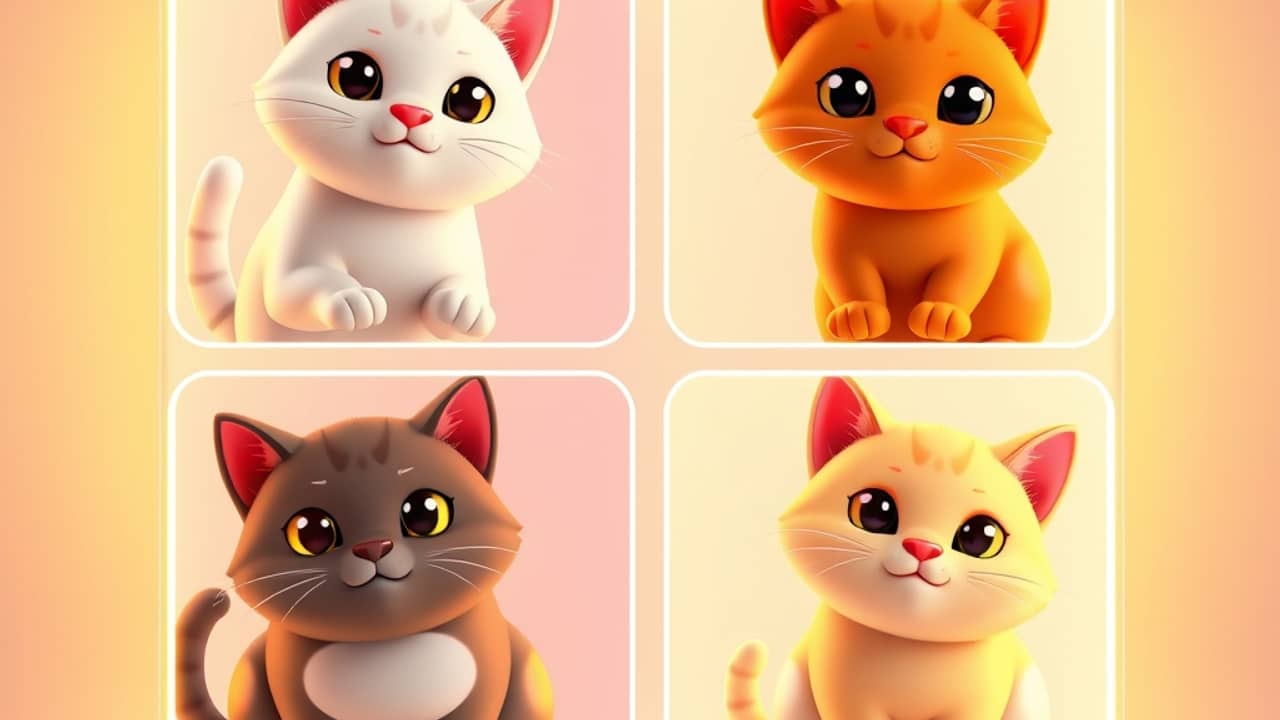
You've probably tried asking an AI image generator for "a cat in a coffee shop," then asked again with the same words — and gotten two cats that look like they're from different universes. Different lighting, different vibe, different style. That's the gap between prompting an AI and designing with one.
A matched image set closes that gap. And it's worth understanding if you make anything visual, even casually.
What "matched" actually means
A matched set is a group of images designed to belong together. Same color treatment, same mood, same level of detail, same "world."
Think of it like this: a real photographer shoots a wedding, and the 200 photos share the same warm light, the same film grain, the same edit. They're not the same photo — they're a set. That's the goal with AI art.
- Different subjects, same style. A latte, a croissant, and a coffee shop doorway that all look like they came from one Instagram account.
- Different scenes, one story. A character in three poses for a comic strip, without three costume changes.
- Different layouts, one brand. Social posts, story graphics, and a banner that feel unmistakably "yours."
Why one-shot prompts don't get you there
When you prompt an AI for one image, you get one image. Regenerate, and the AI treats every attempt as a fresh start, even with the same words. The randomness (the AI rolling its creative dice each time) means you'll spend hours hunting for a set that actually matches.
It's a little like baking one cookie at a time and hoping the next batch looks identical. Sometimes it does. Mostly it doesn't.
What a canvas-based workflow changes
Newer tools, like Picsart's Flow, approach this differently. Instead of one image at a time, you build inside one canvas — think of a digital workspace where your images live side by side — and use templates that lock in style choices up front. Color, mood, framing: set once, then applied to the whole set.
This is closer to how a designer works: pick the look first, then make the variations.
The result: instead of generating ten images and keeping the three that almost match, you tell the system what kind of set you want and let it build the variations together.
Where matched sets actually save you time
This isn't a designer-only feature. Some everyday uses:
- A small business's social posts. Eight quote graphics that all look like they belong on the same feed.
- A friend's birthday party. Invitation, menu card, and a "thank you" image in the same vibe, no awkward clashes.
- A class project or portfolio. A diagram series where each step visually connects to the last.
- A product seller. The same item in three "lifestyle" scenes — kitchen counter, picnic table, gym bag — without three photo shoots.
Wrap-up
The move from "one image, hope it works" to "one canvas, build a set" is quietly the most useful shift happening in AI image tools right now. It's not flashy, but it's the difference between AI art that looks like AI art and AI art that looks like yours.
Your next step: pick something small you'd actually use — three Instagram posts, a tiny event set, a mini product catalog — and build your first matched set today. The shift shows up within ten minutes.