 AI WORLD HQ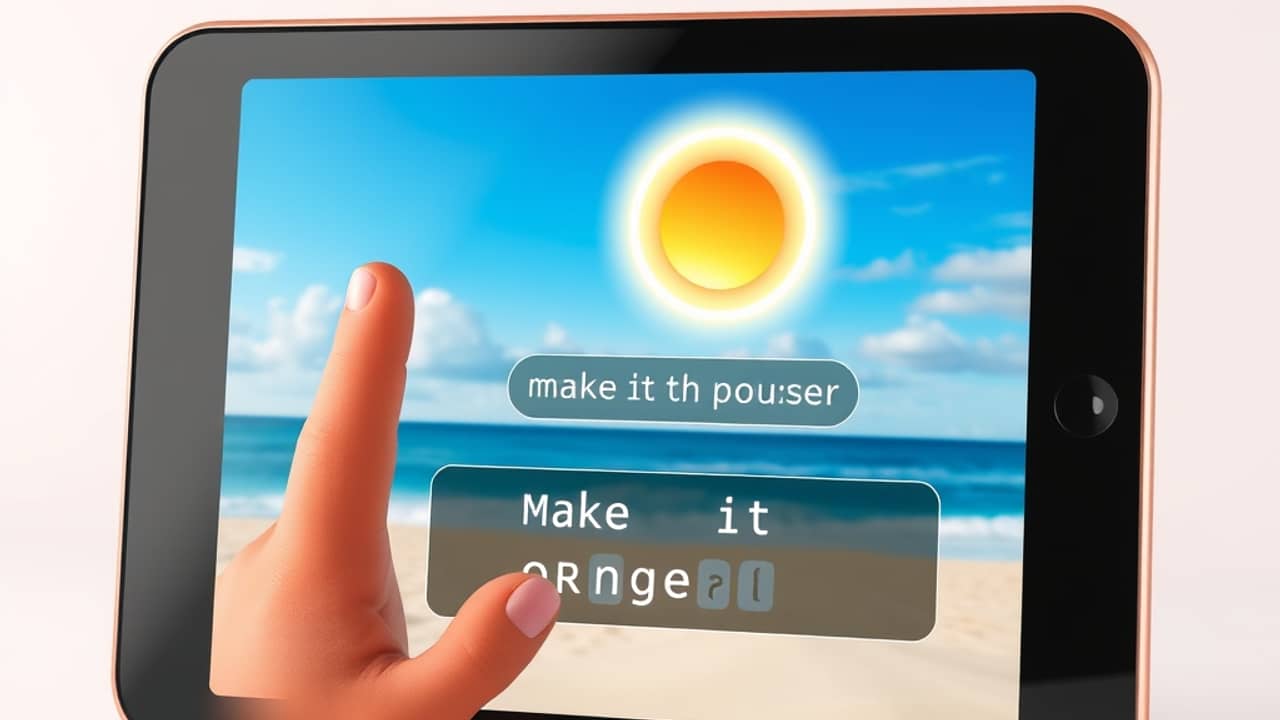
You took a great family photo at the beach, but the sky looks washed out and there's a stranger wandering into the corner. A few years ago, fixing that meant learning Photoshop or paying a designer. Today, you can describe what you want in plain words and an AI tool does the editing for you. Here's what these tools actually do — and where they still fall short.
Three capabilities that changed photo editing
Modern AI image editors bundle together several tricks that used to live in separate, expensive software. The biggest ones:
- Instruction-based editing — You type what you want ("remove the power lines," "change the lighting to golden hour"), and the AI rewrites that part of the image.
- Multi-reference photos — You upload up to four example images, and the AI pulls style or content from them into your photo.
- Inpainting — A fancy word for "edit just one part." You brush over an area, type a description, and the AI changes only that patch. The rest of the photo stays untouched.
How instruction-based editing actually works
Think of it like giving directions to a friend who's never seen your photo. You wouldn't say "apply a hue shift of -30 to the upper third" — you'd say "the sky looks dull, can you make it look like sunset?" AI image editors work the same way. You speak in normal language, and the model (the AI's "brain") figures out which pixels to change.
The result isn't always perfect on the first try. Ask for "make it look like a Van Gogh painting" and you might get something close to Van Gogh, or something closer to a coloring book. Most tools let you try a few times until you get what you want.
What inpainting is good for
Inpainting solves a problem that used to drive people crazy: changing one thing without ruining everything else. Want to remove a street sign from a travel photo? Brush over it, type "clean brick wall," and the AI fills in the gap. Want to swap your plain bedroom for one with a window? Brush the wall area, describe the window, and let the AI imagine it.
The key is that inpainting keeps the rest of the photo exactly as it was. Compare that to old-school cloning tools, which require careful copying and pasting from other parts of the image. Inpainting is faster and usually looks more natural.
The multi-reference trick
Uploading reference photos is useful when words aren't enough. If you want a portrait in the mood of a specific photographer, you can upload three or four of their photos and ask the AI to match the feeling. Some tools use references for objects — upload four couch designs and ask the AI to put one of them in your living room photo. Others use them for style, like lighting and color grading.
The catch: more references don't always mean better results. Two or three well-chosen photos usually beat four random ones.
Wrap-up
AI image editing has shifted from "professional software with a learning curve" to "describe what you want and see what happens." You don't need design skills to clean up a family photo or produce a quick product image anymore. Pick one small project — like removing an unwanted object from a single photo — and try it this week. You'll learn more from that one experiment than from any tutorial.