 AI WORLD HQ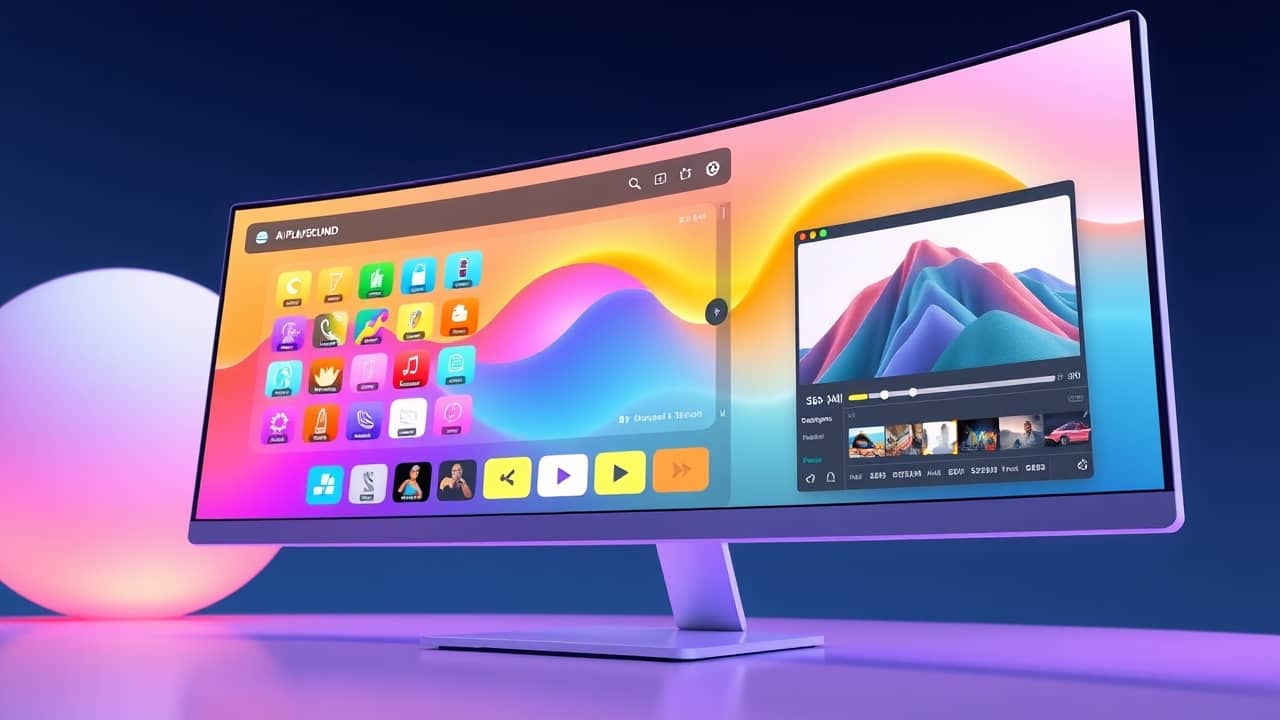
You've probably edited a photo in Picsart on your phone at some point — removing a background, adding a filter, swapping a sky. The company has been around since 2011 and, for most of that time, lived in your pocket. Now it's moving to your desk.
What's actually new
The big shift is that Picsart's AI tools — which used to live mostly on web and mobile — are now a native desktop app (a program installed directly on your computer, instead of running inside a browser). Three things matter for everyday users:
- 150+ AI models in one place. Models are the different "engines" behind AI tools. One might generate images, another might remove backgrounds, another might animate a still photo. Having them in a single playground lets you try several without switching apps.
- Many tools work offline. Because the AI runs on your computer instead of on remote servers, you can keep working on a plane, in a coffee shop with spotty wifi, or anywhere you don't want to upload your files.
- Local video editing. You can trim, layer, and apply AI effects to video without uploading a 500-megabyte file to the cloud and waiting for it to process.
That last point is the one most casual users will notice. Working on video locally means faster turnaround and fewer "you've run out of cloud credits" emails.
Why offline matters more than it sounds
Most AI image and video tools today send your file to a company server, where the AI does its work, and then send the result back. That has a few real downsides:
- Privacy: If you're editing photos of your kids, contract drafts, or unreleased product designs, you're trusting a third party with that data.
- Cost: Cloud AI usually charges per use or requires a subscription; processing on your own computer uses hardware you already paid for.
- Speed: No upload and download means faster results, especially for video files.
Running AI on-device (a term that just means "on your computer, not on someone else's") makes sense now because consumer computers have gotten powerful enough to handle the workload. Picsart is one of the first mainstream creative apps to lean into this for everyday users rather than just for professional studios.
What you can do with it
The desktop app is built around creative tasks rather than abstract "AI commands." A few good everyday uses:
- Generate a header image for a blog post from a short text description
- Remove the background from a product photo to drop onto a website or Etsy listing
- Animate a still portrait for a social media post
- Cut and style a short video clip from your phone before posting
- Try a few different "looks" on a logo concept without paying an illustrator for each draft
Because the app bundles many models, you can usually find a tool already trained for what you're trying to do, rather than fighting with one general-purpose model that does everything badly.
Wrap-up
Picsart's move to a full desktop app signals something bigger than a software update: AI creative tools are starting to work where you already are, on hardware you already own, without needing a monthly cloud subscription to function. If you've been waiting for AI editing to feel less like renting and more like owning, this is a real step in that direction. Before paying anything, check Picsart's official page for the latest pricing and any trial period — the company has historically offered a free tier, though this new desktop release may follow its own structure.