 AI WORLD HQ
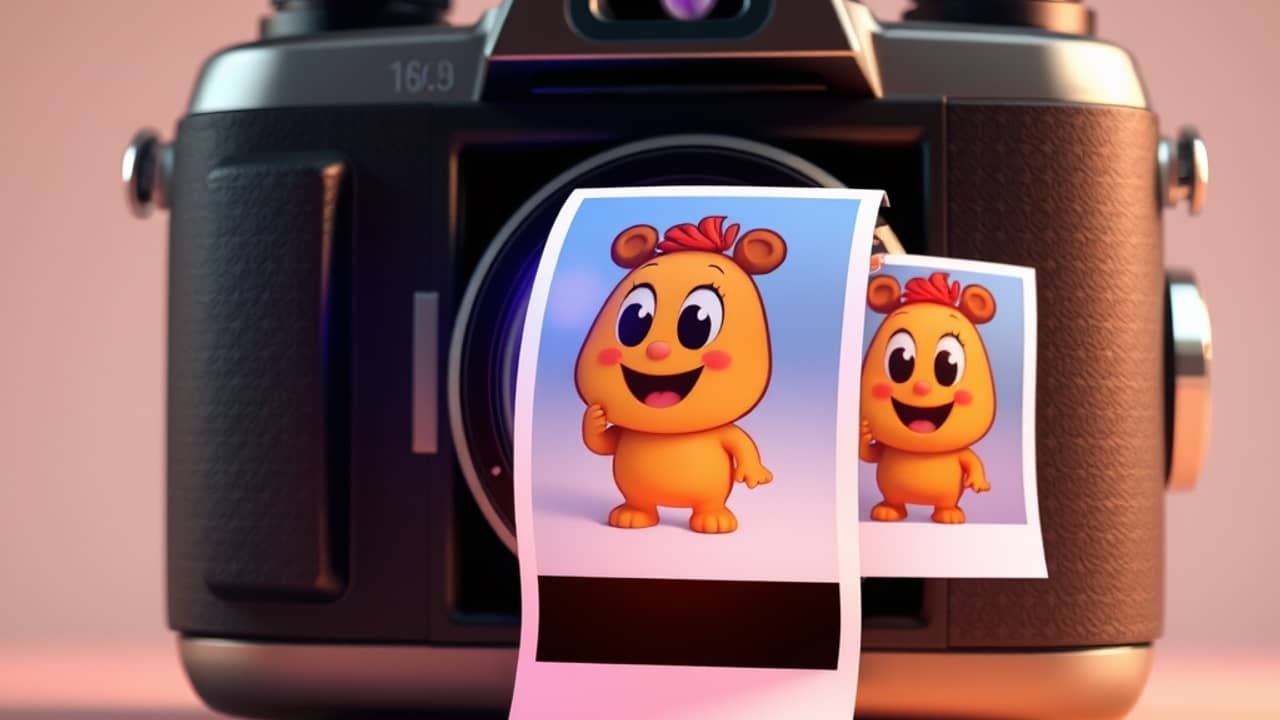
Have you ever asked an AI for a simple picture, then watched it change your dog's color or a logo's shape with every new request? OpenAI's latest image update is aimed at exactly that kind of frustration.
What is new
OpenAI says Images 2.6 brings three main changes:
- Faster images. The company says it generates pictures about 50% faster than before.
- Animated GIFs. A GIF (a short animation that loops over and over, like a tiny cartoon) can now be made from a single prompt. A prompt is simply the instruction you type to the AI.
- Steadier edits. OpenAI says characters, products, and brand details should stay the same as you refine an image.
The company also says people now create images across ChatGPT, Codex, and its API at a very large scale, in the billions each week.
Making GIFs from a prompt
OpenAI's examples show that you can describe motion, not just a still scene. Instead of "a cartoon cat," you might describe the cat waving, then pausing, then waving again, and ask for it as a loop.
OpenAI suggests a few everyday uses: reactions and memes for social media, a mascot that waves for a small business, or a quick storyboard that shows how a character moves before a real video is shot. You do not need a polished drawing to start. The company says even a rough sketch can become an expressive animated character.
What developers get
If you build tools or apps, you use the API (a way for two programs to talk to each other). OpenAI says the API now includes two image models. One is aimed at speed, and the company says it can produce some images in just a few seconds at its lowest quality setting. The other is aimed at detailed work, with higher quality and better consistency across edits at medium or high quality settings.
The API also gains tools that already exist in ChatGPT:
- Image markup: drawing on a picture to point at the exact spot you want changed.
- SVG export: SVG is a file format for drawings that stay sharp at any size, which helps with websites, apps, and printing.
- Complexity: a new setting that controls how much planning the model does. OpenAI recommends lower settings for most quick edits and higher ones for scenes with many parts.
Wrap-up
OpenAI says Images 2.6 makes images faster, adds short animated GIFs, and keeps details steadier across edits. The simplest next step is to open ChatGPT, describe one small animation you would enjoy making, and see how close the first result comes. Then request one small change and notice what stays the same.