 AI WORLD HQ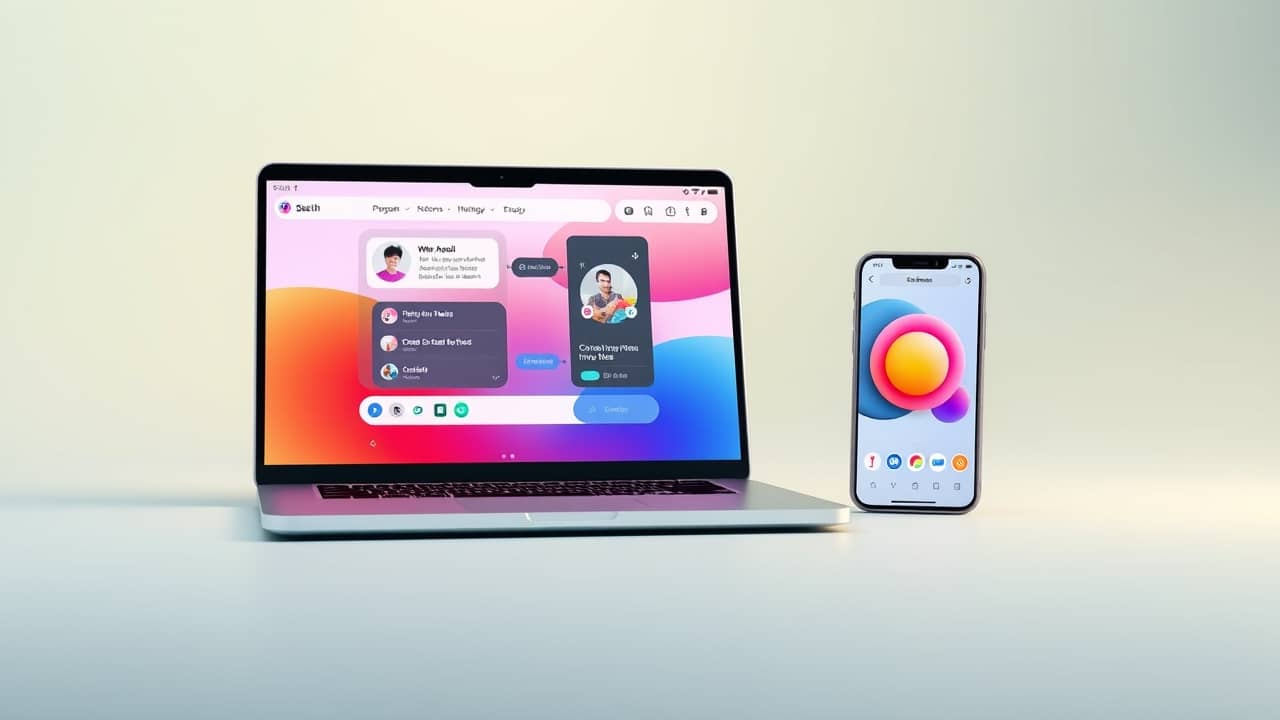
A few years ago, "AI image generation" meant opening one website and typing a sentence. That time is over. Today, the same job can happen inside a chat window, in a phone app, in browser-based software, or in a desktop program on your computer. Picking the right one is less about which is "best" and more about matching the place to the project.
Here's a practical way to think about it.
Before you pick a tool, answer three small questions
You don't need a spreadsheet. Just answer these in your head:
- What is this for? A birthday card, a social post, a school slide, a poster, a draft for work?
- How polished does it need to look? Something quick and rough, or close to finished?
- How much time do you want to spend learning? Some tools are one-click. Others reward people who enjoy writing detailed instructions (called prompts — the words you type to tell the AI what to make).
If you know the answers, the right place usually reveals itself.
The four main places AI visuals get made today
None of these is "the best." Each is shaped for a different kind of user.
- Chat assistants (like ChatGPT, Claude, or Gemini): you can now generate images or short videos right inside the conversation. Good if you already use one for writing or research.
- Web apps: you open them in a browser, no install needed. The most common starting point for one-off projects.
- Phone and tablet apps: many companies offer mobile versions, plus standalone apps from smaller studios. Good for quick edits on the go.
- Desktop software: heavier programs you install on your computer. Good for serious projects where you want more control and faster generation.
You'll also see terms like API (a way for programs to talk to each other) or MCP server (a way to connect an AI assistant to other apps). Those matter for developers, but you can ignore them if you're just making pictures and clips.
A few things to check before you sign up or pay
- Free tier? Most tools let you try a few generations before asking for money.
- Who owns the output? Some tools restrict how you can use what you make, especially for commercial work. Read the small print.
- Can you refine a result? The more useful tools let you adjust a generation instead of starting over.
- Does it keep your prompts? Worth knowing if the project is private.
How to actually pick one in five minutes
You don't need to test everything. Here's the simplest path:
- Start where you already have an account. If you use ChatGPT, Claude, or Gemini, try generating an image right in the chat. You might be done.
- If the chat result isn't good enough, open a web app. Most of the standalone image and video companies have a free web version.
- If you're on your phone, try the phone app first. Mobile versions are usually simpler, which is a feature, not a bug, when you're just starting.
- Only move to desktop software if you hit a clear limit — file size, speed, or features you actually need.
Switching later is fine. Your prompts and your eye for what looks good travel with you.
Wrap-up
There's no single "right" AI generation tool anymore. The right one is the one that fits your project, your skill level, and your budget. Pick the smallest, simplest option that gets the job done — you can always switch later.
Your next step: pick one image you wish existed and try making it today. Use the tool you already have an account with. You'll learn more from one real attempt than from reading ten reviews.