 AI WORLD HQ
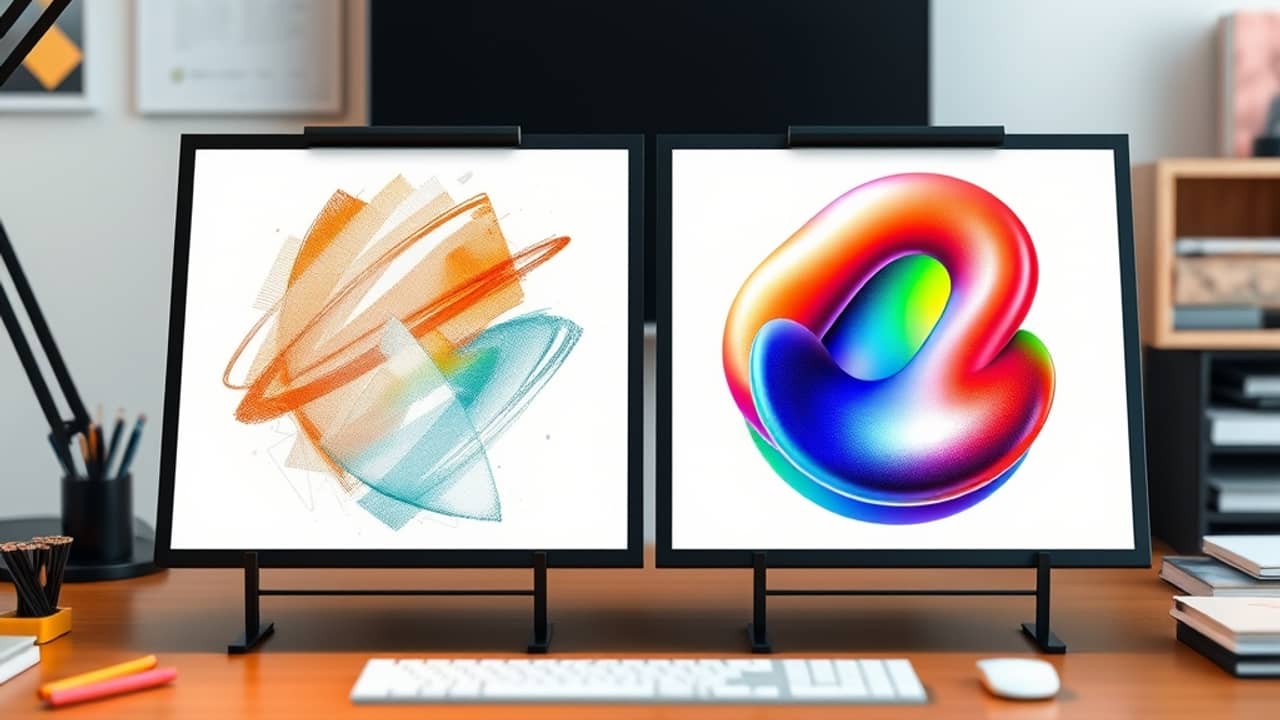
Have you ever needed a poster, a product photo, or a silly reaction image for a group chat, and spent an hour going back and forth on the details? A newer image model aims to make those rounds faster and keep your picture looking the same from one edit to the next.
What GPT Image 2.6 is
GPT Image 2.6 is OpenAI's newest image family for creating and editing pictures. You can start with written text or with an existing image, and it returns a new image. Picsart describes it as the most advanced image model OpenAI has released so far, which is the company's own claim, and it arrived on November 4, 2026.
According to Picsart's announcement, the biggest change is speed. The model generates images 50% faster than the previous generation, and it also gives you more control while you edit. Picsart says characters, products, and brand details stay consistent as you revise, so a mascot keeps its look from the first draft to the last.
Flare and Sunburst: two versions, one family
The model comes in two forms. Both share the same features, but each is tuned for a different job.
- Flare is for fast iteration. On the low quality setting, Picsart says it can make an image in as little as six seconds, which helps when you are trying many ideas in a row. Picsart also says Flare improves layout for posters, product images, and other professional visuals.
- Sunburst is for detailed work. At medium or high quality, Picsart says it produces more detailed images and holds consistency better across several edits. That matters when a character's face or a product's exact shape has to stay the same through many revisions.
Both versions support text and image input, a complexity setting, markup-guided edits, SVG output, and animated GIF output. Here is what those terms mean:
- Complexity setting: how much the model plans a scene before drawing. Low suits quick edits, while medium or high suits busy scenes.
- Markup-guided edit: you mark the exact spot you want changed, so the rest of the picture stays put.
- SVG: a file format for graphics that stays sharp at any size, handy for websites, apps, and print.
- Animated GIF: a short looping animation, like a reaction clip.
Picking the right one
A simple rule works well here. Pick Flare when you are still exploring and want many options quickly. Pick Sunburst when the picture is nearly final and needs fine detail.
Picsart highlights a few uses for animated GIFs: animating a brand mascot for a campaign, making reactions for social media, and turning a simple sketch into a moving character. The company also says you can turn a product photo into an eye-catching loop.
Wrap-up
GPT Image 2.6 gives you two ways to work in Picsart. Flare keeps the pace up when you are brainstorming, and Sunburst gives you more detail and consistency when the picture needs to be right. Check Picsart's AI tools for current availability and pricing details. Then pick one image you have been meaning to make and try it with Flare today.