 AI WORLD HQ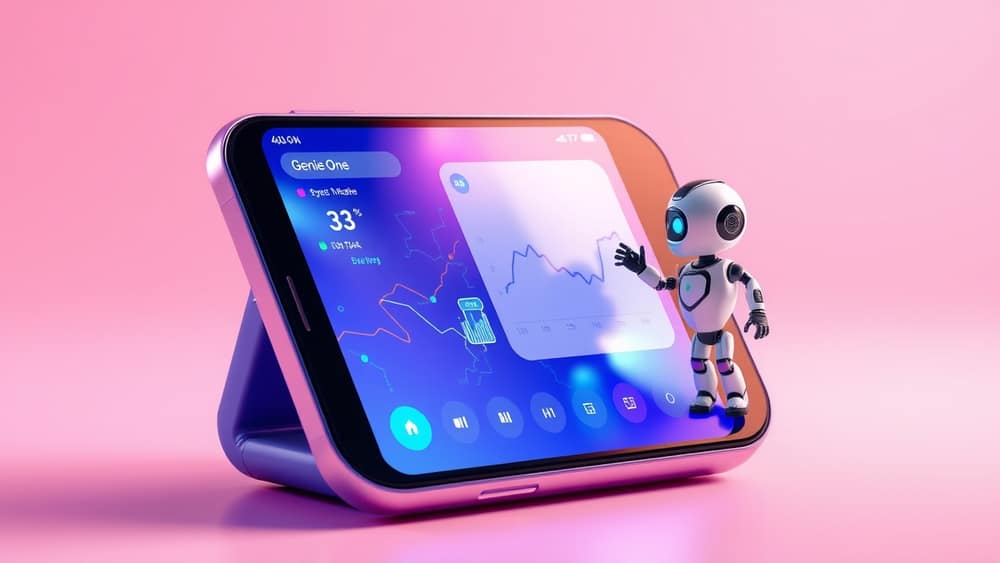
How to Get AI Insights Anywhere with Genie One on Your Phone
Ever tried to finish a report on the train, only to realise you need one more data point and you’re stuck until you get back to the office? With Genie One’s mobile app, the AI coworker you already know from your desktop can travel with you, so you can pull the right insight at the right moment – no notebook required.
Getting started
Install the app
- Open the Apple App Store or Google Play Store, search for “Genie One”, and tap Install.
- Once it’s on your device, open it and sign in with the same business account you use on your computer. This links your desktop workspace to the phone.
Set up your data sources
- Inside the app, tap Data Connect. Here you’ll see a list of integrations (cloud spreadsheets, CRM systems, project‑management tools, etc.).
- Choose the sources you need – for example, a Google Sheet with sales numbers or a SQL database with inventory.
- Each integration uses an API (application‑programming‑interface) – think of it as a bridge that lets the app talk to the service securely.
Give Genie One a prompt
- At the bottom of the screen is a text box. This is where you type a prompt (the instruction you give the AI).
- A simple prompt could be: “What was the total revenue for Q2 2024?” Genie One will pull the relevant numbers from the connected data source and reply.
Tip: The first time you ask a question, Genie One may ask you to confirm which data source to use. This is just the AI making sure it looks in the right place.
Using Genie One on the go
1. Quick dashboards in a chat
Instead of opening a full‑screen spreadsheet, type a short request:
- Prompt: “Show me a bar chart of monthly sales for the last six months.”
- Result: Genie One returns a compact visual that you can swipe through. The chart updates automatically whenever the underlying data changes.
2. Turning spoken ideas into written notes
If you’re driving or walking, use the built‑in voice recogniser:
- Tap the microphone icon and say, “Summarise the top three reasons why our churn rate increased last month.”
- Genie One listens, processes the request, and drafts a short paragraph you can copy into an email or meeting agenda.
Technical note: Voice input works thanks to a transformer (the AI’s internal structure for paying attention to important words) that converts speech to text before the LLM (large language model – the engine behind ChatGPT) generates a response.
3. Real‑time decision support
Imagine you’re negotiating a contract on the spot. Open Genie One, ask:
- Prompt: “What is the average discount we gave to clients in the same industry over the past year?”
- Genie One pulls the figure from your CRM and replies instantly, giving you confidence to negotiate with data‑backed numbers.
Wrap‑up
Genie One’s mobile app turns your phone into a pocket‑sized data analyst, letting you access the same insights you’d get on a desktop, but wherever you happen to be. Install the app, link your key data sources, and try asking a single question today – you’ll see instantly how much smoother your workday can run.