 AI WORLD HQ
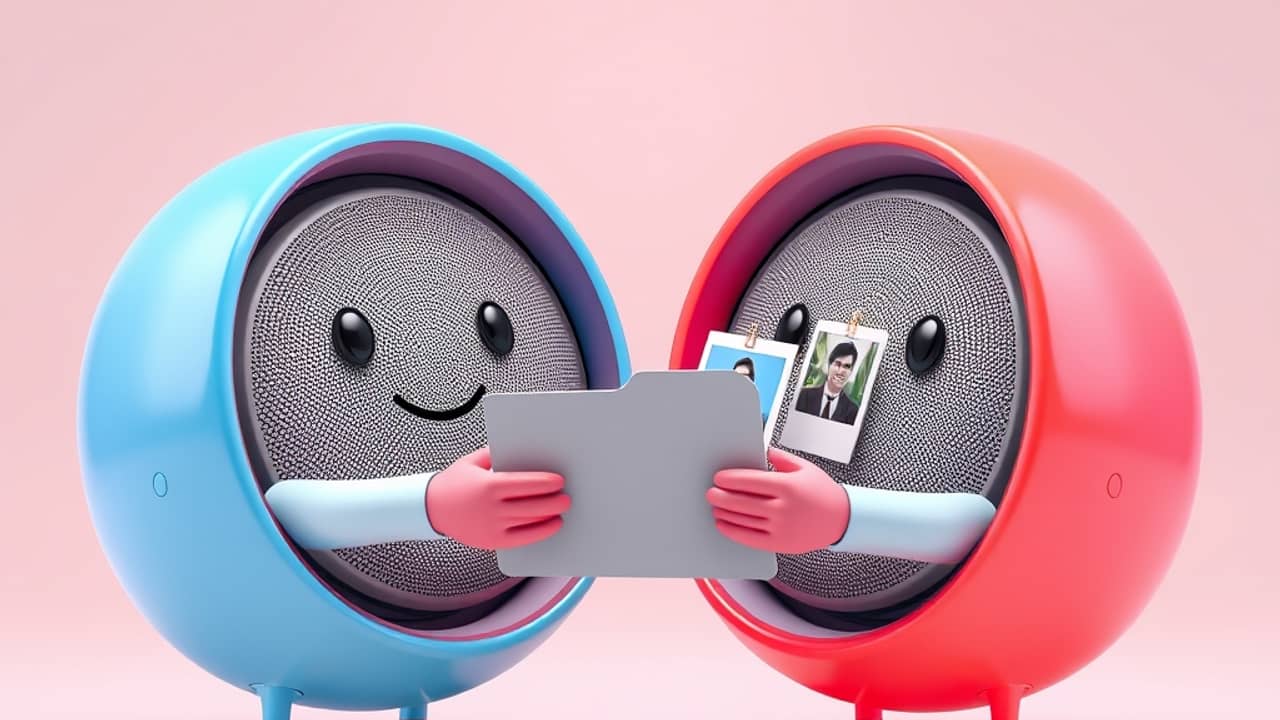
Have you ever typed the same explanation into an AI chat again and again? Maybe you describe your writing style before every email, or you remind the AI who your audience is before each draft. Google's update to the Gemini app is designed to cut down on that repetition.
What a skill is
A skill is a set of reusable instructions that guides Gemini. Think of it like a recipe card. You write the steps once, and Gemini follows them whenever it's relevant, instead of you retyping them every time. Google introduced skills in the Gemini app recently. This update adds two new abilities on top of that.
Sharing a skill with other people
You can now share any skill from the Skills page in the Gemini app. When you share, you choose whether the other person gets View access (they can use the skill but not change it) or Edit access (they can change it too).
Here's what happens on the other end, according to Google:
- The recipient gets an email notification.
- They can look over the skill before they add it.
- Once it's added, Gemini can use the skill automatically when it fits the conversation.
- They can also @mention the skill, which means tagging it by name with an @ symbol in a chat, to call on it directly.
💬 Example: A team lead might share an onboarding skill with a note like, "Use this when you're helping new hires with their first week."
Adding files from your other Google apps
When you create or upload a skill yourself, you can now include files from Google Drive, Gemini Notebook and Google Photos. You can add these alongside files already on your device. Gemini then looks at those files every time the skill runs in chats and tasks.
Google also says Drive files and Notebooks update in real time, so the skill always works from the latest version of your document. You don't have to re-upload anything when you edit it.
Here are a few examples Google gives:
- A marketing team shares a brand-voice skill that points to its brand guidelines document in Drive.
- A team lead shares an onboarding skill based on the team handbook.
- A teacher shares a lesson-planning skill built on a notebook full of curriculum notes.
Things to know before you start
- Sharing is web-only for now. You can't yet share skills or manage who has access in the Gemini mobile app.
- Drive files need sharing too. If your skill includes a Drive file, the people you share the skill with also need access to that file.
- Size limit. Uploaded files can't exceed 100 MB per skill.
- Rollout takes time. For Rapid Release and Scheduled Release domains, Google started a gradual rollout on November 12, 2026. It can take up to 15 days before the feature appears for you.
- Who can use it. Google says it's available to all Google Workspace customers and to people with personal Google accounts.
Wrap-up
Skills in the Gemini app now do more than follow your instructions. You can share them with teammates, friends or classmates, and you can ground them in the files you already keep in Drive, Notebooks and Photos. Your next step is simple: open the Skills page in the Gemini app on the web, look at one instruction you repeat often, and decide whether it's worth turning into a skill you can share.