 AI WORLD HQ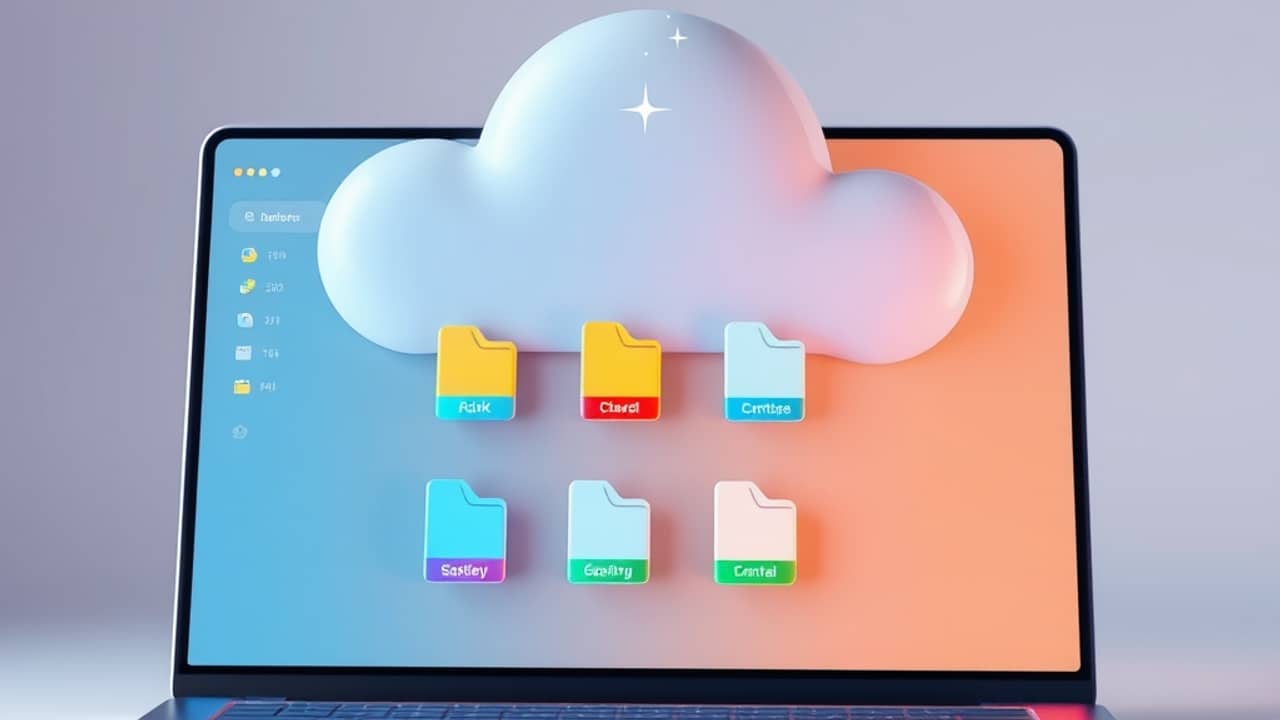
You've probably opened Google Drive at work and felt a small wave of guilt about the mess of folders, old contracts, and that one PDF from 2022. Imagine your company's IT team seeing the same thing — except they also have to worry about which files contain customer data, payroll details, or anything that legally can't leak. A new Gemini-powered feature aims to sort that out for them.
What "data classification" actually means
Data classification is just sorting files into categories based on how sensitive they are. A company might label a file "Public," "Internal," "Confidential," or "Restricted" — think of the colored folders some schools use, but for digital documents.
Until now, humans had to apply those labels manually, which meant a lot of files never got labeled at all. That's a problem when an AI assistant or even a careless employee opens the wrong document. The new Gemini feature reads the contents of files and applies the right label automatically.
What Gemini adds to the mix
Gemini (Google's family of AI models — the same technology behind the Gemini chatbot) does the reading. It looks at the text inside documents and compares it to rules the company has set up. A file full of credit card numbers gets one label. A draft press release gets another.
Once files have labels, three things become possible for the organization:
- Data loss prevention (DLP) — stop a file from being shared outside the company if it's labeled sensitive
- Retention rules — automatically delete old files when their label says they're no longer needed
- Audit trails — when something does go wrong, investigators can search by label to find every related file
The "agentic" angle is the newest concern. An AI agent (think of it as a small automated helper that can open files, send emails, or fill in spreadsheets on its own) needs permission to act on files. Without labels, the agent can't easily tell which ones are safe to touch. With labels, the company can block the agent from opening anything marked "Restricted" — without slowing down its work on the public ones.
Where this is right now
The feature is in open beta, which means any organization with a Google Workspace account can try it without a special invitation from Google. The same labeling system now also covers more file types — not just Google Docs, but PDFs and files stored in shared drives.
How the labels work day-to-day depends on each company's setup, which is one reason the rollout is gradual.
Wrap-up
AI labeling in Google Drive is one of those quiet background changes most workers never see directly but feel in small ways — fewer accidental shares, faster cleanup, fewer "who has access to this?" mysteries. For organizations, it's a step toward letting AI helpers operate safely inside a business without stepping on anything important. If your workplace uses Workspace, expect your admin team to be the ones making the decisions here — and to hear from them when they've turned it on.