 AI WORLD HQ
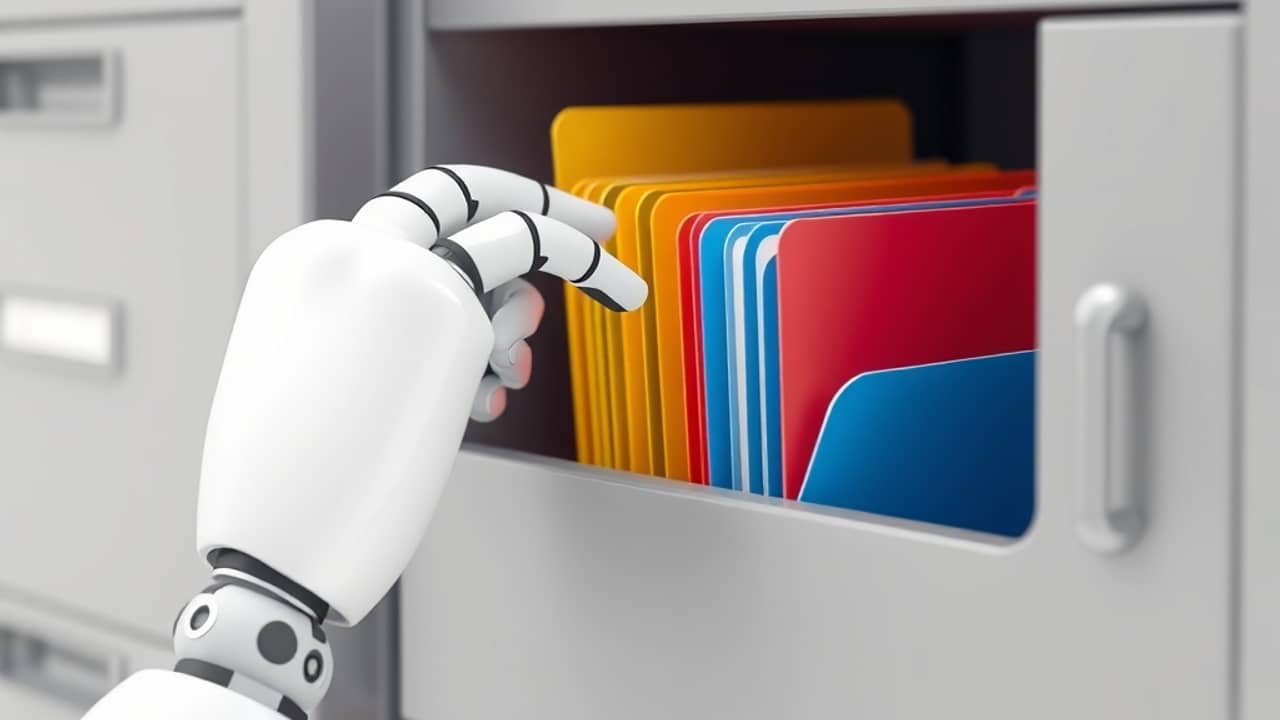
Think about a shared folder that holds thousands of files: contracts, payroll sheets, draft presentations, and old project notes. Someone has to decide which ones are sensitive, and that job usually falls to a busy admin or to whoever remembers to tag each file. Google's new feature aims to take over much of that sorting.
What changed
Until now, AI classification in Drive needed you to hand-pick example files so the system could learn what each category looked like. Google says that step is no longer required. Instead, admins write instructions in everyday language, such as "label any file that lists customer bank details," and Gemini, Google's AI model, applies the matching label. A label is simply a tag on a file that tells people and systems how sensitive it is.
How the pieces fit together
Google describes a few parts that work as a set:
- Testing first. Before anything goes live, admins can run their instructions in the Admin console and preview which label Gemini would apply.
- Control stays with admins. Admins pick the label, write the instructions, and choose which files are in scope.
- A human check. Editors and owners with the right label permissions can accept a Gemini-applied label or change it.
- A record of changes. Audit logs, which are running records of who did what, show when files were labeled and when someone accepted or changed a label.
- Near real-time reporting. On the model details page, admins can see how many files have been labeled, how often users accept labels, and Drive inventory figures.
Google says these labels help organizations enforce data loss prevention (DLP) rules, which block sensitive information from being shared where it shouldn't go. They can also support retention rules, which decide how long files are kept.
Limits to know
Google lists several boundaries:
- An organization can have one active Gemini instruction model, and up to five AI classification models in total.
- Files must be in Shared Drives or owned by users with supported licenses.
- Gemini needs roughly 50 words and 200 characters of readable text to make a reliable call. Client-side encrypted files and images without readable text are skipped.
- Labels that people applied manually, or labels set by DLP rules, are not overwritten.
- Turning on auto-apply starts a one-time scan of existing files. Google says it typically begins within one to two weeks, but finishing can take weeks or months. On-demand rescanning of already-checked files is not part of this release.
- Google says processing respects Data Regions (US or Europe) and that Drive files and prompts are not used to train Google's global models.
Rollout for Rapid Release and Scheduled Release domains starts November 17, 2026, with completion expected by December 15, 2026. Admins can find the setting under Security, then Data classification, in the Workspace Admin Console. Google lists Enterprise Plus, Google AI Pro for Education, and Frontline Plus as eligible editions. For plan details, check Google's official pricing and edition pages.
Wrap-up
Gemini's AI classification in Google Drive moves labeling from example-based training to plain-language instructions, with testing, human review, and reporting built in. The most useful next step is to open the Data classification section of the Admin console, or read the Help Center guide, and decide which folder would benefit most from a trial.