 AI WORLD HQ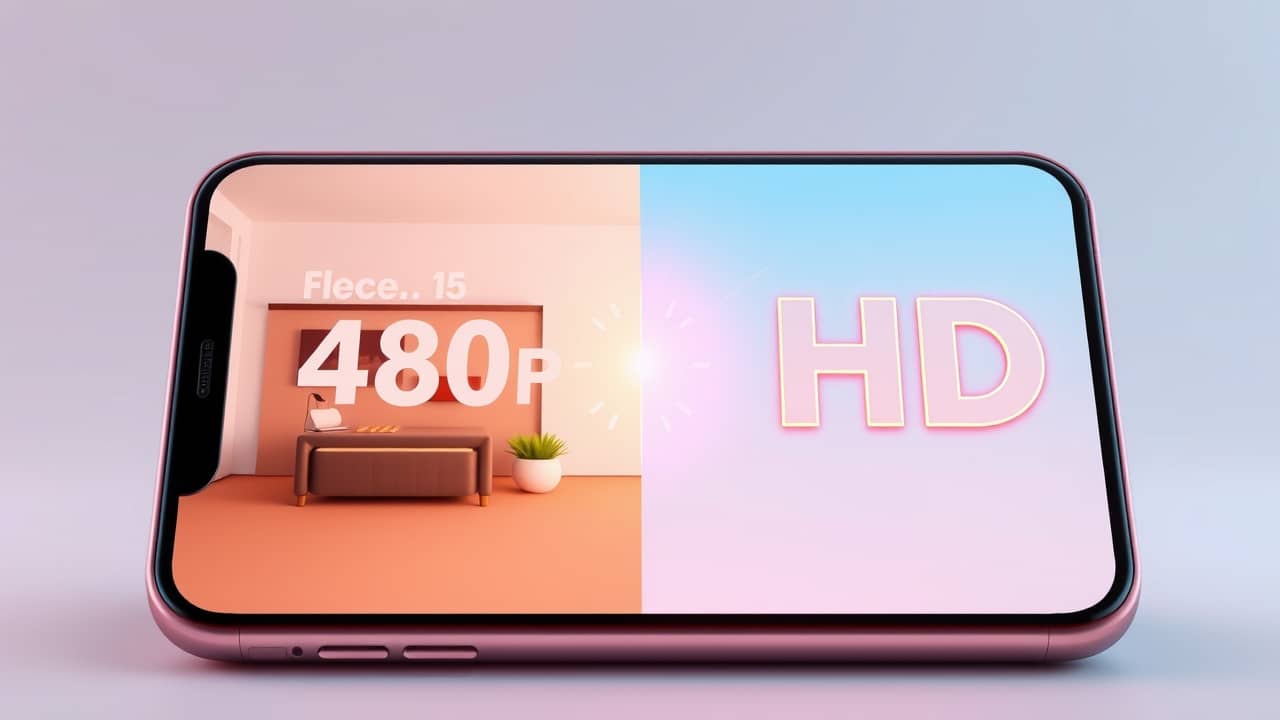
You pull up a video from a family trip ten years ago, and it looks soft and blocky on your new phone. Or you find the perfect clip for a presentation, and it's only 480p (the old "standard definition" size — about the resolution of a DVD). Reshooting isn't an option. That's where AI upscaling earns its keep.
What "upscaling" actually means
Traditional upscaling stretches the pixels (the tiny colored dots that make up a digital image) and blurs the gaps. It makes the video bigger, but not sharper.
AI upscaling works differently. A model has been trained on millions of pairs of low-res and high-res images, so it has learned what realistic detail looks like — the curve of an eyelash, the texture of brick, the edge of a leaf. When you feed it a fuzzy clip, it doesn't just stretch the pixels. It imagines the missing detail and fills it in. The result looks closer to what the original scene probably looked like in person.
It's not magic. AI can invent plausible texture, but it cannot recover a face that's truly lost. The improvement is real, though, especially for clips that are slightly soft rather than catastrophically low-res.
A few situations where it shines
- Family videos shot on older phones or cameras. 720p home footage that looked fine on a 2012 TV looks rough on a 4K screen. Upscaling brings it back into the present.
- Screen recordings for work or study. Old tutorials recorded at low resolution become readable again.
- Stock footage for a project. A clip you love but in the wrong resolution.
- Gameplay captures. Older console captures that look pixelated on modern monitors.
Wrap-up
AI video upscaling is one of those quietly useful tools that solves a problem most people have but don't have a name for. Pick a short test clip, try one tool, and compare the before-and-after on the largest screen you have. Once you see what a few minutes of processing can do to a ten-year-old video, you'll know whether it's worth doing for the rest of your archive — and you'll have a workflow you actually trust.