 AI WORLD HQ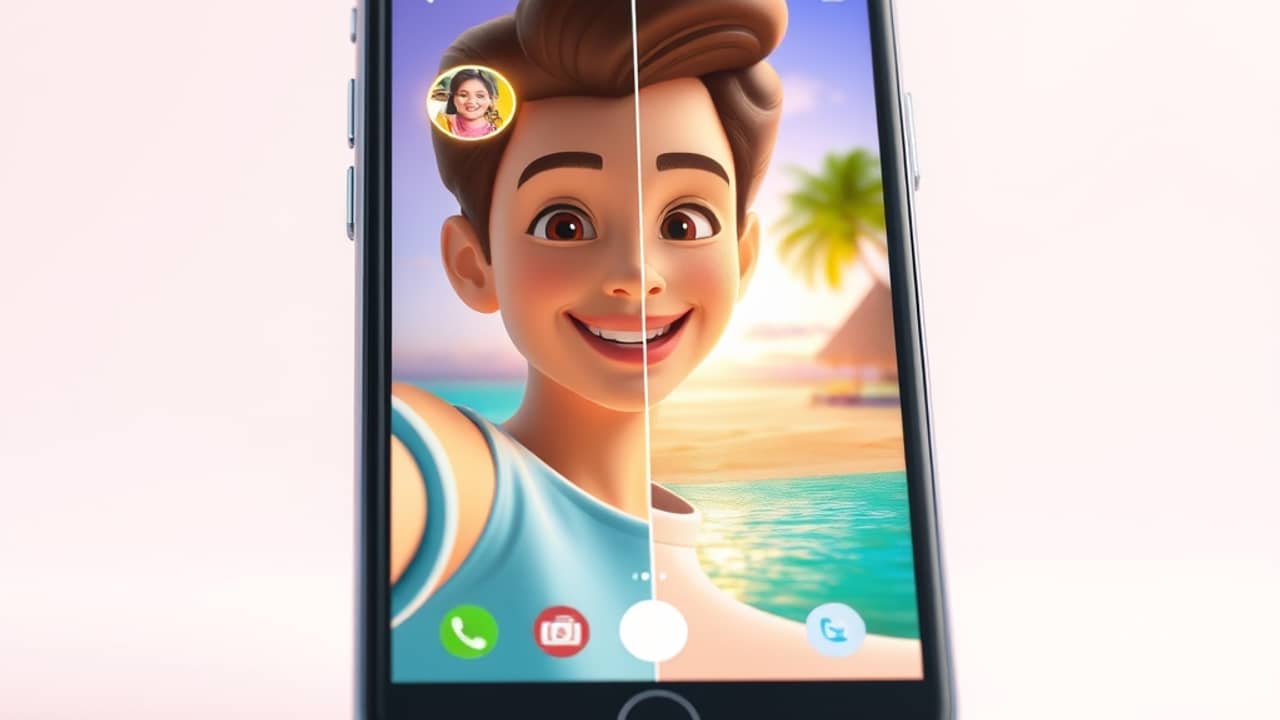
You just got back from a weekend trip. You want to post something fun for your followers, but you barely took any video. The phone stayed in your pocket most of the time. Sound familiar? For years, that meant either skipping the post or sending a static photo album. Now there's a third option — and it's getting surprisingly good.
What "AI travel videos" actually means
The phrase sounds like marketing fluff, but the pieces behind it are real:
- Avatar video — you upload one clear photo of your face, and the AI generates a short clip of "you" speaking, blinking, and moving naturally. The technical name is a talking-head avatar (a digital version of your face that can be animated to look like it's talking).
- Synthetic B-roll — the cutaway shots travel videos use to set the scene: a beach, a train platform, a café window. Instead of filming them, you can generate them with text-to-video AI — a tool where you type a description, and the AI produces a short video clip.
- Auto editing — modern video editors now stitch avatar clips and synthetic B-roll together with captions and music, often without you touching a timeline.
Put together, this is roughly what a one-person travel vlog looks like — except the "person" is your AI avatar, and the "footage" is generated, not filmed.
The basic workflow
You won't memorize one tool's menus here, because the actual workflow is the same across most of them. It's four moves:
- Start with a clean selfie. Front-facing, good light, eyes open, no sunglasses. This becomes your avatar's "face." A blurry or group photo usually gives weird results.
- Write what you want to say. A short script — 30 to 90 seconds works best for short-form platforms. Conversational beats polished.
- Pick a tool that fits your goal. Avatar generators lean toward "person talking to camera." Text-to-video tools lean toward "show me the scene." Some platforms do both.
- Combine and post. Most avatar tools export a short MP4 file. Drop it into any free editor you already use — CapCut, iMovie, anything — and add a title card, captions, and a song.
You don't need to be a video editor. You need about 30 minutes, one good selfie, and a short script.
Real tools worth knowing
The market is moving fast, but a few well-known names cover most use cases:
- Hedra and D-ID — upload a photo, paste a script, get a talking-head clip in minutes.
- HeyGen — same idea, with more avatar styles and language options.
- Runway and Kling — text-to-video generators that produce scenic B-roll when you describe a place or moment.
- Synthesia — more of a business tool, often used for explainer videos rather than travel content.
I'm not going to walk through each tool's menus here — they change often, and the right one depends on what you're trying to post. Pick one, try the free tier first, and budget an hour to learn it.
Wrap-up
A travel video from a single selfie isn't science fiction anymore — it's a tool category that already exists, with free tiers to try. Pick one avatar tool, write a 30-second script about somewhere you've been, and see what comes out. The first result won't be perfect, but it'll be yours, and it'll be posted in under an hour.