 AI WORLD HQ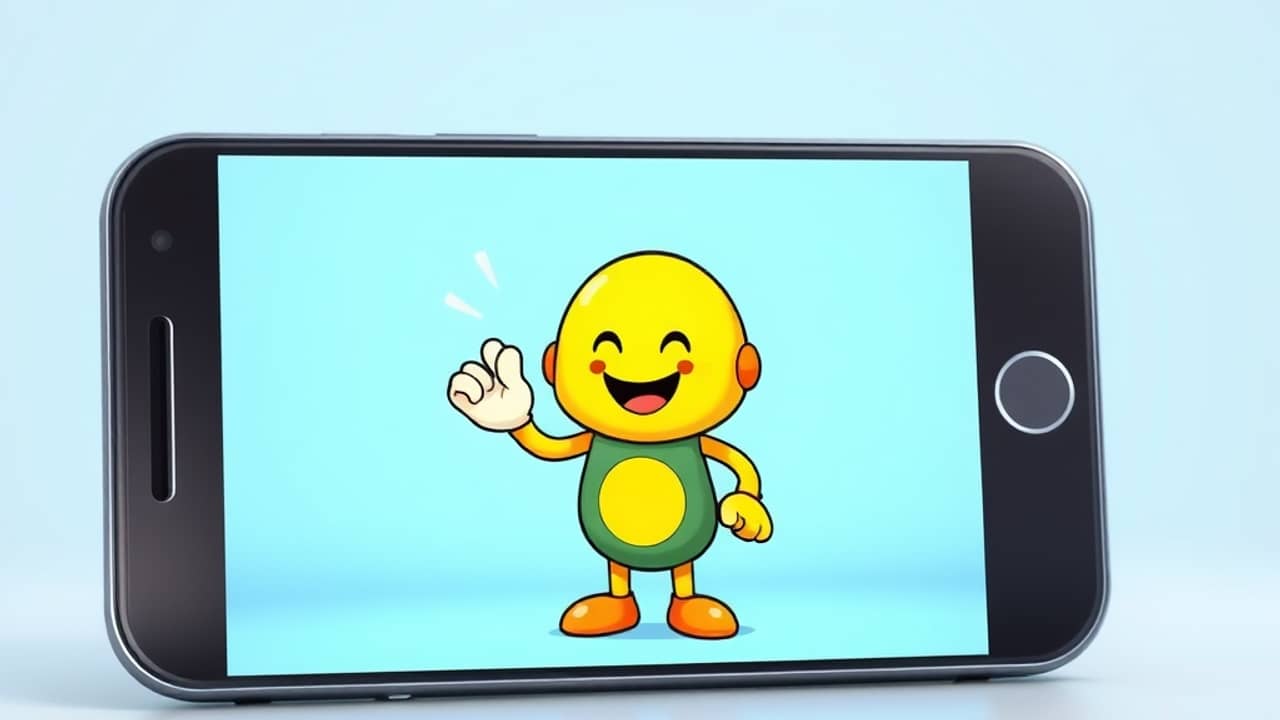
Picture the kind of short video you see on your phone a dozen times a day: an illustrated mascot blinks, tilts its head, and gestures while someone off-camera talks about a product. Five years ago, that took a video editor, an animator, and probably a few thousand dollars. Today, you can pull it off in an evening with a tool that did not exist in this form two years ago. The technology behind it is called AI motion control for character animation.
What it actually does
At its core, the workflow is simple. You give the AI two things:
- A still image of the character you want to animate — a portrait, an illustration, a logo with a face, your own headshot.
- A reference video of any movement you want that character to copy. You could film yourself waving, dancing, or just sitting and talking. The AI does not care about the subject of the video, only how the person in it moves.
The model then generates a new clip where your static character performs roughly the same actions — same head tilt, same hand position, same timing. The result looks as if your character was actually filmed, even though the AI built it frame by frame.
The technical name for the underlying idea is motion transfer — moving a performance from a source actor onto a target character. Older animation software forced animators to set every keyframe (each drawing, or each captured moment of the motion) by hand. This newer approach lets the motion data (the math describing where each body part moves, second by second) drive the picture instead.
Why people are excited about it
Four things make this useful in everyday creative work:
- You do not have to animate. If you can film yourself and pick a character image, you can produce a moving clip. No storyboarding, no rigging, no frame-by-frame work.
- It works across styles. Photorealistic faces, cartoon mascots, anime characters, even painted illustrations can each become the target.
- It pairs with text and voice. Once you have a moving character, you can drop it onto a voiceover, a song, or a slideshow with surprisingly little editing.
- It is fast. Most tools render a 5–10 second clip in a few minutes, which is hours faster than traditional animation for the same length.
Where the limits still are
It is not magic, and the rough edges matter when you plan a project:
- Hands and fingers still misbehave often. Watch any sample and you will likely spot a thumb bending the wrong way or a finger that disappears for a beat.
- Long clips lose coherence. Most tools output a few seconds at a time, and stitching them together can produce small jumps in lighting or pose.
- The character style can drift. A flat cartoon fed a video with dramatic lighting may come back with shadows your original never had.
- You still need a clean reference video. Shake the camera, slouch, or walk out of frame, and the AI faithfully copies all of it.
Wrap-up
AI motion control takes a still image and a video, and returns a new video where the image moves like the person in the source. It is not going to replace a Pixar animator, but it is the easiest way anyone has ever had to make a character move without learning to animate. A simple starter project: take one of your own photos and pair it with a 10-second clip of you waving. See what the AI does — that is your starting line.