 AI WORLD HQ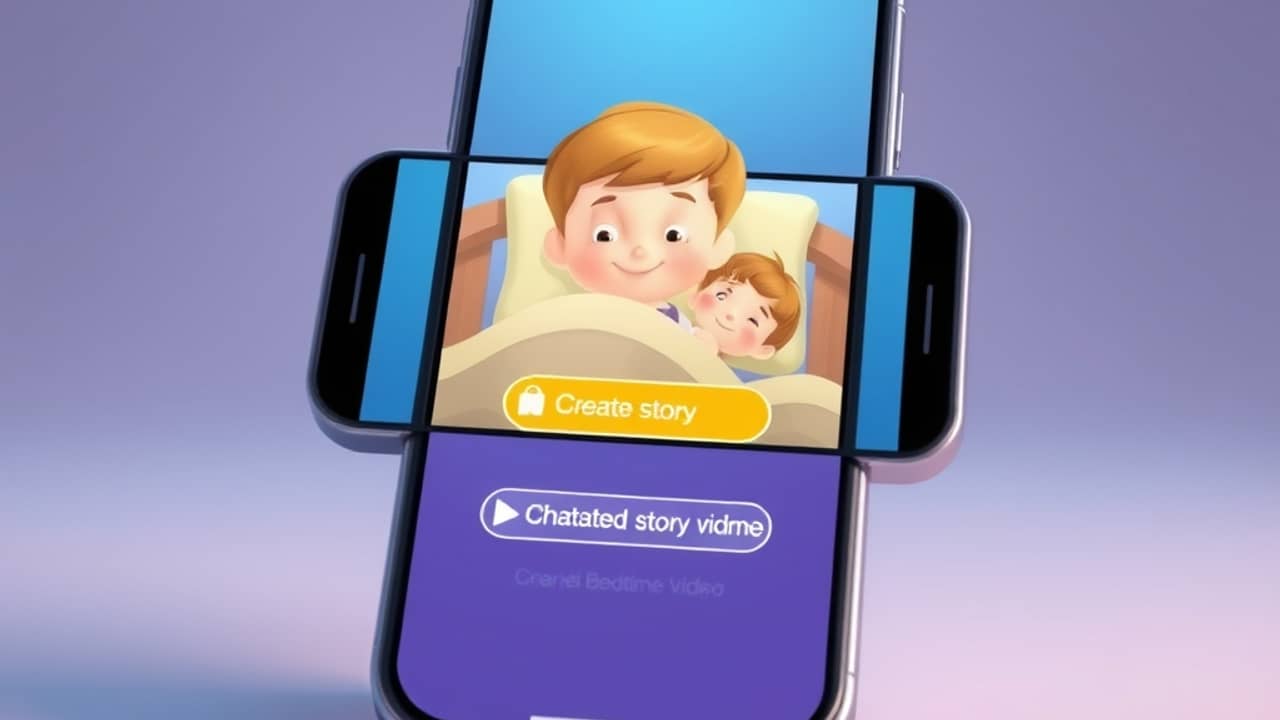
Picture the end of a long day. Your kid is wired, you are tired, and the usual books just aren't landing tonight. A small new category of AI tools promises a tiny rescue: snap one photo, type your child's name, pick a lesson, and the tool hands back a short animated video where they are the hero of the story. No drawing, no scripting, no editing timeline. It sounds a little like science fiction, but the technology is here now and works roughly the way it sounds.
What the tool actually does
The category is sometimes called image-to-video — you give the AI a still picture, and it returns a short moving clip built around that image as the main character. In this bedtime-story version, the AI invents a tiny plot: a hero, a small problem, a resolution, and a gentle moral. It animates the character across a few simple scenes and layers a narrator's voice on top reading the script. Your child's name gets woven into the dialogue so the character on screen calls them by name.
The output is usually around 30 seconds — closer to a song than a movie. It is built for a phone or tablet, slipped into a bedtime routine, and not meant to stand in for a 20-minute picture book. The exact tools offering this workflow change from month to month, so it's worth searching for "AI bedtime story from a photo" and reading recent reviews before you pick one.
How the workflow usually goes
The exact buttons depend on the app, but the shape is consistent across tools.
- Pick or take one clear photo. A drawing on paper, a stuffed animal, or a costume character works well. Apps do best when there is one clear hero in the frame.
- Type your child's name and age. This is what gets woven into the script the AI writes.
- Pick a theme. Most tools offer a small menu — kindness, courage, trying new foods, going to sleep on time — and write the story around it.
- Generate. The video comes back in a minute or two.
- Watch together. Most apps let you save the clip or replay it inside the app.
You don't write any of the story yourself, and you don't edit a timeline. The AI handles the script, the animation, and the voice.
Things worth knowing before you try
A few honest limits are worth keeping in mind.
- These are short. Thirty seconds is enough for one tiny plot, not a full bedtime story.
- The voice is synthetic. The narrator is an AI voice, not a parent. Many kids don't mind; some notice immediately.
- Privacy matters. You are uploading a photo to a third-party service. Read the privacy policy first. Some apps keep the photo, some delete it after generation, and some let you delete it manually. If the picture is of your actual kid, that detail matters.
- It is not a replacement for reading aloud. A 30-second clip does not replace the slow, warm, attention-on-you moment of a parent reading. Think of it as a fun extra, not the centerpiece.
- Results vary. A clear, single-character photo works much better than a group shot, a blurry phone snap, or a cluttered background.
- The market moves fast. Tools appear, get renamed, and disappear. A review from six months ago may describe a feature that no longer exists.
Wrap-up
AI bedtime story videos are a real category now, and the basic idea is genuinely simple: one photo, one name, one lesson, one short video back. They are best treated as a small, fun extra in a bedtime routine — not as a replacement for a book or a parent's voice. The easiest way to see if your child likes them is to try one tonight with a drawing or a favorite toy first, before sharing a photo of them. If it lands, you will know within the first ten seconds of playback.