 AI WORLD HQ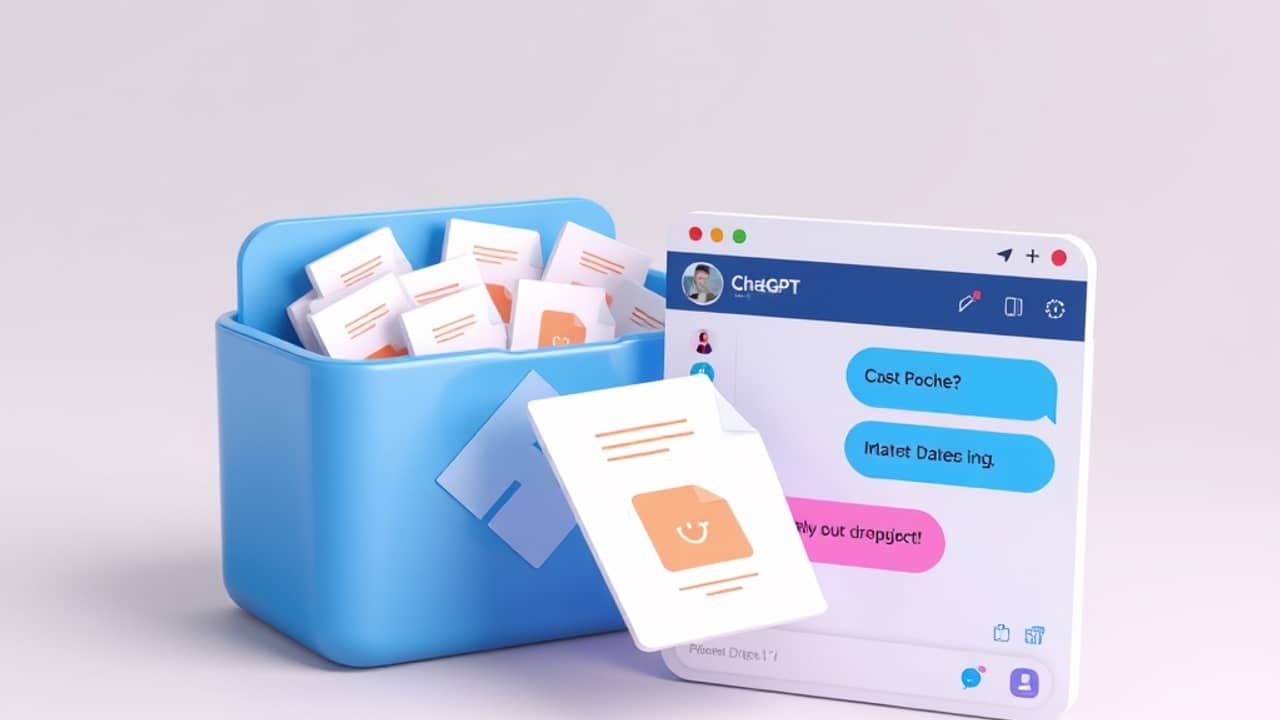
You're three pages into a 30-page report, and you need a one-paragraph summary by 5 PM. The old move was to skim the document, copy-paste the key bits into ChatGPT, and ask for a summary. The new move is simpler: point ChatGPT at the file in Dropbox and ask. The AI reads it for you.
That's the practical shift behind Dropbox's new connection with OpenAI's products, including ChatGPT.
What "context layer for AI" actually means
When an AI answers a question, it normally relies on what it learned during training — a huge amount of public text. That's useful, but it doesn't know about your company, your projects, or yesterday's meeting notes.
A context layer is a way to fix that. In plain terms, it means giving the AI access to a specific set of files it can read while answering you. Think of it as handing the AI a stack of reference notes before it speaks.
In this case, Dropbox provides that stack. Instead of opening PDFs and copying text into ChatGPT, your team's files become the source the AI reads from. That's why people describe this as "grounding" the AI — the answers are tied to documents that actually exist, not just to what the AI remembers from training.
What changes in a normal workday
A few things that used to take copying and pasting can now happen in one step:
- Summarizing a long report. Ask ChatGPT to read a file from your Dropbox folder and give you the three main points.
- Drafting from past work. Pull up a folder of previous proposals and ask the AI to write a new one in the same style and tone.
- Onboarding a new teammate. Point the AI at a "getting started" folder and ask it to build a checklist for the new hire.
- Answering questions about a project. Ask "what did we decide about pricing last month?" and the AI checks the relevant documents instead of guessing.
The common thread: less time shuffling files, more time thinking about what to do with the information.
What this is — and what it isn't
It's worth being clear-eyed. The AI doesn't magically know everything in your Dropbox. It only reads the files you point it at, and only when you give it permission to. It won't reorganize your folders or invent new documents. It also can still make mistakes — "grounded" answers are more reliable, but they're not perfect. Always check the source when something matters.
There's a privacy side to think about too. The integration is mainly built for workplaces that already use Dropbox for team content. Whether personal Dropbox accounts can connect, and which ChatGPT plan unlocks the feature, varies — check Dropbox's current page before assuming you can use it today.
Wrap-up
The headline is small but the shift is real: AI gets more useful when it can read your own files. Dropbox's connection with ChatGPT turns your existing document library into something the AI can use as a reference. Try it on one small task this week — a single report, one folder, one summary — and see how it feels.