 AI WORLD HQ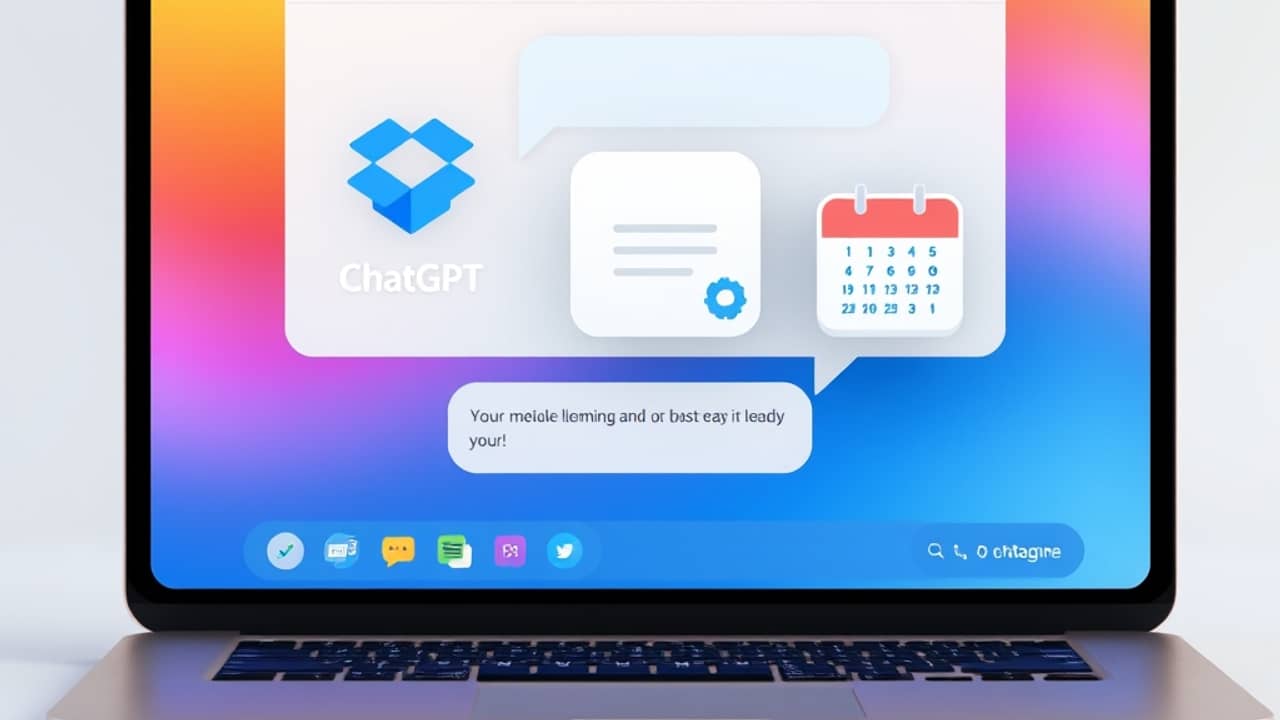
We all know the moment. You're halfway through a chat about a project, you suddenly need the version of the plan from last month, and you find yourself jumping between four tabs: Slack, Dropbox, your email, your calendar. Each one needs its own search bar. By the time you find the right file, the conversation has already moved on.
That's the friction OpenAI is trying to remove. ChatGPT has been turning into something more than a chat box — it's becoming a place where the AI can talk to the other tools you already use, so you can ask once and get an answer from all of them.
What's actually new
Three new Dropbox-built apps are now available inside ChatGPT:
- Dropbox — lets ChatGPT pull up files from your Dropbox account based on a description you give.
- Dropbox Dash — Dropbox's own search tool that looks across many apps at once. With it connected, ChatGPT can search Gmail, Slack, Notion, and others from a single prompt.
- Reclaim AI — a calendar app focused on scheduling. Once connected, ChatGPT can see your week, find a free slot, or block time for you.
Each one is an "app" in the ChatGPT sense — a small connector that gives the AI permission to read (and in some cases, write to) another service on your behalf. In plain terms: you turn the connector on, you grant access once, and then you mostly forget about it.
Why this matters
Until recently, ChatGPT only knew what you typed into the chat. Anything you wanted it to use — a file, an email, a calendar event — had to be pasted in by hand. Now it can ask your tools directly.
A few everyday moments this changes:
- "Find the slide deck I sent Sarah last Thursday" — ChatGPT searches your Dropbox and links the file.
- "What does my Tuesday look like?" — ChatGPT reads your Reclaim calendar and answers in plain English.
- "Where's the latest version of the Q3 plan?" — Dash searches across your connected apps at once.
You don't have to remember filenames, dates, or which app stores what. You describe what you need.
Wrap-up
ChatGPT is quietly becoming a single window into your work life — files, calendar, search, all reachable through a plain question. The three new Dropbox-built apps are the latest example of that direction. The simplest way to find out if it helps you is to connect one app, ask one real question from your actual workday, and see how the answer compares to your usual five-tab dance.
That takes about two minutes, and it's the best way to know whether this kind of integration is useful for the way you actually work.