 AI WORLD HQ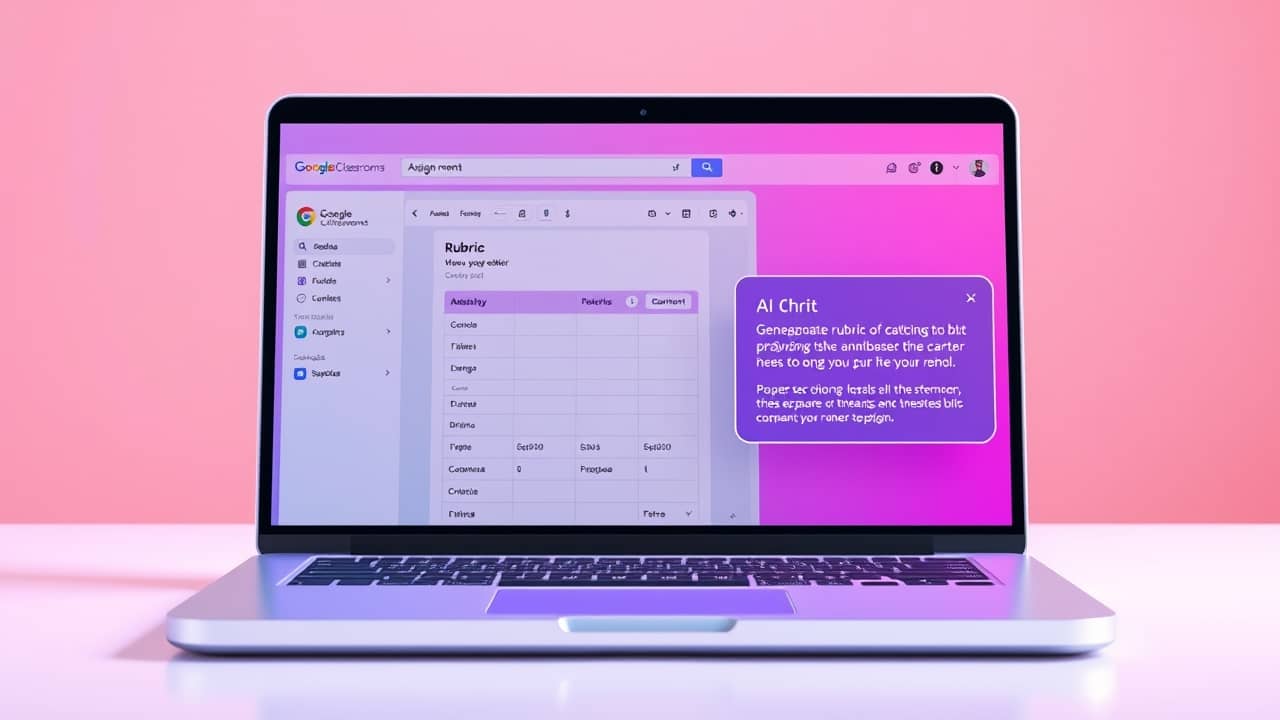
It's 10 pm the night before an assignment is due. You're staring at a blank rubric template, trying to remember if "thesis clarity" should be worth 5 points or 10. That blank-page moment is exactly where an AI assistant can step in — even though Classroom itself isn't doing the drafting for most teachers yet.
What Google Classroom actually offers for rubrics
Google Classroom has had a native rubrics feature for a while now. When you're creating an assignment, you can build a rubric with rows (criteria) and columns (performance levels), reuse it across assignments, share it with students so they see how they'll be graded before they submit, and grade student work directly against the rubric. That part is real, widely available, and works without any AI at all.
If you've never tried it, it's worth opening the assignment creation screen in Classroom and scrolling down to the rubric section just to see what's there.
Where things get less clear: AI-generated rubric drafts inside that flow. Google has been adding Gemini features across Workspace for Education — search, side panels, and writing helpers — but whether your specific Classroom view shows an AI option depends on your account type, your school admin's settings, and which Workspace edition your district uses. Some teachers see AI helpers; some don't.
A simple AI workflow that works today
Here's the most reliable path right now, even if your Classroom doesn't show any AI buttons:
- Open Gemini (gemini.google.com) or another AI assistant in a separate browser tab.
- Describe your assignment in a few sentences.
- Ask the AI for a draft, then edit it to match your standards.
- Paste the finished rubric into Classroom's rubric builder.
A prompt you can copy and adapt:
"I'm a middle-school English teacher. Draft a 4-row rubric for a 5-paragraph persuasive essay. Use a 4-point scale (4 = exceeds, 1 = needs improvement), and make each criterion specific and observable."
Most teachers find this takes about ten minutes total instead of the 45 a from-scratch rubric usually eats. You'll still do the editing — that's the part that matters most — but the blank page is gone.
Wrap-up
The honest answer is this: Classroom has solid rubric tools, and AI assistants can absolutely help you draft the content — but the seamless "AI writes it inside Classroom" flow isn't something every teacher can count on yet. The most reliable approach today is to draft with AI in a separate tab, edit until it fits your class, then attach it in Classroom.
Try this tonight: open Gemini, paste the prompt above with one of your real assignments, and see what comes back. Even if you only use one row from the AI's draft, you've saved yourself a few minutes of staring at a blank page — and those minutes add up over a school year.