 AI WORLD HQ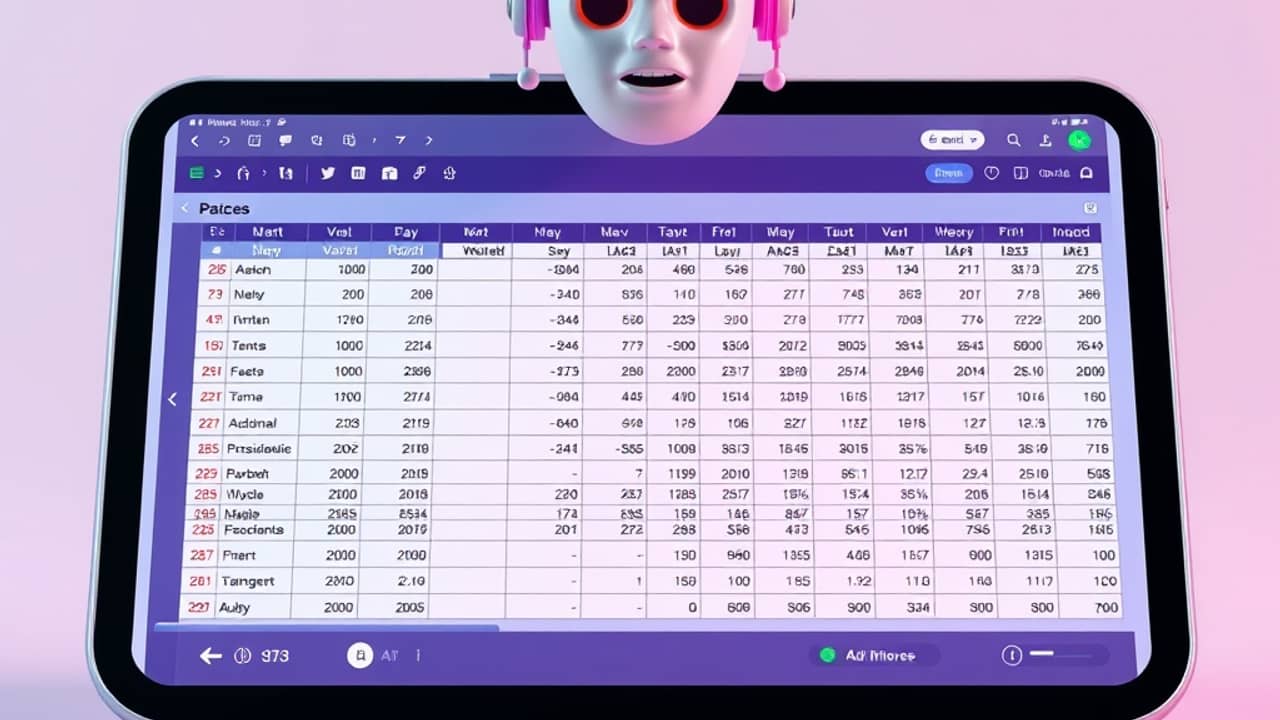
You've probably asked an AI to summarize a messy spreadsheet, find a pattern in your spending, or pull insights from a work report, and the response came out vague, weird, or just made up. The reason is rarely that the AI is "stupid." More often, it's that the AI was reading messy, ungoverned data — and no model can fix that for you.
What "AI analytics" actually means
AI analytics is the practice of using AI tools to find patterns, summarize trends, and answer questions in data — usually faster than a human could. The data can be almost anything: sales numbers, customer feedback, your monthly spending, even your step count.
A normal dashboard shows you charts. AI analytics can go further and say something like: "Your spending spikes every third weekend, mostly on dining out, and here's what you could trim." That's genuinely useful — but only if the underlying numbers are trustworthy.
The "governed data" idea: why AI is a picky reader
"Governed data" is a fancy phrase for a simple idea: the data has clear rules. Every column has a consistent name and meaning. Dates all use the same format. Categories don't overlap. Duplicates get removed. Someone — or some process — keeps it that way.
Think of the AI as a very smart reader with zero context about your life. If you hand it a spreadsheet where "Region" is written as "USA," "United States," and once "US," the AI can't tell those are the same thing — unless someone cleaned that up first. Same idea with a fitness tracker where some days show 8,000 steps and others show "didn't track." The AI doesn't know your world; it only knows what you put in front of it.
What bad data looks like in real life
Bad data isn't always obvious. A few shapes show up over and over:
- The same thing, many names. "Apple," "Apple Inc.," and "AAPL" all mean one company. Without a rule, the AI counts them as three.
- Missing values. A blank cell might mean "no sale" or "we forgot to log it." The AI has to guess — and usually guesses wrong.
- Inconsistent units. Some rows in dollars, some in thousands of dollars. Suddenly your "growth" looks 1,000× bigger than it really is.
- No time stamps. Without a clear date column, the AI can't tell you what changed last month versus last year.
These aren't exotic problems. Most personal spreadsheets, side-business ledgers, and even large company databases have at least one of them.
Wrap-up
AI analytics is genuinely powerful — but it's not magic. It reads what you give it, and if what you give it is messy, the answers will be messy too. The good news is that most of the cleanup is ordinary human work you can do in an afternoon. Pick one spreadsheet, give the columns clear meanings, make the formats consistent, then try your AI question again. You'll likely be surprised how much smarter the AI suddenly seems.