 AI WORLD HQ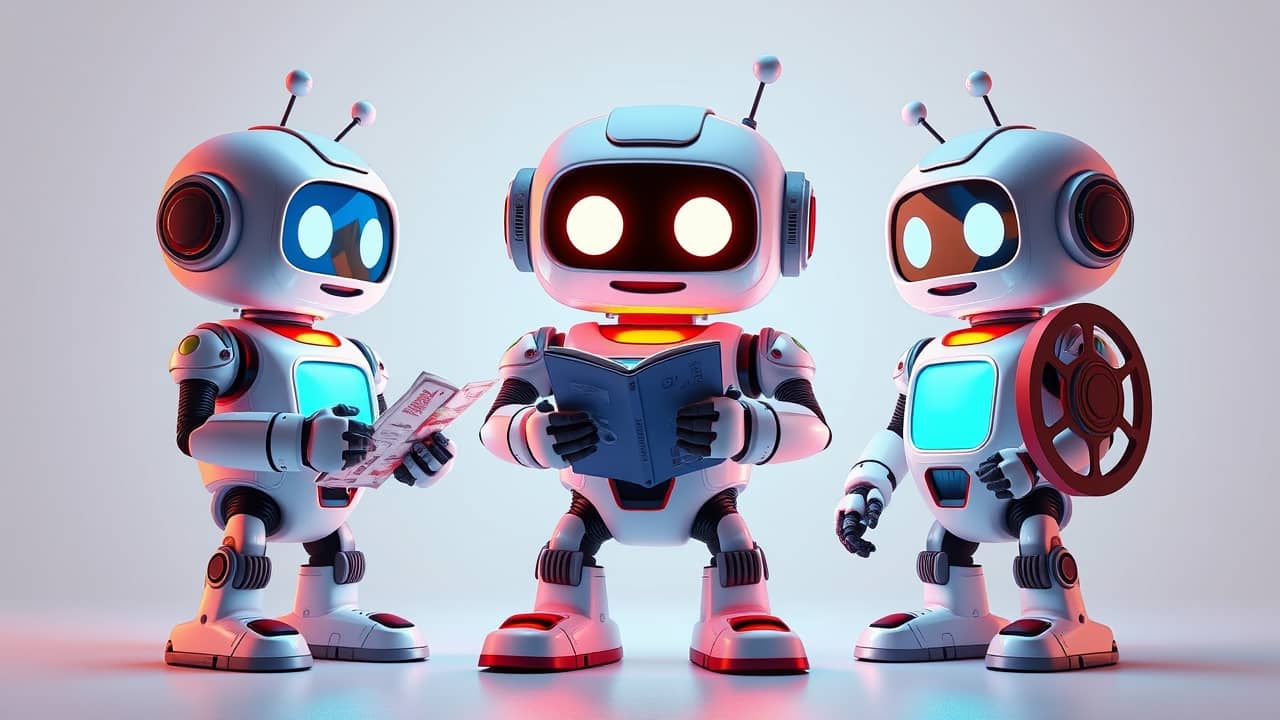
Picture this: you ask one friend for restaurant advice, another for the driving route, and a third for a movie to watch. Each one knows a different corner of the answer. Now imagine an AI assistant that quietly builds the same kind of small team behind the scenes before it replies to you.
That's the basic idea behind multi-agent AI. And it's the direction a growing number of AI companies are exploring right now.
What is "multi-agent" AI?
When you chat with an AI today, you're usually talking to one model — a large language model (think of it as the engine behind ChatGPT, Gemini, and similar assistants). You type a prompt (the instruction you give the AI), and that one model gives you an answer. Simple, fast, and good for most everyday questions.
A multi-agent setup is different. Instead of one model handling your request end-to-end, the system spins up several specialized AI assistants at once, each with a slightly different job. Think of it like a small project team:
- One agent breaks the question into steps
- Another researches the topic
- A third checks the work for errors or missing details
- A fourth writes the final answer in plain language
You still see one reply, but several assistants collaborated to build it.
Why companies are testing this
Single-model assistants are powerful, but they struggle when a question needs planning, research, and checking all at once — the kind of work a small team of humans handles better than one person. Multi-agent designs try to split the job the same way.
Several AI companies have shown this kind of approach publicly in recent months. If you follow AI news, you've probably seen the term "multi-agent" attached to beta tests (limited public trials of unfinished features) at one company or another. Specific version numbers, build tags, and rollout details change quickly and aren't always clearly documented — so it's safest to think of this as an active area of experimentation rather than a finished product you can buy today.
How it feels different in everyday use
If a multi-agent mode ever shows up in an assistant you already use, you'll probably notice it without having to do anything special. The interface may look the same — you type a question, you get an answer. The difference is what happens behind the curtain:
- Longer, more complex tasks may finish with more accurate results
- Simple chat-style questions may take a tiny bit longer, because several models are working
- You may see the assistant "thinking out loud" or showing its plan, depending on the product
For most people, the change is invisible plumbing — you just notice better answers.
Wrap-up
The short version: multi-agent AI is when several AI assistants quietly team up to answer one question, instead of a single model going it alone. It's an approach several companies are exploring, and it tends to shine on tasks that need planning, research, and checking. You don't need to do anything special — when these features reach the assistant you already use, you'll likely just notice the answers getting better.
If you want to start noticing this yourself, try one of the assistants you already have (ChatGPT, Gemini, Claude, or whichever you prefer) on a task that has multiple parts — like "plan a 3-day trip to a city I've never visited." See how well it handles the planning, the research, and the booking ideas in one shot. That's exactly the kind of problem multi-agent designs are trying to solve.