 AI WORLD HQ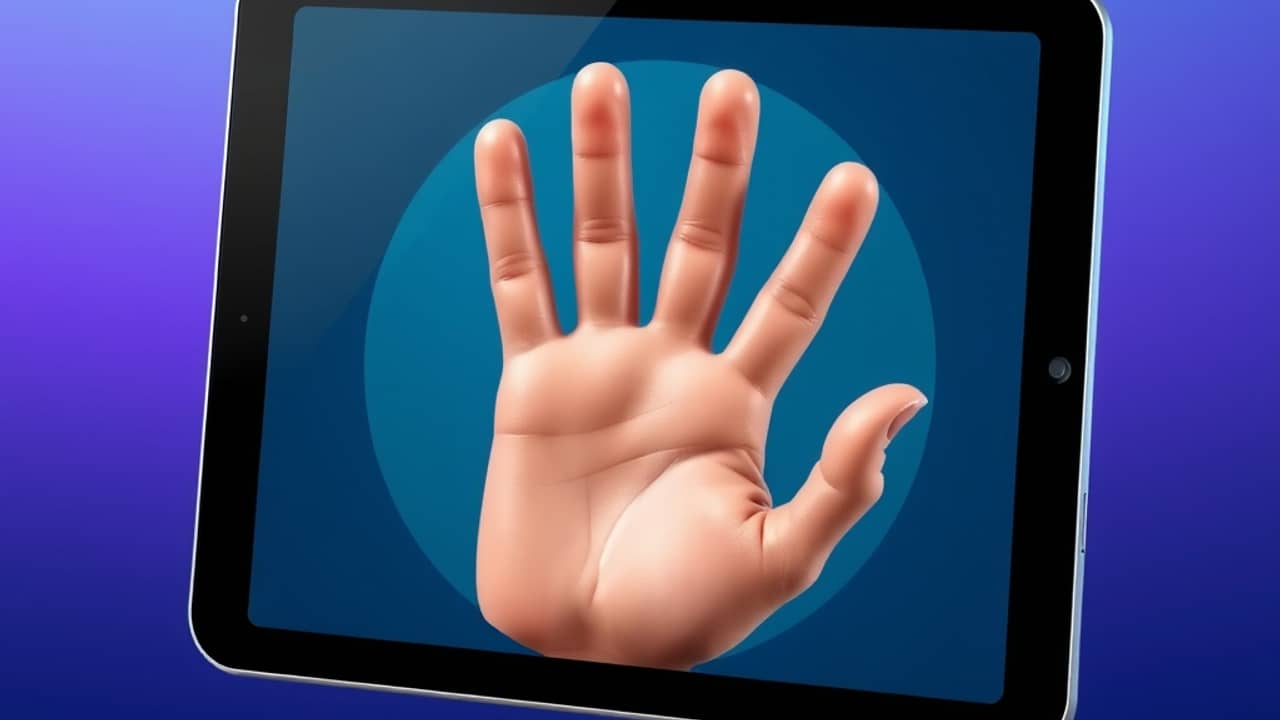
You spot a poster online and squint at the letters — they're slightly melted, a hand has six fingers, the texture looks waxy. That's the gap between a "quick AI image" and a "high-fidelity AI image." Most tools, Grok Imagine included, can produce both kinds. Knowing which one to ask for, and how, is what separates a wallpaper you delete in a week from one you keep.
What Grok Imagine actually is
xAI (Elon Musk's AI company, the team behind the Grok chatbot) added image generation to its assistant under the name Grok Imagine. You give it a prompt (the instruction you type to the AI), and it produces a picture. Like most modern image tools, it can also work from an uploaded photo, redrawing or restyling it based on what you ask for.
Whether you can access Grok Imagine depends on where you live, what platform you're on, and whether you're on a free or paid tier. xAI's own help pages are the place to check current access — plans and availability change often, and we don't want to quote details that quietly go out of date.
What "high-fidelity" actually means
In plain terms, fidelity is how closely the picture matches what you'd see in real life — sharp edges, accurate text, believable hands, consistent small details. A "high-fidelity" mode is tuned (trained with extra attention to detail, and given more compute — more processing power — at generation time) to get these details right, at the cost of taking a little longer.
You won't notice the difference at thumbnail size. You will notice it on a phone wallpaper, a printed flyer, or anywhere someone zooms in.
When high-fidelity is worth the extra time
You don't need it for everything. Quick generators are fine when the image is small, will be cropped, or just needs to feel right at a glance — mood-board rough drafts, throwaway social posts, placeholder graphics.
Reach for high-fidelity when:
- The image will be printed or zoomed. A flyer, a poster, a product shot on a website.
- Text in the image matters. Higher-fidelity modes are noticeably better at rendering readable words.
- Small details carry the design. Jewelry, food, fabric texture, faces.
- You'll be re-using it. If the image lives on a homepage for a year, the extra minute is worth it.
Getting better results from any image AI
A few habits help, regardless of which tool you're using:
- Be specific in the prompt. Lighting ("soft morning light from the left"), camera angle ("shot on a 50mm lens"), and mood matter more than vague adjectives like "beautiful" or "professional."
- Name what shouldn't appear. "No extra fingers, no warped text" is a fair instruction to include.
- Generate several versions. Small wording changes often unlock very different results.
- Tell the AI what the image is for. "For a website hero banner" gets different output than "for a printed A4 poster."
Wrap-up
Grok Imagine is one of several image generators now available, and the "high-fidelity versus quick" choice is becoming standard across them. The tool matters less than how you prompt it and which mode you choose for the job. Your first task today: open whichever image AI you already have access to, type one specific prompt for an image you'd actually use, and notice which details hold up — and which melt when you zoom in.