 AI WORLD HQ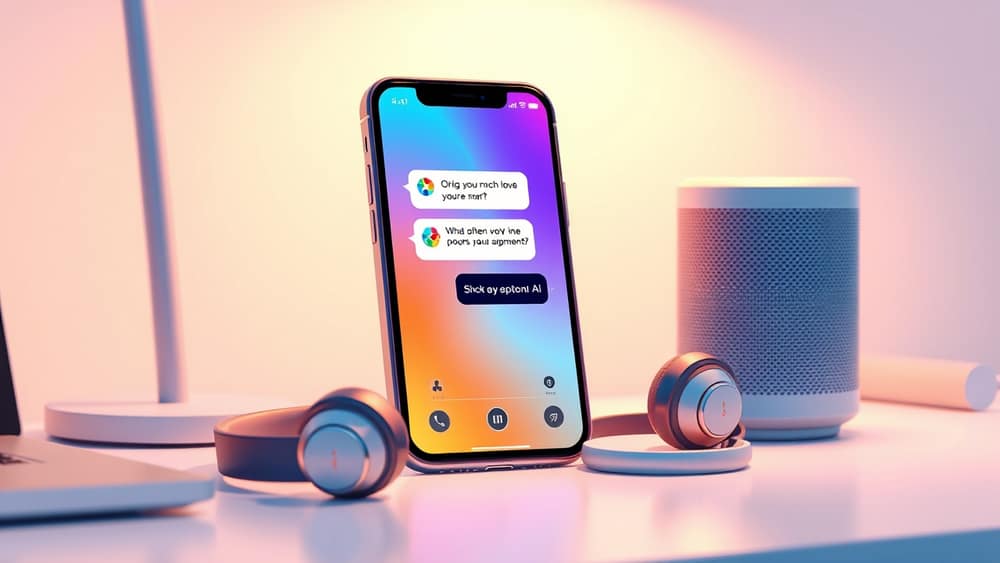
Unlock Your Voice: Chatting with AI Just Got More Natural
Imagine being able to chat with an AI assistant as easily as you talk to a friend, without needing to type a single word. That reality is here, with a new generation of voice features in AI tools making conversations incredibly natural and useful for your everyday tasks.
Getting Started with AI Voice Features
Using voice to interact with an AI assistant is often as simple as tapping a button. If you're using a popular AI tool like ChatGPT on your phone, you'll usually find a microphone or headphone icon. Tapping this icon activates the voice mode, allowing you to speak your questions or instructions directly to the AI.
These advanced voice models are powered by sophisticated large language models (LLMs). Think of an LLM as the highly intelligent brain behind the AI, capable of understanding complex human language and generating thoughtful, coherent responses. What's new is how smoothly these LLMs now handle spoken conversations, making them feel less like talking to a robot and more like a genuine back-and-forth. The AI can understand nuances, pauses, and even maintain context across several spoken turns, which means it remembers what you said earlier in the chat.
Beyond Typing: Natural Conversations
The biggest difference with these newer voice capabilities is how fluid and "human-like" the interaction feels. You no longer need to phrase your requests like computer commands. You can simply chat, ask follow-up questions, or even brainstorm aloud.
Here are a few ways to use these natural voice conversations:
- Hands-free productivity: Imagine you're cooking dinner and want to quickly convert measurements in a recipe, or you're out for a walk and want to summarise an article you just listened to. Simply speak your request to the AI, and it will respond directly through your device's speakers or headphones.
- Brainstorming ideas: Sometimes, thinking aloud helps you generate ideas. With AI voice, you can bounce concepts off the AI, asking for suggestions, expansions, or alternative viewpoints, all through natural dialogue. It's like having a creative partner available 24/7.
- Learning and language practice: If you're trying to learn a new language, you can practise speaking with the AI, getting instant feedback or asking for translations in real-time. Or, if you're trying to understand a complex topic, you can ask the AI to explain it in simpler terms, engaging in a dialogue until you grasp it.
- Dictating on the go: Need to draft an email, take meeting notes, or write down a sudden idea while you're commuting? Instead of fumbling with your keyboard, simply dictate your thoughts to the AI. It can then tidy up your notes or structure your email for you later.
Wrap-up
The evolution of AI voice capabilities means that interacting with sophisticated digital assistants is now more intuitive and accessible than ever before. You can get more done, learn new things, and brainstorm ideas, all through the power of natural conversation. Why not give it a try today? Just tap that microphone icon in your favourite AI app and start talking – you might be surprised at how much it can help.