 AI WORLD HQ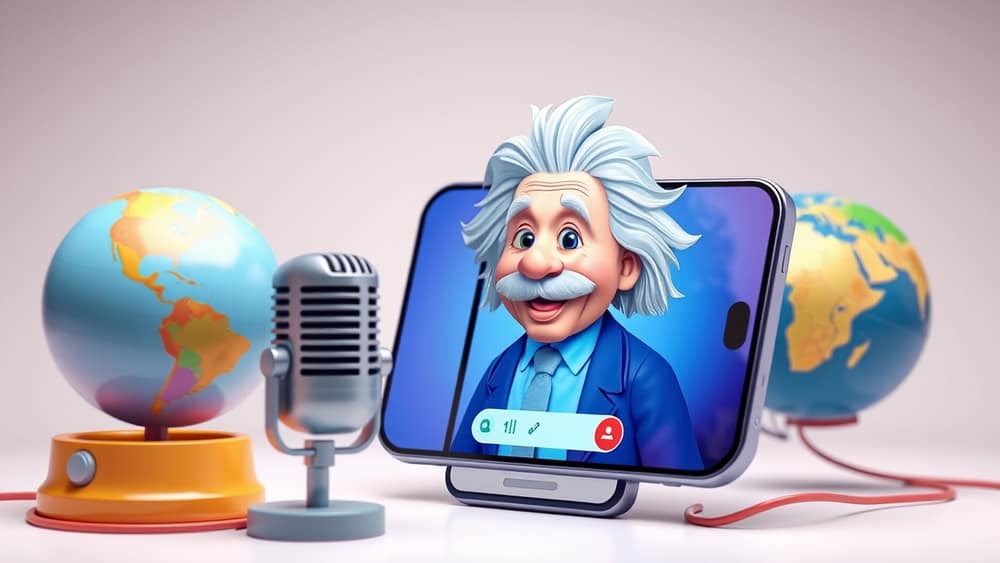
Turn Dusty Archives into Living Conversations: How to Chat with AI Historical Figures
You’re waiting for the train when your phone buzzes with a notification: “Ask Winston Churchill about his thoughts on the Battle of Britain.” One tap and suddenly you’re listening to a voice that sounds uncannily like the wartime leader himself, ready to answer your questions in his distinctive cadence. AI-powered historical libraries are turning centuries-old letters and speeches into real-time conversations—no museum ticket, no guided tour required.
Getting started with an AI historical library
Most platforms work the same way. You create a free account with your email, choose a password, and log in. Once inside, look for a section called “Historical Figures,” “Presidents,” or “Primary Sources.” You’ll see a list of people you can “meet,” each represented by a photo or avatar. Click on Winston Churchill, for example, and a chat window opens where you can type or speak your questions.
What’s happening behind the scenes? The avatar runs on a large language model (LLM)—think of it as the AI’s brain. It reads millions of pages of historical documents and learns to mimic the person’s speech patterns, favourite phrases, and known opinions. When you ask a question, the model predicts the most likely answer based on what it has read.
Crafting your first prompt
A prompt is simply the question or instruction you type. Start with a friendly opener to set the tone:
Good afternoon, Mr Churchill. How did your experiences in the Boer War shape your views on empire and leadership?
The AI will reply in a style that matches Churchill’s known speeches—long sentences, vivid imagery, and the occasional rhetorical flourish. If the answer feels too formal, try a more casual prompt:
Hey Winston, what was it really like standing on the deck of the HMS Prince of Wales during the Atlantic Charter meeting with Roosevelt?
Going deeper: ask for stories, not just facts
To get richer answers, give the AI extra context. Instead of:
Tell me about the Battle of Britain.
Try:
In your speech on 4 June 1940, you said, “We shall fight on the beaches.” Can you describe the moment you first saw the aerial dogfights over southern England?
Adding a date, speech title, or specific event nudges the model to pull from the right historical source, making the answer more vivid and accurate.
Verify what you hear
AI can sometimes hallucinate—invent plausible-sounding details. Always double-check important facts. After the AI answers, you can:
- Click the “View Sources” button to see the original letters, newspaper articles, or speeches it used.
- Search the web for the exact quote or event.
- Compare the AI’s answer with a trusted history book or reputable website.
Quick tip: If the AI mentions a law, treaty, or battle, jot down the name and look it up later. You’ll quickly learn which answers need extra checking.
Tips for richer conversations
- Ask open-ended questions to encourage storytelling: “What did you miss most about home while you were in South Africa?”
- Use follow-up questions to dig deeper: “You once said, ‘Success is not final, failure is not fatal.’ What failure taught you that lesson?”
- Try role-playing to make it feel real: “Imagine you’re addressing the House of Commons in 1941. What would you say to rally the nation after Pearl Harbor?”
- Set a learning goal before you start: Want a quick overview? Keep prompts broad. Researching a school project? Ask for dates, laws, and citations.
Wrap-up
An AI-powered historical library turns static archives into lively conversations, letting you “meet” Winston Churchill and other figures from the past. By crafting clear prompts, following up with verification, and using the built-in source links, you can turn casual curiosity into solid knowledge. Today, try signing up for a free trial, ask Churchill about his favourite pastime, and see how history comes to life at the click of a button.