 AI WORLD HQ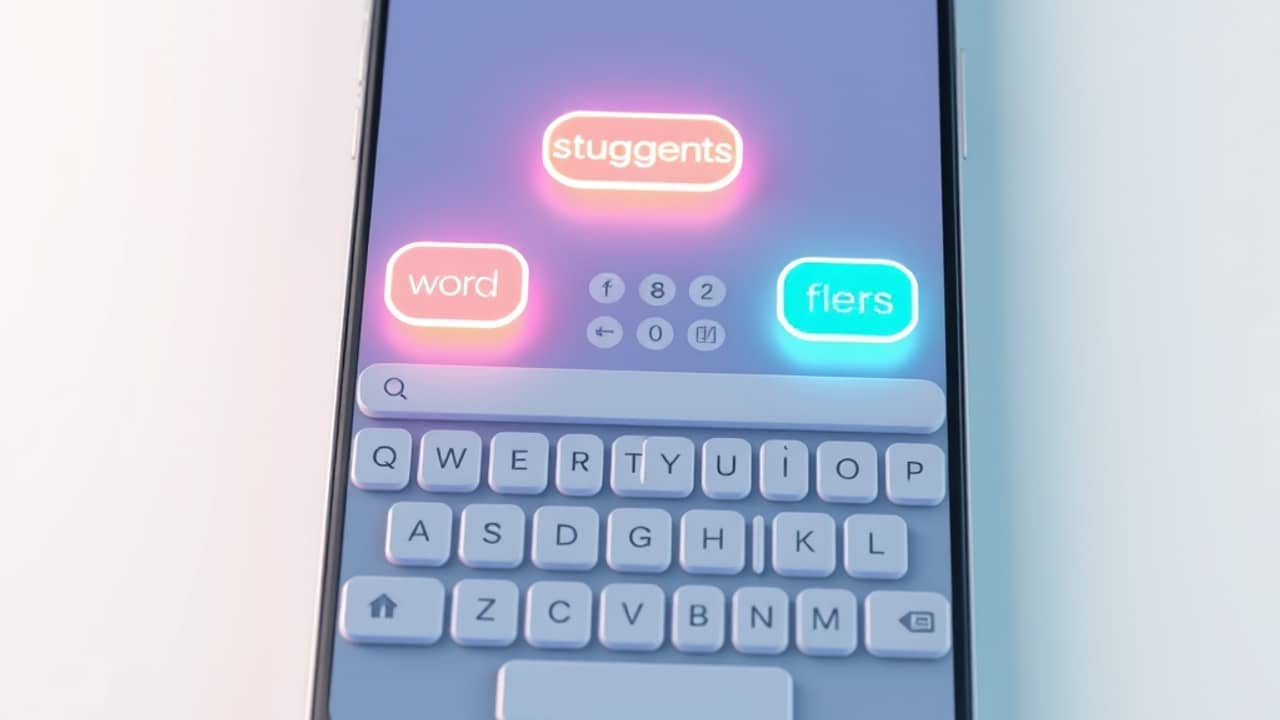
You typed a question into your phone's keyboard and the suggested next word popped up almost instantly. No spinning wheel, no "connecting to the cloud." Behind that tiny suggestion there is a good chance a small language model is doing the work, and you never had to think about it.
So, what is a small language model?
A language model is the kind of AI that predicts and generates text — the same family of technology that powers ChatGPT, Claude, and Gemini. "Small" is relative: the big public models are built with hundreds of billions of parameters (think of parameters as the model's learned settings — the more it has, the more patterns it can store). A small language model, or SLM, is built with far fewer. That makes it lighter, cheaper to run, and often fast enough to fit on a single device.
The trade-off is range. A massive general-purpose model can write a sonnet, debug code, and explain quantum physics. A small model is usually focused: it does one or a few jobs very well, like summarizing emails, transcribing voice notes, or finishing your sentence.
Why are companies and phone makers suddenly interested?
A few practical reasons have pushed SLMs into the spotlight:
- Speed. A small model running on your device answers in milliseconds. No round trip to a distant data center.
- Cost. Running a giant model for every keystroke would be wildly expensive. A small model uses a tiny fraction of the electricity and computing power.
- Privacy. When the model lives on your phone, your text does not have to be sent to anyone. For a doctor taking notes, a lawyer drafting a memo, or a parent typing something personal, that matters.
- Offline use. Without an internet connection, a cloud-based assistant is just a blank box. An on-device SLM can still help.
You see this trend in newer phones that advertise "on-device AI" — the assistant that summarizes notifications, transcribes recordings, or rewrites a message without uploading anything.
A small model in your pocket: what it actually feels like
Imagine you are on a plane, no Wi-Fi. You dictate a voice memo about an idea for a work project. On the way down, the memo is already split into bullet points, with a suggested title at the top. None of that went to a server. It all happened on the phone in your hand.
Or picture an email app that offers three short replies under every message — "Sounds good," "Can we push to Thursday?", "Thanks, let me check." Those suggestions are usually coming from a small, fast model that lives close to your inbox.
A quick way to tell what kind of model you are using
A simple rule of thumb:
- No internet, still works → probably a small model on the device.
- Needs the cloud, very strong at many tasks → probably a large model in a data center.
- Focused on one job (summarizing, transcribing, autocomplete) and feels instant → often a small model, even if it lives in the cloud.
Neither is "better" — they are built for different jobs. As you use more AI tools, you will start to notice which kind is doing what, and that helps you pick the right one for the task at hand.
Wrap-up
Small language models are not a downgrade from the big names. They are a different tool, designed for moments when speed, cost, and privacy matter more than raw breadth. The next time your phone finishes your sentence or your email app writes a polite reply in a second, there is a fair chance an SLM is the quiet helper behind the curtain. Keep an eye on the "on-device" label — it is the easiest clue that the AI is working close to home.