 AI WORLD HQ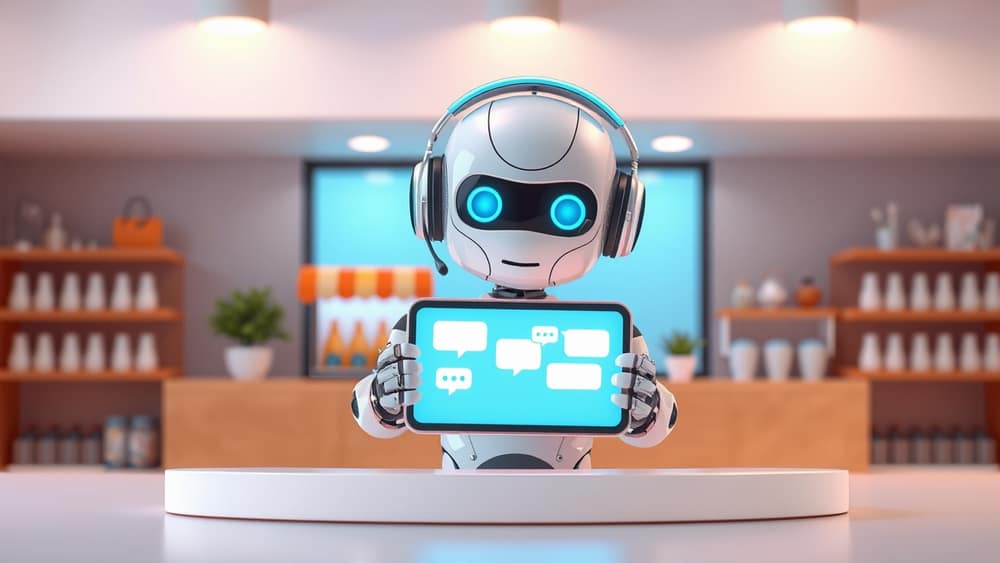
The other day I rang my local plumber about a leaking tap. A friendly voice answered, asked a couple of questions, and offered me a slot for the next morning. Two weeks earlier, I'd messaged a small online clothing shop with a sizing question — and a chatbot replied in seconds, pulled up the right product, and sorted it out before a human ever saw my message.
Both experiences were run, at least partly, by AI customer service. So what is that, exactly — and what does it mean if you run a small business, or just want to know who's picking up the phone when you call one?
What "AI customer service" actually means
In plain terms, AI customer service is any software that uses artificial intelligence (computer systems that can understand and respond like a person) to handle customer questions and tasks. It usually shows up as one of three things:
- A chatbot — the chat bubble on a website that pops up and asks, "How can I help you today?"
- A voice assistant — the calm, computer-generated voice you hear when you ring a business after hours.
- An AI agent — a slightly smarter version that doesn't just answer questions; it can actually do things, like check an order status, book an appointment, or process a refund.
Behind the scenes, these tools lean on natural language processing — the AI's ability to understand what your words actually mean, even when you ramble, misspell things, or write in a second language. The best setups also pull from your business's own knowledge (FAQs, product catalogues, past tickets), so the answers sound like your business, not a generic robot.
How small businesses are actually using it
A few patterns keep showing up in 2026:
- After-hours coverage. A chatbot answers the "do you ship to Phoenix?" and "what are your opening hours?" questions at 2am, so the owner doesn't wake up to 30 emails.
- Triage before humans. The AI handles the easy stuff and forwards the tricky ones — angry customers, complex returns, weird edge cases — to a real person.
- Internal help desk. Staff ask the AI "how do I process a partial refund?" instead of digging through a 40-page manual.
- Multilingual support. A small team that only speaks English can suddenly chat with customers in five languages, without hiring anyone new.
The honest upside is big: faster replies, fewer dropped enquiries, and a small team that feels less stretched. The honest downside is also real. AI can confidently make things up (this is called a hallucination — when the AI invents an answer that sounds true but isn't), it can mishandle upset customers, and it can leak information if it's set up carelessly. That's why most businesses use AI as a helper, not a full replacement for people.
Wrap-up
AI customer service isn't a single product — it's a growing family of tools that can answer questions, take actions, and free up time for the people who actually run a business. The smartest approach in 2026 is to start small, keep a human in the loop, and treat the AI as a very fast, very patient team member rather than a replacement for one.
A practical next step today: list the five questions your business gets asked most often. If two or three of them have simple, factual answers, those are your best candidates for a first AI customer service setup — and you can run a small pilot without touching the rest of how you work.