 AI WORLD HQ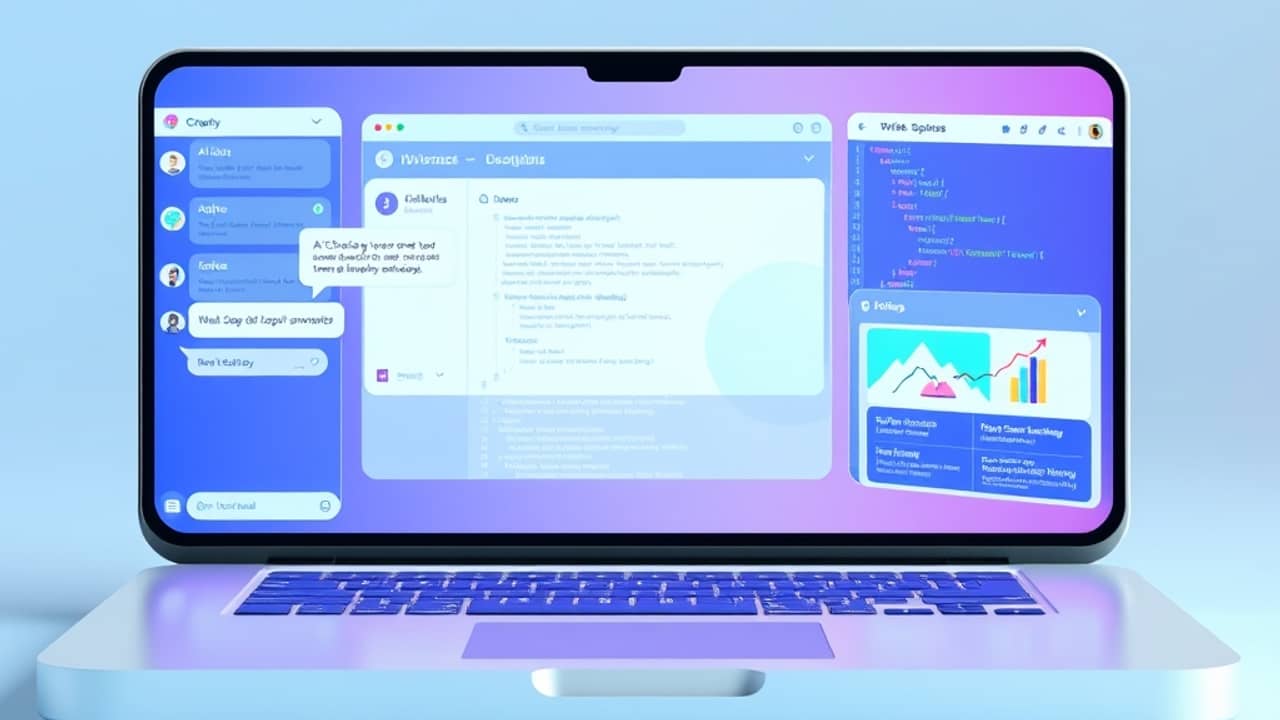
You've got a launch deadline, a small team, and about fourteen things on your to-do list. Sound familiar? A few years ago, the only way to ship faster was to work longer hours. Now there's another option — and it doesn't require anyone to work through the night.
AI assistants have quietly changed what a small team can produce in a week. The shift isn't about replacing anyone — it's about collapsing the back-and-forth between drafting, designing, and coding. Marketers, designers, product managers, and founders are reporting the same thing: projects that used to take three weeks now wrap in a few days, not because they cut corners, but because they removed waiting time.
Before you start
You'll need a few things in place before opening any AI tool:
- A ChatGPT account. The free tier covers most of these steps. Paid plans unlock image generation, longer conversations, and the newest models.
- An image generation tool. DALL·E is built into ChatGPT on paid plans. You can also use Midjourney, Ideogram, or a similar service.
- A clear idea of what you're launching. The clearer your goal, the better the output.
- For Step 4 only: Codex access. Codex is OpenAI's coding agent — think of it as an AI pair-programmer (a helper that writes or edits code from plain-English instructions). Codex has rolled out in waves, so if you don't have access yet, skip Step 4 and ask a teammate with coding skills to handle that piece.
Step 1 — Scope the launch in one conversation
Open ChatGPT and start a fresh conversation (or a new Project, if your plan supports it — Projects keep files and notes together for one initiative). Tell the AI who you are, what you're launching, who it's for, and what success looks like. Then ask for a one-paragraph launch brief the whole team can align on. This single conversation becomes the source of truth for every later step.
💬 Prompt to copy: "You're my launch partner. I'm shipping [product name] on [date]. Target audience: [who]. Goal: [what success looks like]. Write a one-paragraph launch brief covering positioning, the three messages we need to land, and the channels we should use."
You'll know it worked when the brief is short enough to read in 60 seconds and your team agrees on the goal without a long meeting.
Step 2 — Draft the words in batches
Once the brief exists, move into copy. Email subject lines, social posts, landing page headlines, ad variations — ask for all of them in one message rather than one at a time. Batched requests let you compare options side by side and pick what works, instead of going back and forth in five separate chats. This is where most people leave time on the table.
💬 Prompt to copy: "Based on the brief above, give me: 5 email subject lines (under 50 characters each), 3 LinkedIn posts (under 150 words each), and 1 landing page headline. Match a [friendly / professional / playful] tone."
You'll know it worked when you have a usable first draft of each asset within minutes, not days.
Step 3 — Generate the visuals in parallel
While you're refining the copy, open your image tool and start generating in a separate window. Hero images, social cards, mockups, and background illustrations can all be drafted in the time it takes to write a paragraph of feedback. Most tools let you iterate quickly — keep what works, regenerate what doesn't. The trick is to let the image work run alongside your writing instead of after it.
💬 Prompt to copy: "A flat illustration of [scene] in [minimalist / bold / watercolor] style, with [color palette]. Square format. No text in the image."
You'll know it worked when you have 2-3 visual options per asset and can pick favorites in a single review session.
Step 4 — Use Codex to handle the code
For anything technical — a landing page, a script, an integration, a bug fix — Codex is where the biggest time savings usually show up. It's designed to write and edit code from plain-English instructions, which is especially valuable for teams without a dedicated engineer on the project. Open ChatGPT and look for the coding or developer option in the sidebar. If Codex isn't available in your account yet, skip this step and send the prompt below to a teammate who can run it.
💬 Prompt to copy: "Write an HTML page with a hero section, three feature blocks, and a sign-up form. Use the copy from the brief above. Keep the CSS simple and inline."
You'll know it worked when you have a working draft you can open in a browser and refine, instead of starting from a blank file.
Step 5 — Review, polish, and ship
The last 20% of any launch is usually where things slow down: proofreading, accessibility checks (making sure the site works for people using screen readers or keyboards), last-minute feedback rounds. Use AI as a final reviewer — paste your copy and ask for grammar, tone, and clarity feedback, then paste your code and ask for accessibility or performance notes. This compresses the polishing pass from hours into minutes, leaving the human review focused on judgment, not copy-editing.
💬 Prompt to copy: "Review the landing page copy above for clarity, grammar, and tone. Flag anything that sounds off-brand, awkward, or unclear. Don't rewrite — just list the issues."
You'll know it worked when the human review pass is short and focused on judgment calls, not copy-editing.
Common mistakes to avoid
- Skipping the brief. If you jump straight to "write me an email," you'll get generic output. Spend 10 minutes on the brief — everything downstream improves.
- Accepting the first draft. AI output is a starting point, not a finished product. Always edit for your voice, your audience, and your facts.
- Using AI for things you don't understand. If you can't tell whether the code is correct, don't ship it. AI is fast, but you still own the outcome.
- Hiding AI use from your team. Be transparent. AI is a tool — using it well is the skill.
- Running steps sequentially instead of in parallel. The whole point of this workflow is that copy, visuals, and code happen at the same time. If you finish one before starting the next, you'll lose the speed advantage.
Wrap-up
The pattern behind every fast AI-assisted launch is the same: a clear brief, batched requests, parallel workstreams, and a focused final review. You don't need every AI tool — one chat assistant and one image model will carry most projects. Pick the next thing on your calendar, run it through the five steps above, and time how long it takes.