 AI WORLD HQ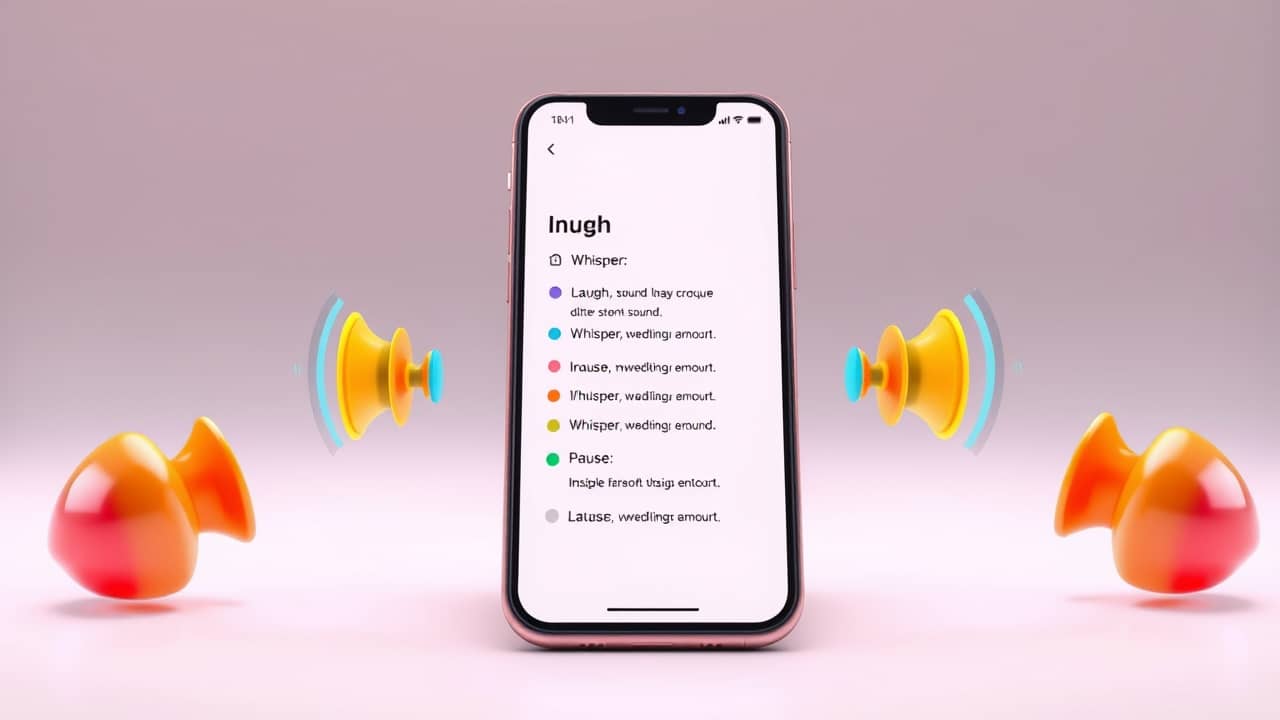
Picture this: you've recorded the same voiceover three times because the AI kept reading your script in a flat, robotic tone. The script is fine. The words are right. But the delivery sounds like a GPS giving directions. With inline speech tags, you stop hoping the voice gets the mood right — you tell it.
That's the part worth understanding about Grok's text-to-speech (TTS) model from xAI, the company behind the Grok chatbot.
What "text to speech" actually means here
TTS is the technology that turns written words into spoken audio. Every time a GPS reads a street name out loud, that's TTS at work. Modern AI versions sound far more human than the old robotic ones — they breathe, they pace themselves, and they handle questions with a rising tone.
Grok's TTS is built on a model called Orb (also referred to internally as grok-tts). You send it text, and it sends back an audio file. The interesting part is the second feature: you can mark up the text itself with little instructions, and the voice follows them.
The thing that changes the game: inline speech tags
Most voice generators give you a global setting — pick a voice, pick a style, hope for the best. Grok's approach is different. You write the tags directly inside the text, in square brackets, like stage directions in a script:
"So I told him the meeting was moved [
pause] to Thursday [laugh] and he just stared at me."
The model reads those brackets and adjusts: a small silence where you wrote pause, a short laugh where you wrote laugh. Other supported tags include whisper (quieter, breathier delivery) and shout, among others.
This is why the feature matters. You're not picking a preset "happy voice" or "serious voice." You're directing the performance line by line, the same way you'd annotate a script for a human narrator.
Where you'd actually use this
This is mostly a developer-facing tool today (you access it through xAI's API, which is just a way for two programs to talk to each other), but the use cases travel well beyond coding:
- Audiobooks and short stories. A narrator who can laugh at the right moment, drop to a whisper for the scary part, and pause before a reveal is closer to a real performance than a flat read-through.
- Product demos and explainer videos. You can write the script once and let the model handle the inflection, instead of recording it yourself or hiring voice talent for a 90-second clip.
- Language learning apps. A language tutor voice that pauses naturally and emphasizes the right syllable sounds less like software and more like a patient teacher.
- Game characters and prototypes. Indie creators can prototype dialogue without booking a studio session.
- Accessibility tools. Apps that read articles aloud can use tags to make the listening experience easier on the ears.
A note on what we don't know
xAI has been quiet about which voices are available, how many languages are supported, and what the audio sounds like at the edges (very long passages, heavy emotion, multilingual code-switching). I haven't tested every combination, so if you're building something serious, run your own tests on real scripts before committing.
Wrap-up
Grok's TTS isn't the first AI voice generator, and it won't be the last. The thing worth knowing is the idea behind it: control moves from a global setting into the text itself, line by line. That's a small change in interface and a meaningful one in what you can produce.
A good next step today: if you make any kind of audio content — a podcast intro, a YouTube explainer, a language lesson — spend ten minutes writing a short script with three or four inline tags. Even without access to Grok, the exercise of marking up pauses and emphasis will make whatever voice tool you use sound better.