 AI WORLD HQ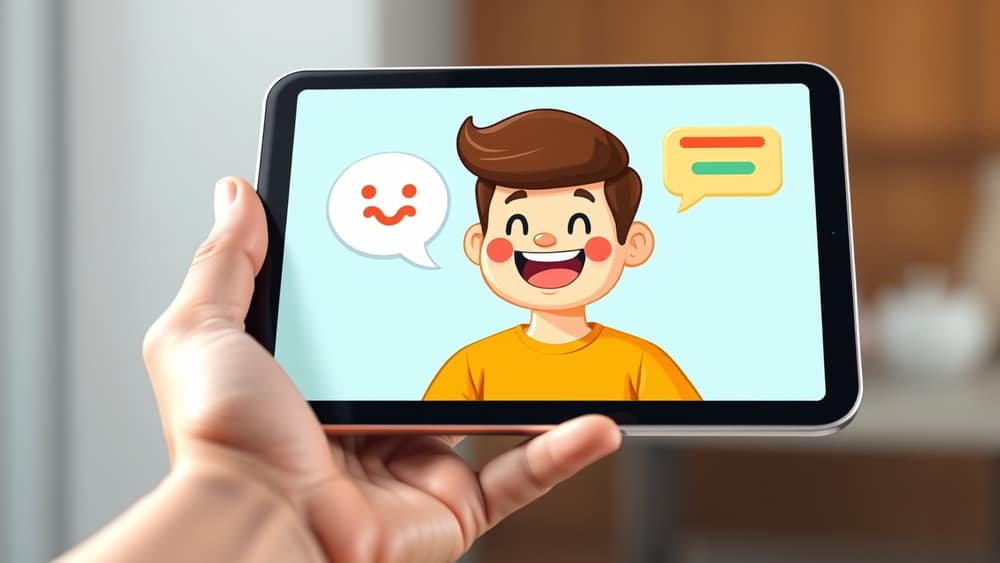
Talking Videos: How Interactive AI Videos Work and Why They Matter
You've probably watched a video today where someone explains how to do something. Maybe it was a recipe, a tax form, or a new piece of software. Now imagine that video could actually talk back to you, answer your questions, and tailor its response to whatever you need. That is the shift happening in AI video right now, and it is worth understanding even if you never make a video yourself.
What is an "interactive AI video"?
Let us break this down. A traditional video is a one-way street: it plays, you watch, and the conversation ends there. An interactive AI video is more like a two-way chat that happens through a talking digital version of a person (often called a digital human or AI avatar). Think of it as a friendly presenter on screen who can listen to your question, think for a moment, and then answer you out loud, in real time.
Behind the scenes, a few things are working together:
- Speech recognition (the system turns your spoken words into text)
- A large language model, or LLM (the same kind of AI engine that powers ChatGPT — it figures out what to say in response)
- Text-to-speech (the system turns the written answer back into a natural-sounding voice)
- A digital avatar (a computer-generated face that lip-syncs to the spoken response)
When all four pieces work together smoothly, you get something that feels surprisingly close to chatting with a real person on camera.
Where you might bump into this
You may not see these every day yet, but the use cases are growing quickly. Here are a few that are already showing up:
- Customer service: Some websites now let you talk to a digital assistant on screen instead of typing into a chat box. You ask, it answers, and the face on screen makes the experience feel more human.
- Learning and training: A training video about workplace safety, for example, could pause and ask, "Do you have a question about this step?" and then answer it on the spot.
- Product demonstrations: A shop could let you ask a digital assistant questions about a product without you having to scroll through a long FAQ page.
- Healthcare and onboarding: Hospitals and large organisations sometimes use these to walk people through forms or procedures, which can free up staff for more complex tasks.
It is worth noting that this technology is still evolving. The best results tend to come from well-structured scripts and clear topics, where the AI has a reliable knowledge base to draw from.
A small note on trust
Whenever a digital human is on screen, it is fair to ask, "Is this a real person or not?" Honest tools will tell you clearly. If you cannot tell, treat the content with the same caution you would give any stranger online, and double-check important information through a source you trust.
Wrap-up
Interactive AI videos are quietly changing how we get information, learn new skills, and solve everyday problems. You do not need to build one to benefit. Just knowing they exist, and how they work, helps you spot the opportunities and avoid the pitfalls. A simple next step today: try a voice conversation with an AI assistant on your phone for five minutes, and notice how natural it feels. That small experiment will prepare you for the much bigger changes coming over the next year or two.