 AI WORLD HQ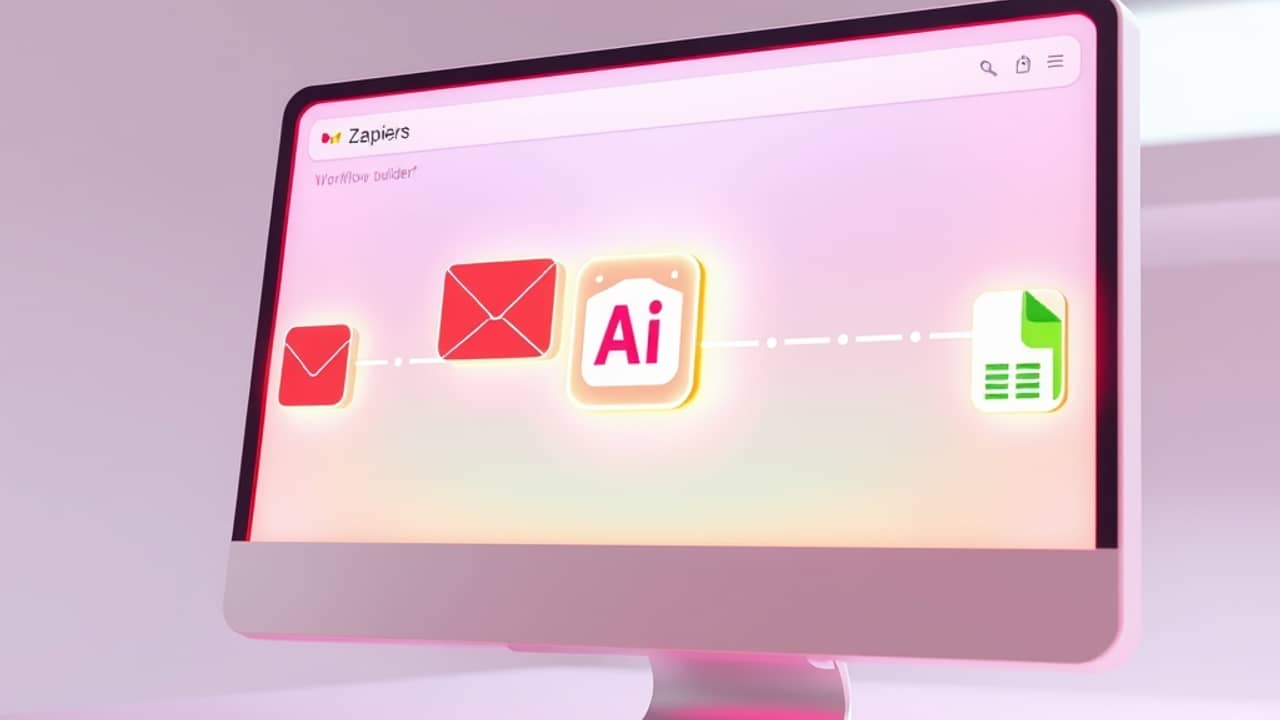
If you've ever wished one of your apps could just handle a small task while you sleep, Zapier is one of the names that comes up. It's a tool that connects different apps — think Gmail, Google Sheets, Slack, a calendar — so that when something happens in one, something else can happen automatically in another. The two updates below both make that "something else" smarter, in slightly different ways.
The first update: one AI step, inside every Zap
Zapier says that what used to be a separate product called Zapier Agents — its stand-alone AI helper — has now been folded directly into the regular Zap editor as a single AI by Zapier step. In plain terms: instead of going off to a separate corner of Zapier to set up an "agent," you just drop one AI block into the workflow you were already building.
According to Zapier, that AI step carries over the same four capabilities the old Agents product had:
- A prompt — the instruction you give the AI, like "summarize this email in two sentences"
- A set of tools — other Zapier actions the AI is allowed to use, such as "send a Slack message" or "create a Calendar event"
- A trigger — the event that starts the whole thing, such as "a new email arrives in Gmail"
- Permission to act — the AI is allowed to do those things on your behalf, not just suggest them
So if you used Zapier Agents before, Zapier says the new AI step does the same job — it just lives in the same place as the rest of your workflow, which is a smaller change to navigate than learning a whole separate screen.
The second update: Gemini is now an option inside Zapier
The second announcement is about Google's Gemini family of AI models. Gemini is the name Google uses for its chatbots and the AI models behind them — different versions are meant for quick replies versus longer, more careful thinking.
Zapier says Google's Gemini models are now available to plug into an AI step in a Zap. In practice, this means when you set up an AI block in a workflow, Gemini is one of the model choices you can pick. According to Zapier, this matters because sometimes you don't need the most powerful model — you need the cheapest, fastest one that can handle a 50-word summary. And sometimes you do want a more capable model to work through a tangled customer email.
Wrap-up
Both updates point in the same direction: smarter building blocks, in fewer places. The one thing to remember is this — Zapier now has an AI step you can drop into any workflow, and you can choose Google's Gemini family as the engine for that step. A next step to try today: open a Zap you've already built, add an AI step, and give it a prompt you already find yourself writing by hand — chances are, that's the exact job it's meant to take off your plate.