 AI WORLD HQ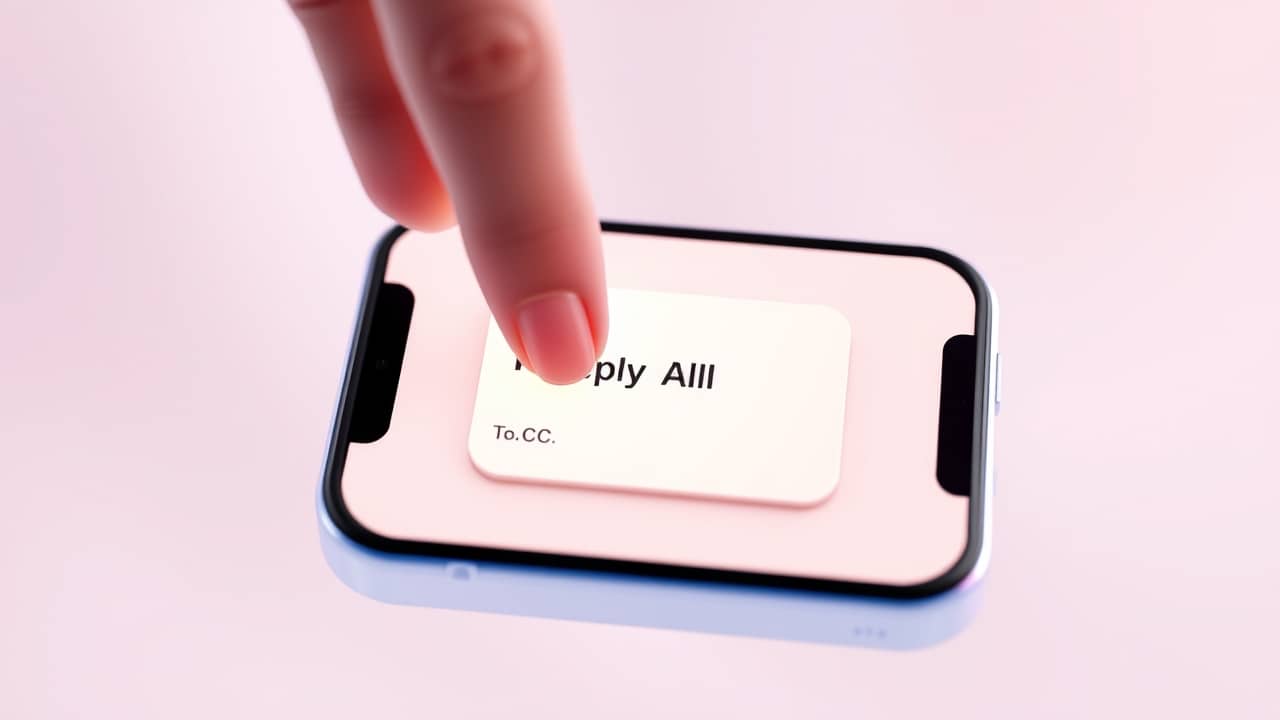
You got quietly copied on a workplace thread. You're reading along, then tap Reply All to ask one quick question. Suddenly your name lands in dozens of inboxes — including in front of people who never knew you were watching. The sender thought they were giving you a private look. You've just told the whole room.
It's the kind of slip that happens in a flash, and once it's sent, it's sent.
To, CC, BCC and Reply All — what they actually mean
If these terms ever felt a bit muddled, here's the plain version.
- To — the main people the email is addressed to. Everyone sees their name.
- CC (carbon copy) — extra people who should see the email. Everyone knows they're on it.
- BCC (blind carbon copy) — extra people who should see the email, but nobody else sees their names. It's the quiet seat at the table.
- Reply All — sends your reply to everyone in the To, CC and BCC fields, not just the sender.
The danger is the last two together. If someone BCC'd you onto a thread and you reply to everyone, you blow your own cover — and you reveal that someone wanted you there secretly too.
Does Gmail warn you?
Gmail has had Reply All warnings for some time. If you reply to a thread with a large number of recipients — say, 10 or more — Gmail may pause and ask whether you really meant to reply to everyone. That's a useful nudge, and it's been around.
What Gmail does not specifically tell you, in that warning, is whether you were added via BCC. The system isn't designed to flag that distinction. So the warning will fire if there are lots of people on the thread, but it won't specifically say "heads up, you were quietly added here."
That's a meaningful gap. The BCC recipient list is hidden by design — and the Reply All button doesn't distinguish between a thread where you were openly CC'd and one where you were smuggled in quietly.
The habit that protects you
There is no magic button that does the thinking for you. The real protection is a one-second pause before you tap Reply All.
Before you reply, ask yourself two things:
1. How was I added to this thread? Were you in the To field, the CC field, or nowhere visible at all? If your name doesn't appear anywhere in the recipient list, you were likely added via BCC — which means replying to all will expose you.
2. Does everyone here need to see my reply? Most replies genuinely only need to go to one person — usually the sender. If your question is for one person, Reply is almost always the right choice.
Here's a simple check you can make before replying to any thread you're unsure about: look at who received the original message. If you can see everyone's names and you were listed among them, Reply All is usually fine. If the recipient list is blank or partial — and you're somehow still reading the thread — that's the BCC signal.
💬 Try this: Next time you're about to hit Reply All on a work thread, glance at the top of the email first. Ask: "Was my name visible when this came in?" If no, Reply only — not Reply All.
Why this matters more than a warning
Gmail's warning is genuinely helpful when it's there. But warnings only work if you read them — and they don't cover every situation. Workplaces running Outlook, Apple Mail, or older email clients won't give you any warning at all. Even in Gmail, a busy thumb can dismiss a warning without thinking.
The deeper fix is the habit: a two-second glance at the recipient list before you reply.
Wrap-up
BCC is a useful tool, but it only works if everyone on the thread respects the quietness of it. Gmail's existing Reply All warnings offer a partial safety net — but they're not a guarantee. The real protection is a small pause and a simple habit: check the recipient list before you reply, and choose Reply only when you were added invisibly. Two seconds of caution beats an awkward apology later.